
To track spending without a budgeting app or spreadsheet, use the receipts and order confirmations already in your inbox as your record of what you spent. Most give the merchant, the amount and the date. Let a tool read them for you, then spend a few minutes each week checking what is missing, such as cash and refunds.
Logging purchases by hand can be time-consuming. Supported receipts and confirmations in your inbox provide another useful source of merchant, amount and date information. They are not a complete ledger: some merchants do not email receipts, extraction can fail, and cancelled purchases or refunds need reconciliation. Use automatic capture to reduce copying, then review and fill the gaps.
Why does manual budgeting usually fail?
Manual budgeting usually fails because of the maintenance, not the math: spreadsheets and traditional budgeting apps need you to type in every purchase. Both depend on you remembering to record a purchase in the moment, categorize it, and keep doing that every single day. Miss a few days and the picture is already wrong; miss a week and you quit. The system asks for discipline exactly when you have the least of it: standing in a checkout line or half-asleep after an online order.
The most reliable expense tracking is the kind that happens whether or not you feel like doing it. That means moving the work off your memory and onto something that captures purchases automatically. Your email is the natural source, because a merchant sends you a receipt whether or not you were paying attention.
- Manual entry relies on willpower you won't always have
- Categorization is tedious and easy to skip
- One missed week and the whole record is unreliable
- Spreadsheets never tell you about upcoming renewals
Can your inbox replace a budgeting app?
Mostly, yes: most purchases now send a receipt by email, so your inbox already records much of what you spend. Think about how you actually pay for things now. Online orders, food delivery, rideshares, streaming services, software subscriptions, flights, hotels, and most utility and phone bills all send an email receipt or confirmation. Each one contains the merchant, the amount, and the date — the three fields any expense tracker needs. You've been collecting a detailed ledger for years without realizing it.
The manual version of this trick is simple: search your inbox for phrases like "order confirmation," "your receipt," "payment received," and "subscription renewed." Create a filter that labels these on arrival. Once a week you can scan the folder to see where your money went. It's free and it works — but you're still the one reading, tallying, and remembering.
Copying receipts by hand is exactly the mental load worth offloading. Receipts are structured data; a computer should be reading them, not you.
Let an assistant read the receipts for you
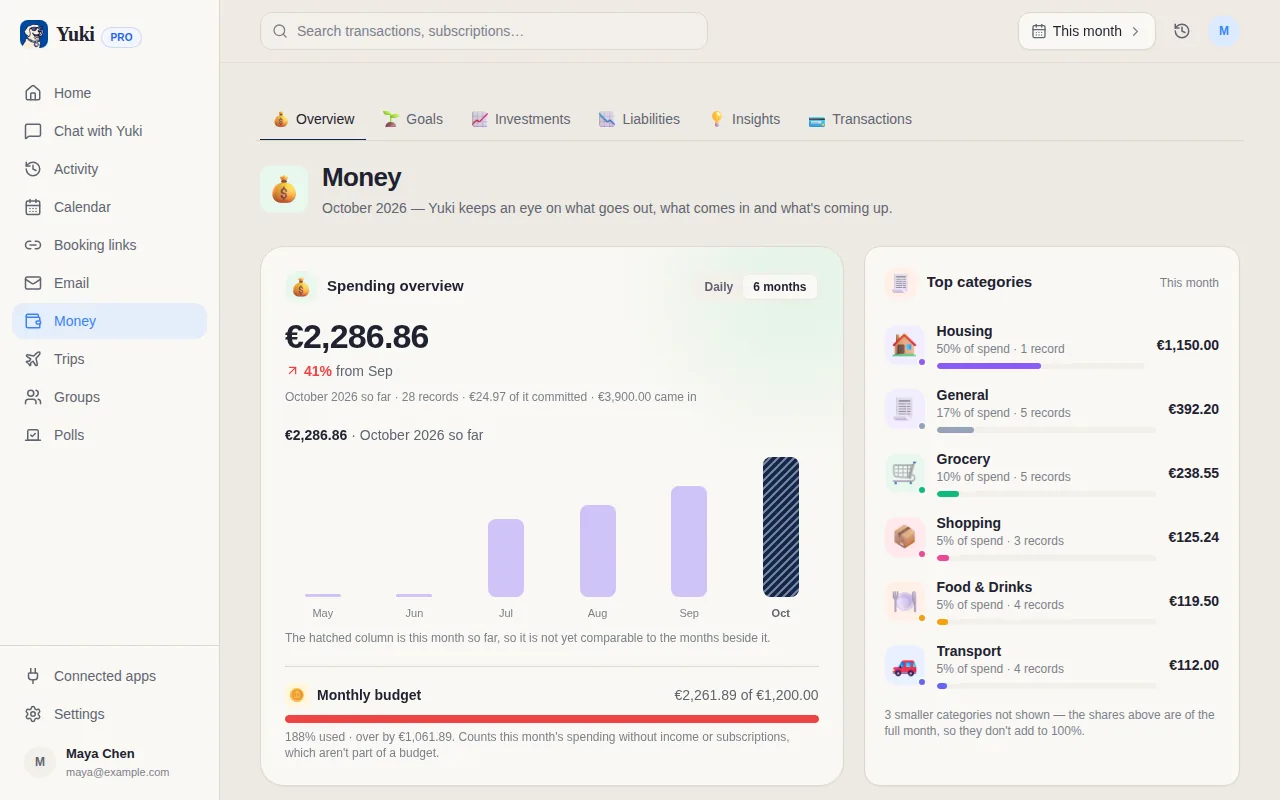
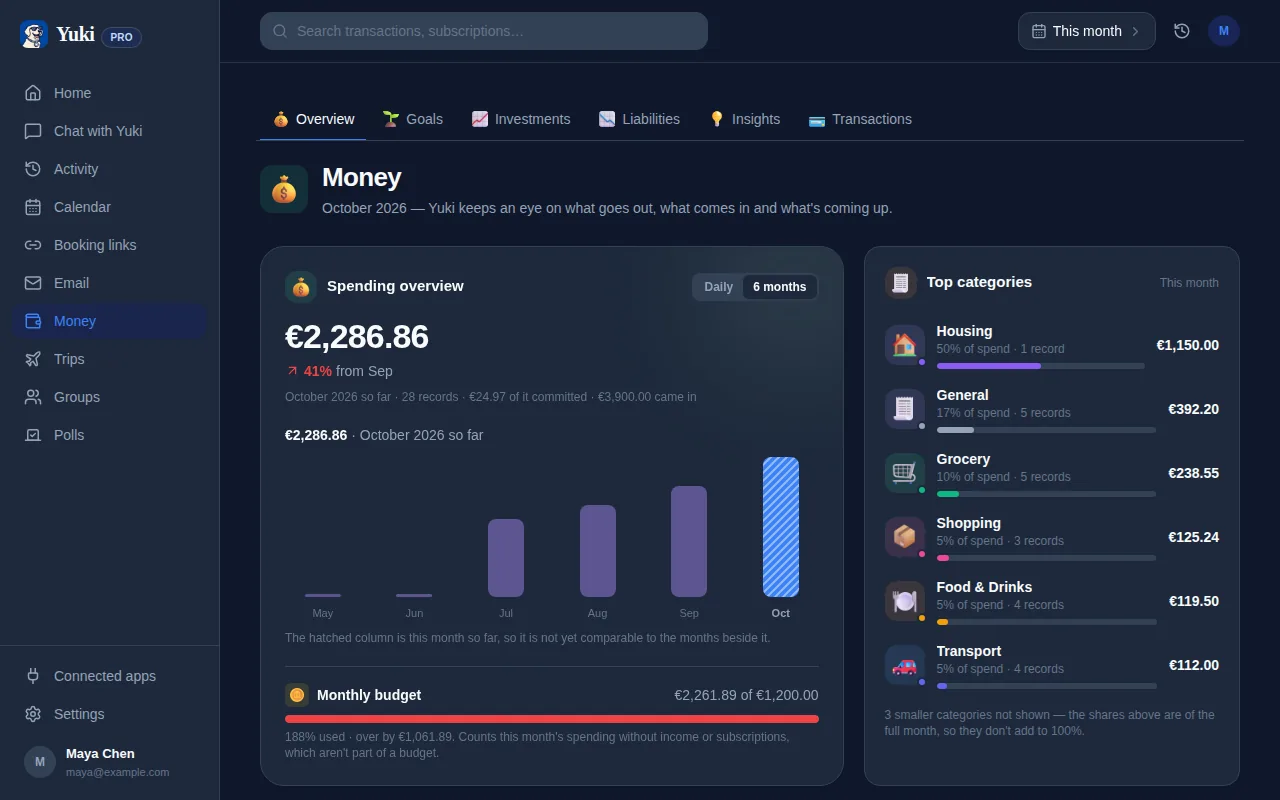
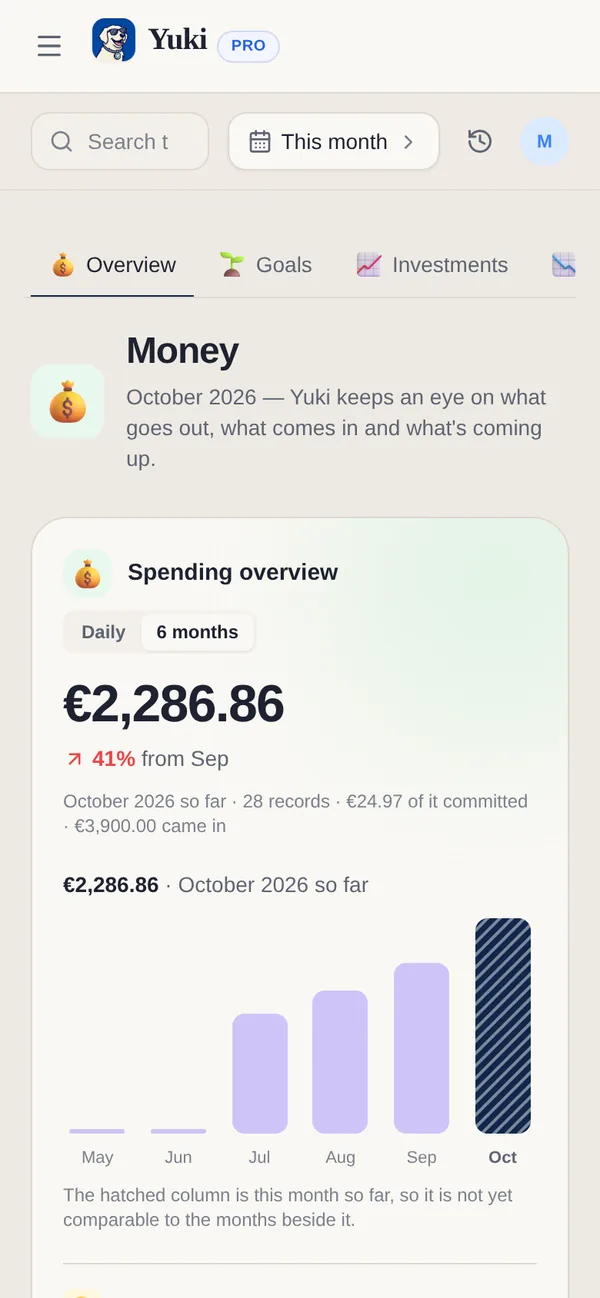
Yuki connects to your Gmail and does the inbox-scanning automatically. It reads the confirmations and receipts already arriving in your email and turns them into tracked expenses — merchant, amount, date, and category — with no manual entry from you. Because it works from real receipts rather than a bank feed, you see what you actually bought, not just a cryptic card statement line.
Crucially, Yuki isn't a bank aggregator that logs into your accounts — it works from the emails you already receive, so setup is just connecting your inbox once. From then on, new purchases show up on their own. That's the whole appeal: the tracking maintains itself, so the record is still accurate the week you're too busy to think about money at all.
- Connects to Gmail — no bank login required
- Reads receipts and confirmations into categorized expenses automatically
- Shows the actual merchant and item, not a vague statement line
- Free on iOS and Android
How do subscriptions leak money without you noticing?
The spending that hurts most is the kind you forget you're paying for — the annual renewal you signed up for eleven months ago, the streaming service you stopped using, the "free trial" that quietly converted. Those renewal emails land in your inbox too, which makes them perfectly trackable.
Yuki flags recurring charges and upcoming renewals so you can cancel before you're billed instead of after. Pairing passive expense tracking with renewal reminders turns your inbox from a pile of receipts into an early-warning system — the practical version of never being surprised by a charge again.
A weekly habit that actually sticks
Passive tracking still benefits from a light-touch review. Once a week, spend five minutes looking at what came in: total spend, biggest categories, and any subscription you'd forgotten. Because the data collected itself, the review is genuinely quick — you're reading a finished summary, not building one.
A weekly review applies the reduce-the-mental-load principle to money: automate the capture so remembering isn't your job, and reserve your attention for the one decision that matters — whether the spending is worth it. That's a habit you can keep for years, because it never asks you to do the tedious part.
Step by step
- 1Search your email for receipt keywords like "order confirmation," "your receipt," "payment received," and "renewal" to see how much of your spending already lands in your inbox.
- 2Create a single email label or folder (e.g. "Receipts") and set up a filter so anything matching those keywords is auto-tagged as it arrives.
- 3Once a week, skim the tagged emails and note recurring charges — these are your subscriptions, the easiest wins to cut.
- 4To skip the manual skim entirely, connect Yuki to your Gmail so it reads receipts and renewals for you and files them into tracked expenses automatically.
- 5Review your spending by category and your list of active subscriptions in one place, and set reminders before annual renewals so nothing auto-charges by surprise.