
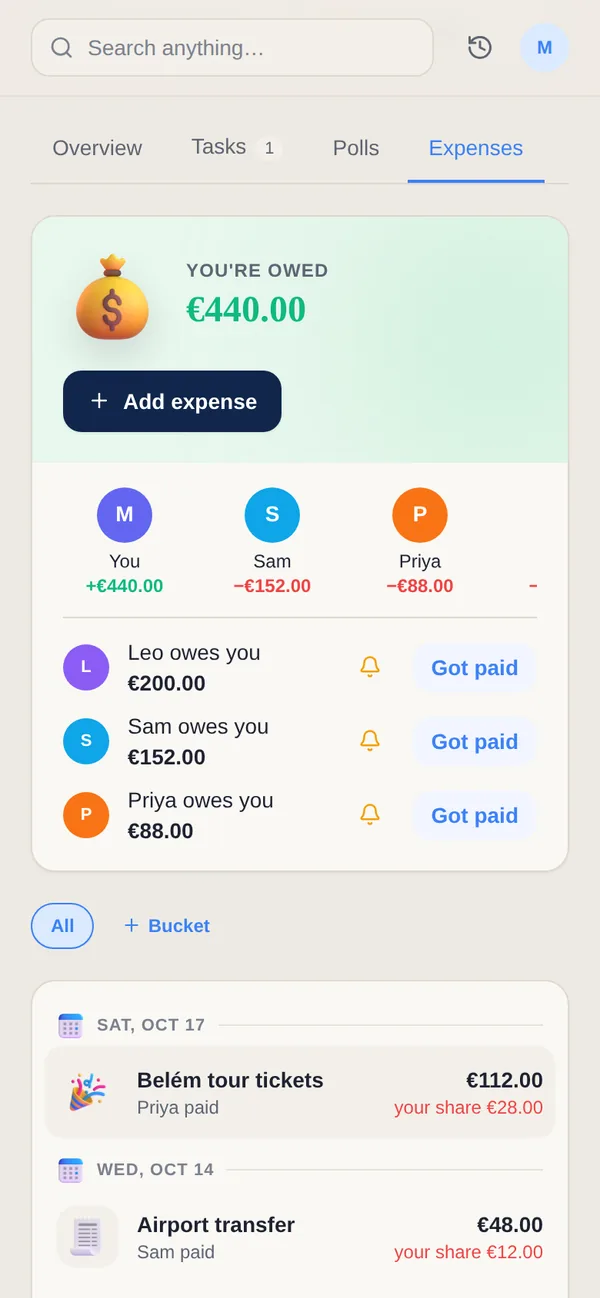
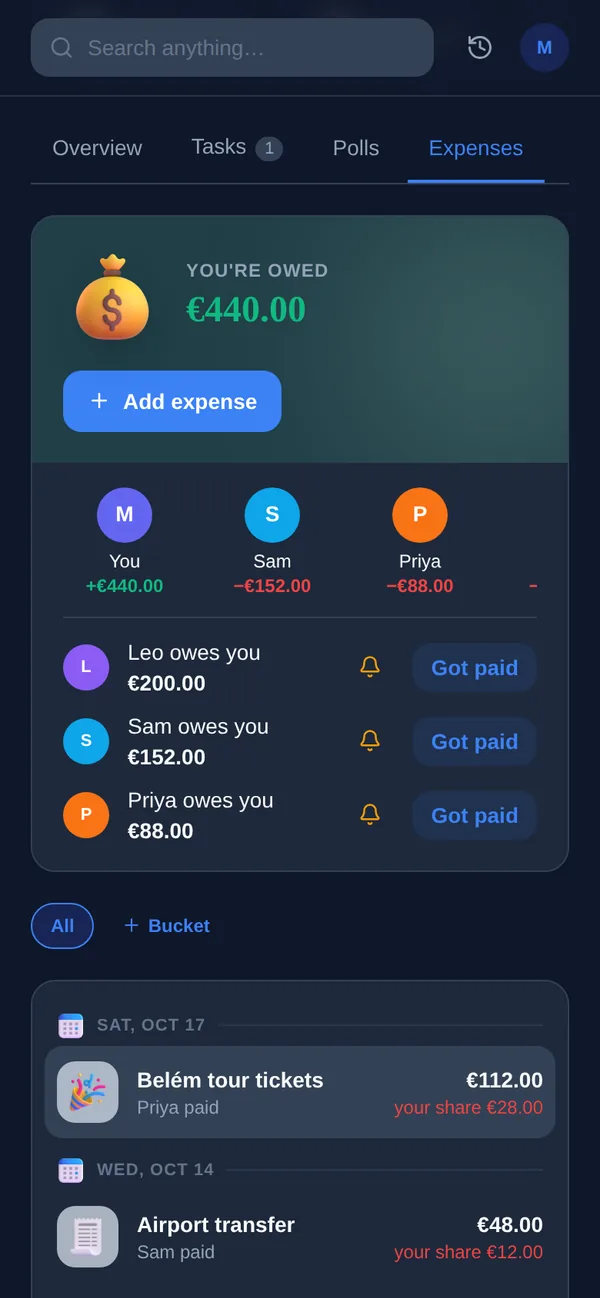
Splitwise is excellent at one job: precise balances, a debt-simplification algorithm, a web app and easy settle-up. Yuki has its own splitting and settle-up built into its groups, so shared costs live next to the plans they belong to.
| Feature | Yuki | Splitwise |
|---|---|---|
| Auto-creates entries from your email inbox | ||
| Two-way Google Calendar sync | ||
| Split expenses, per-person balances & settle-up | Yes — core strength, detailed | |
| Multiple currencies | ||
| Debt-simplification algorithm | ||
| Trip itineraries & subscription tracking | ||
| Natural-language AI assistant | ||
| Platforms | iOS, Android + web | iOS, Android + web |
| Price | Free to use; optional Pro | Free (up to 4 expenses a day); Splitwise Pro paid |
Can Yuki split bills like Splitwise?
Yes. In a Yuki group you can split an expense evenly, by percentage or by exact share, see each person's balance and settle up. Splitwise goes deeper on splitting alone, with its debt-simplification algorithm. Yuki keeps the splits next to the group's calendar, trips and tasks, and adds bills and receipts from your inbox.
Choose Yuki if…
- You want one place that turns inbox confirmations into a calendar, trips, tasks and expenses automatically — and can split and settle shared costs in the same app
- You share everyday logistics — not just costs — with a partner, family, co-parent or roommates
- You'd rather reduce the mental load of planning than manually enter every transaction
Choose Splitwise if…
- Standalone, precise splitting is your main need — Splitwise is purpose-built, and its simplify-debts and settle-up flows are best in class
- You want Splitwise's deepest standalone splitting — its debt-simplification algorithm and long-refined balances
- You only ever need to split costs and want an app dedicated to that alone
How many people can share a Yuki group?
On Yuki Free, a group holds up to 2 people and you can have up to 5 groups, which suits a couple. Pro has no limit on groups or members. Expenses can be in more than one currency, and Pro picks up bills and receipts from Gmail automatically and includes 120 receipt scans a month, against 5 on Free.
Can a Yuki group see who does the chores, not just who owes money?
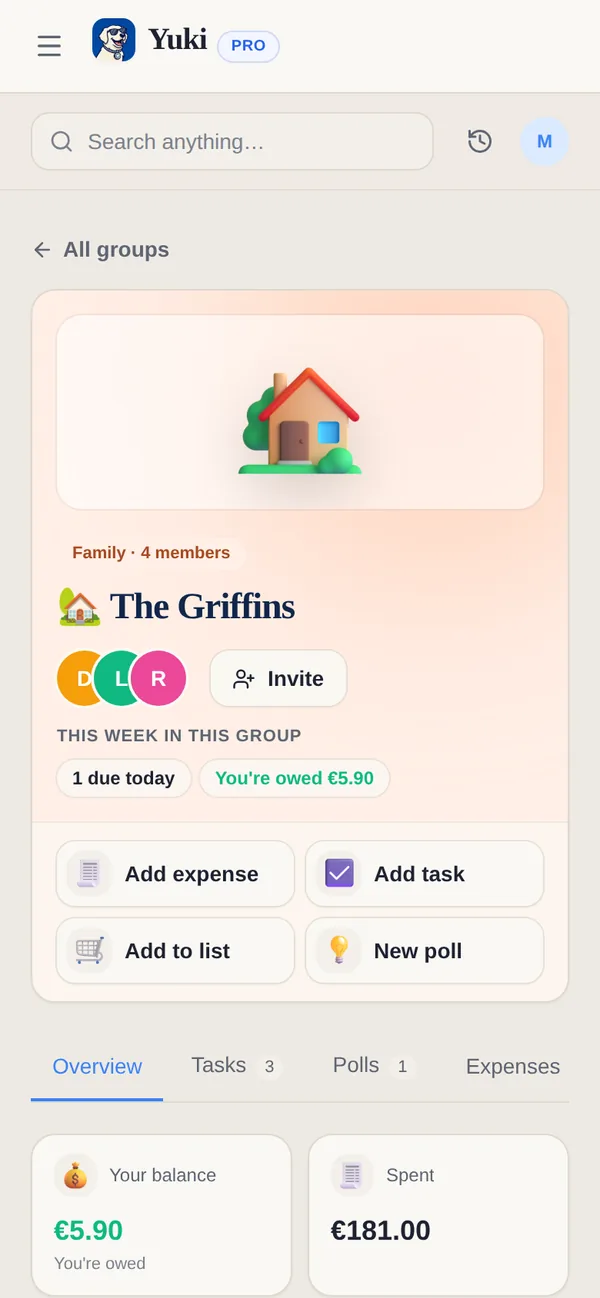
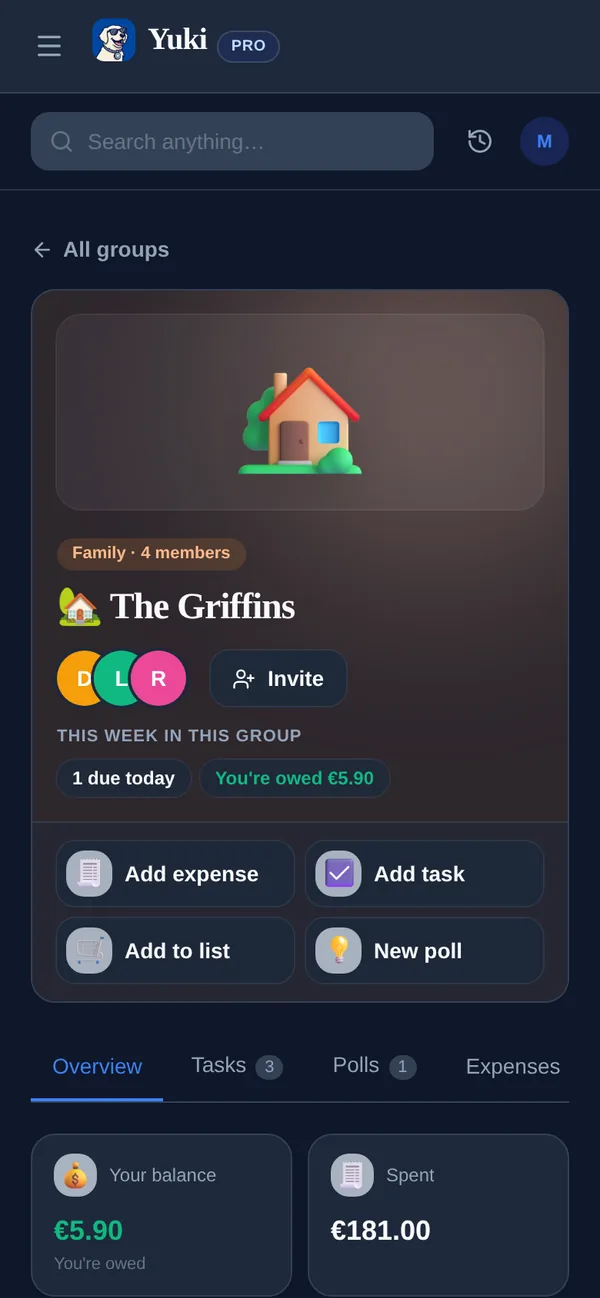
Yes. A Yuki group shows stats on what each member has done next to the balances, so a household can see who is carrying the tasks as well as the costs. Splitwise is built for the money side.
What does Splitwise cost?
Splitwise is free on iPhone, Android and the web. On the free plan, Splitwise's help centre says you can add up to 4 expenses each day. Splitwise Pro removes that limit and adds receipt scanning, itemization, currency conversion, charts and search. It comes as a monthly plan or as a yearly Individual or Duo plan, and the yearly plans include a 30-day Trip Pass for group members. Splitwise shows Pro prices in its app, not on its website.
What does Splitwise do that Yuki doesn't?
- Simplify debts, which cuts the number of payments a group needs to settle up.
- More than 100 currencies and an offline mode on the free plan.
- Payments through Venmo and PayPal in the US and Paytm in India, according to its App Store listing.
- In the US, Splitwise Pay and a Splitwise debit card that adds purchases to Splitwise automatically.
Can I use Splitwise and Yuki together?
Yes, and it works best with one app per group. Keep a one-off trip with friends in Splitwise if everyone already has it, and run the household in Yuki, where the rent, the shared grocery list, the calendar and the chores live in the same group. Yuki's free plan covers a group of two, so a couple can try it without paying.