
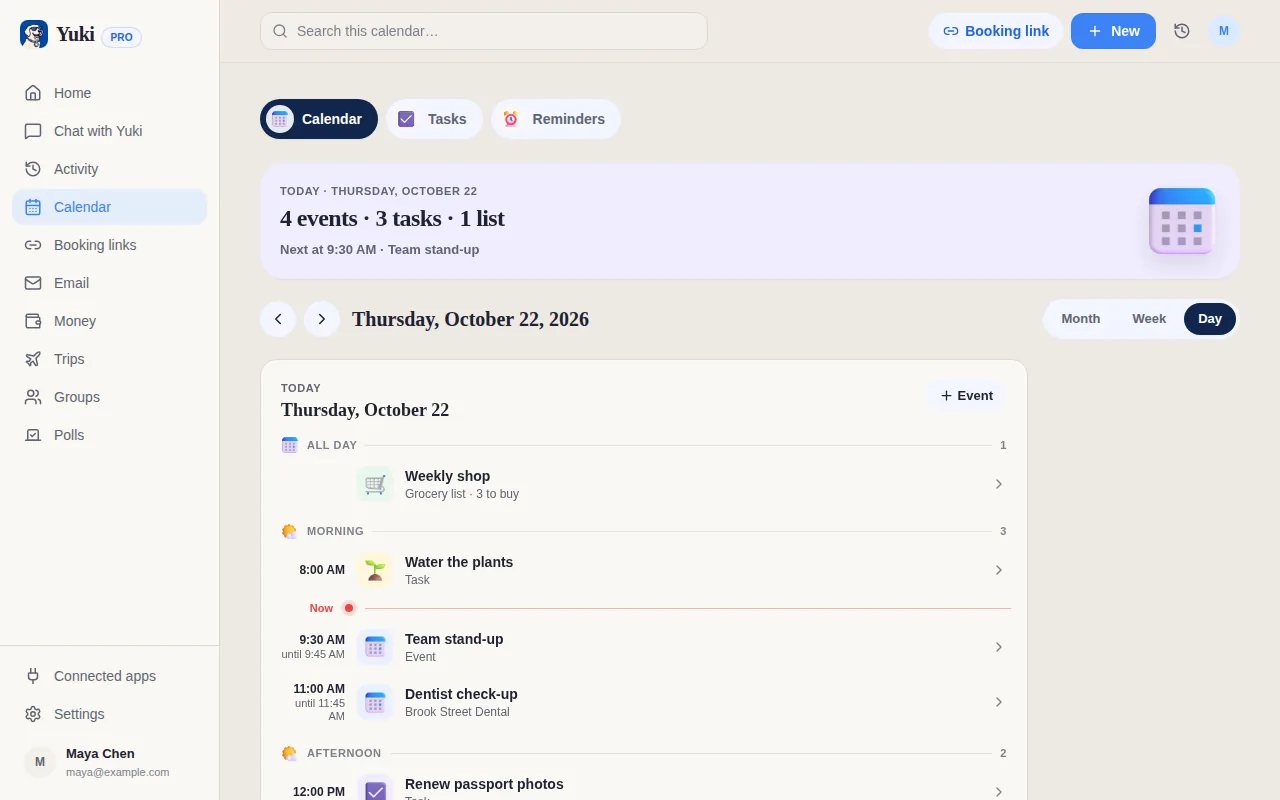
Structured is lovely for one thing: seeing your whole day on a clean visual timeline, across every Apple device. Yuki does a different job, starting from your inbox rather than a blank day.
| Feature | Yuki | Structured |
|---|---|---|
| Auto-creates plans from your email inbox | ||
| Visual day timeline / time-blocking | Calendar Day view | |
| Two-way calendar sync | Google Calendar | Import (Pro) |
| Expense & subscription tracking | ||
| Trip itineraries from booking emails | ||
| Shared groups for couples, family, roommates | ||
| Natural-language AI assistant | Structured AI (Pro; not on web) | |
| Platforms | iOS, Android & web | iOS, Android, Mac, Web, Watch |
Which is better for planning my day, Structured or Yuki?
Structured, if hour-by-hour time-blocking on a visual timeline is what you want. Structured lays your day out on a timeline you fill in yourself, on phones, Mac, the web and Apple Watch. Yuki shows your day as calendar and task views and builds it from your inbox: confirmations, bills and invites become events, trips, expenses and reminders you can share.
Choose Yuki if…
- You want your calendar, bills, trips and expenses to build themselves from your inbox instead of typing everything in
- You coordinate everyday life with a partner, family or roommates and want shared groups, not a solo planner
- You want one place for reminders, money, trips and calendar — not just a plan for today
Choose Structured if…
- You love a beautiful visual timeline and time-blocking your day hour by hour
- You want native Mac and Apple Watch apps, not just phone and browser
- You mainly organize tasks and events you already know about and enter yourself
Can Yuki show how my week would fit together?
Yes, with What if, which is free. What if takes your real week, including your Yuki events, timed tasks, bookings and Google Calendar busy times, and shows how workouts and personal time would fit around it. Grey blocks are what is already there; coloured blocks are new, placed by fixed rules, and nothing changes until you tap Allow.
How much does Yuki cost?
Yuki is free on iOS, Android and the web with one account. Free includes up to 10 new tasks, events and expenses a day; Yuki Pro removes that limit and adds automatic Gmail sync for a month, after a 14-day trial that needs no card.
Who is Structured for?
Structured calls itself “your all in one day planner” that “combines all your tasks and to-dos into a single visual timeline”, and its App Store listing names ADHD minds, busy professionals and students. It runs on iPhone, iPad, Mac, Apple Watch, Android and the web. Structured is for arranging one person's day hour by hour; Yuki is for the plans that come from email and the people you share them with.
What does Structured cost?
Structured is free to download, with an optional Structured Pro subscription or a lifetime purchase, and its help centre says a trial includes every Pro feature. Free covers the timeline, inbox and all-day tasks, subtasks, notes and widgets. Pro adds Structured AI on iOS and Android, importing events from Apple, Google and Outlook calendars, recurring tasks and custom notifications. We could not confirm Structured's prices on its own website.
Can I use Structured and Yuki together?
Yes. On Pro, Structured can import events from Google Calendar. If Yuki sends your events to Google Calendar, which is part of Yuki Pro, the bookings and appointments Yuki finds can appear on your Structured timeline, and you plan the rest of the day around them.
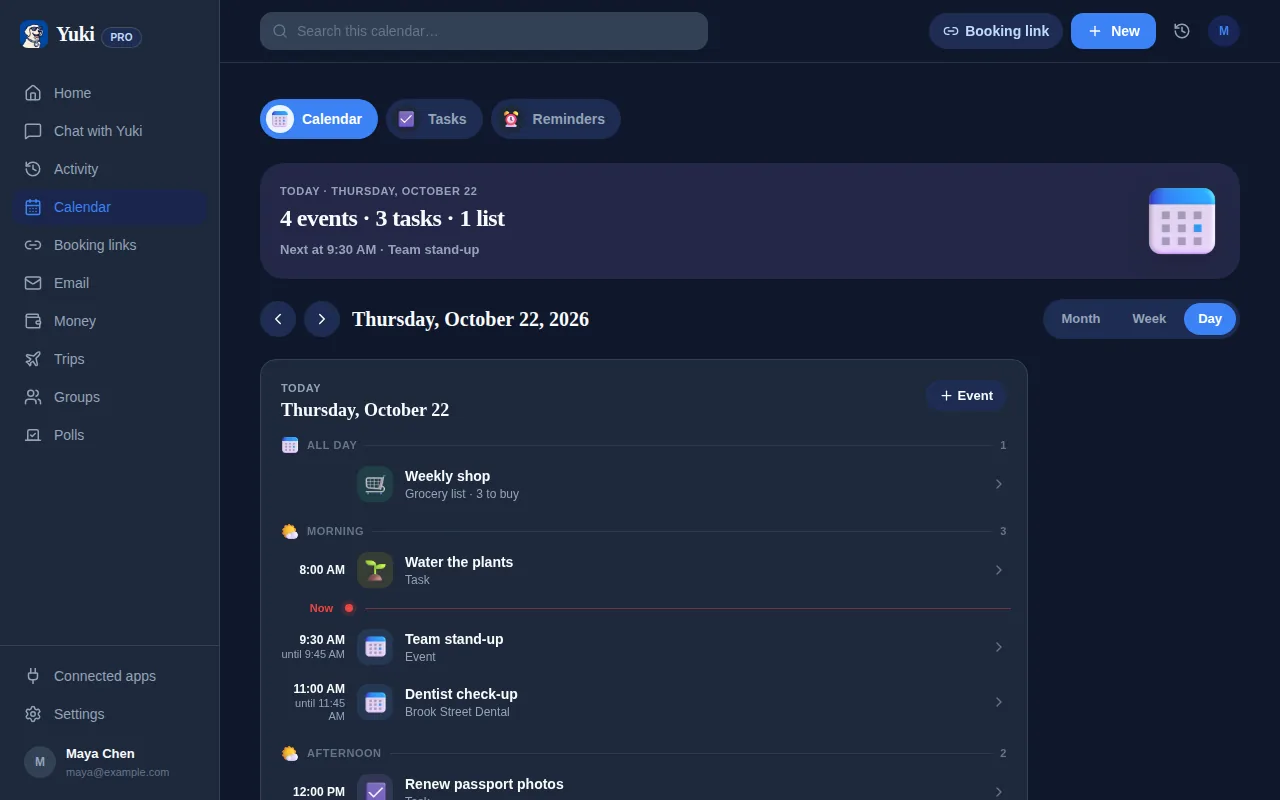
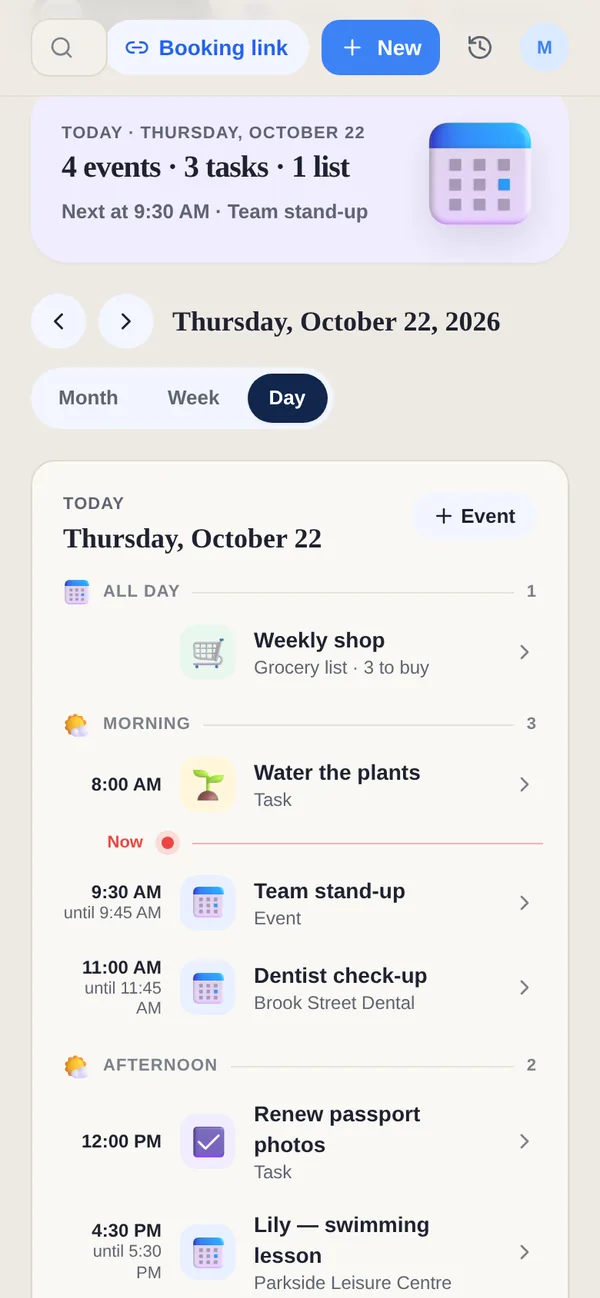
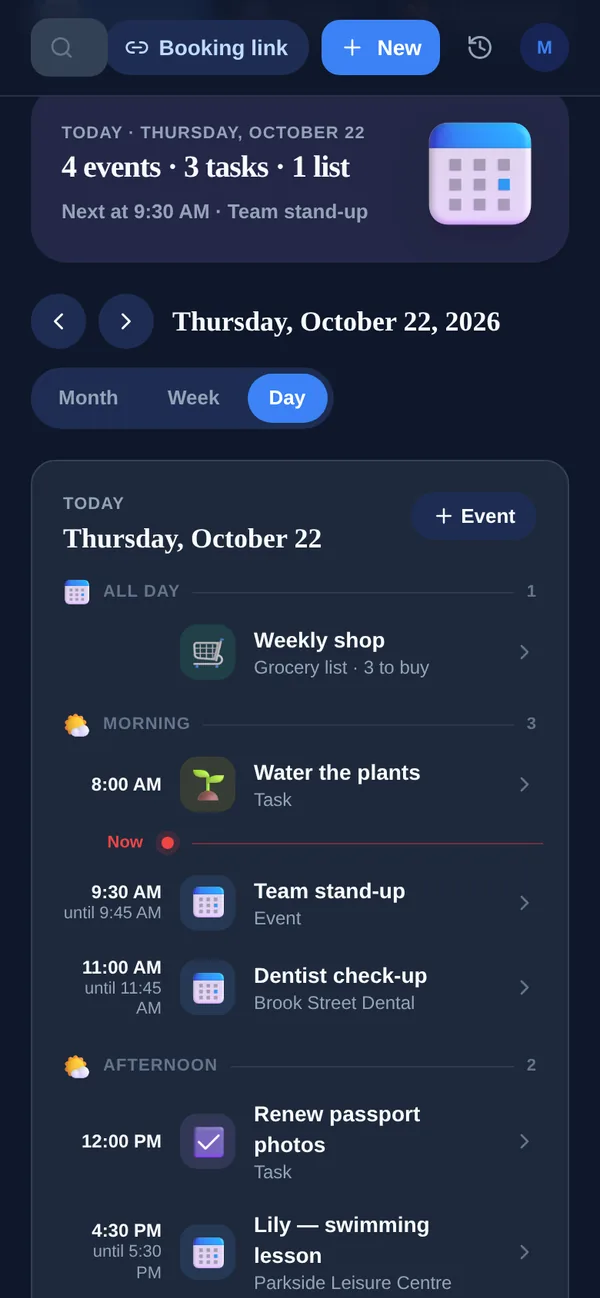
See the day's tasks, events and grocery lists in one Day view. Yuki is free on iOS, Android and the web.