
Todoist is one of the best dedicated to-do apps: clean, fast and great for capturing tasks you type in. On its paid plans, Email Assist turns emails you forward into tasks. Yuki Pro does not need the forward; it reads new Gmail on its own.
| Feature | Yuki | Todoist |
|---|---|---|
| Manual tasks & projects | ||
| Auto-creates tasks from email | From forwarded emails (paid plans) | |
| Expenses & subscriptions tracking | ||
| Trip itineraries from booking emails | ||
| Writes events to Google Calendar | Time-blocked tasks, in a “Todoist” calendar | |
| Shared groups for households | Shared projects | |
| Native iOS & Android |
Can Yuki replace Todoist?
Yes, if you want tasks plus the rest of your life admin in one app; no, if you want the most capable dedicated to-do list. Yuki has tasks, reminders and a day view, and it also creates to-dos, calendar events, trips and expenses from your inbox. Todoist is built for tasks you capture by hand, and it does that very well.
Choose Yuki if…
- You want more than tasks — calendar, trips and money organized in one place.
- You’d rather Yuki create the to-dos from your email than type them all in.
Choose Todoist if…
- You only want a focused, manual task manager and nothing else.
- You prefer to capture and organize tasks entirely by hand.
What do tasks look like in Yuki?
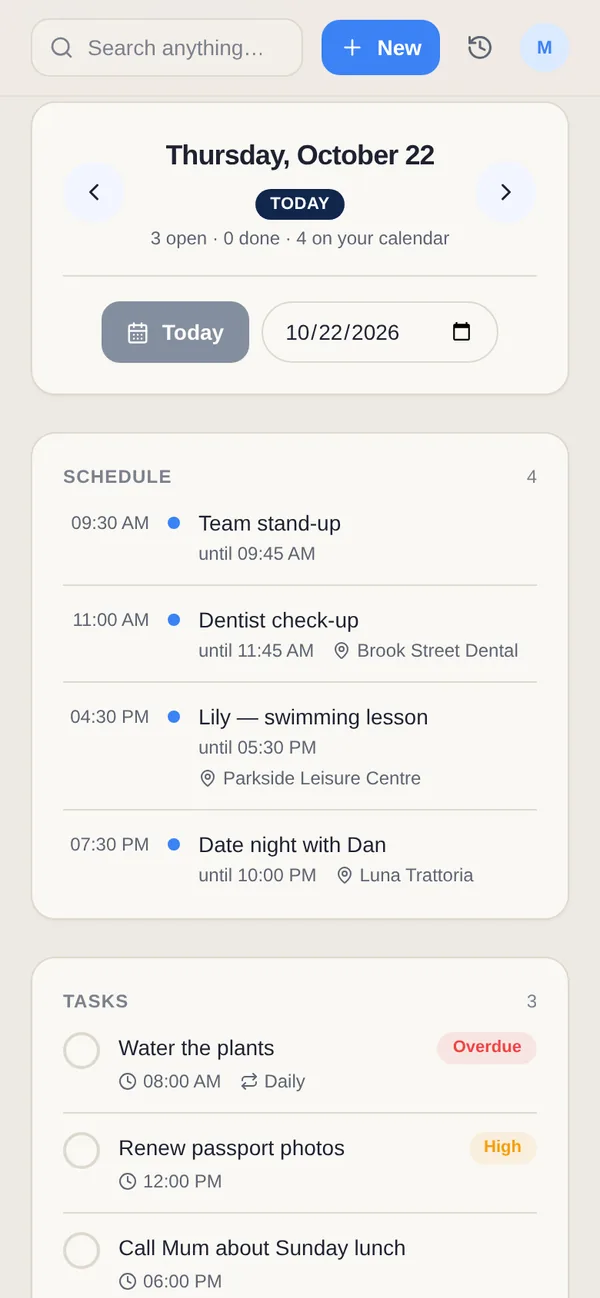
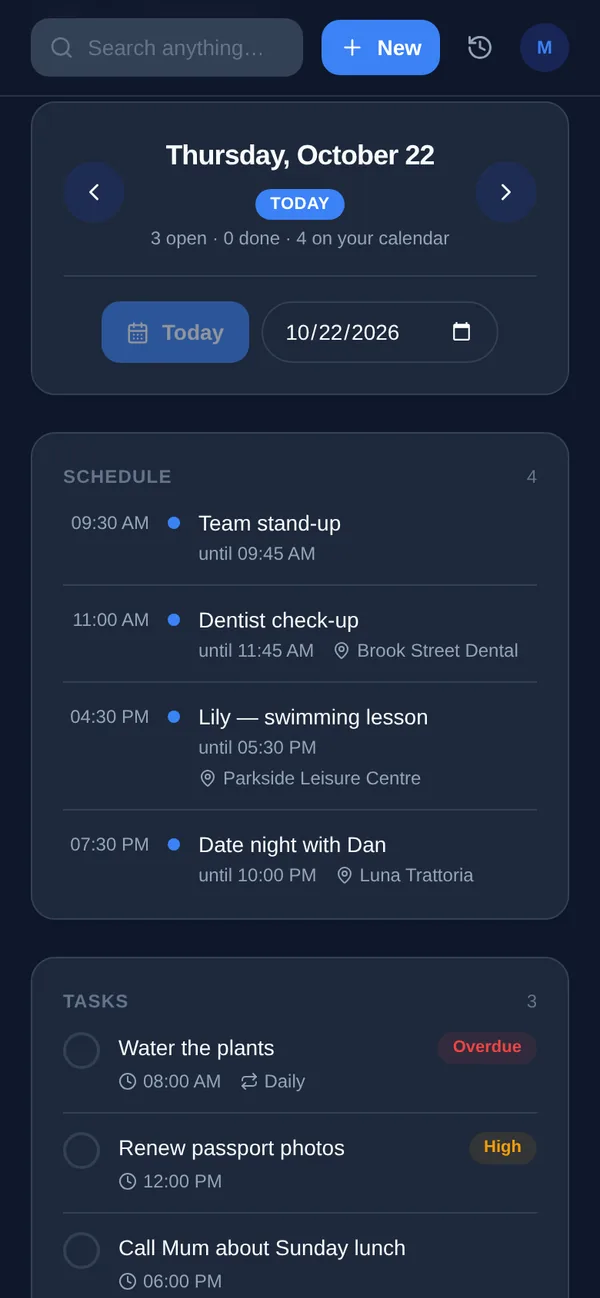
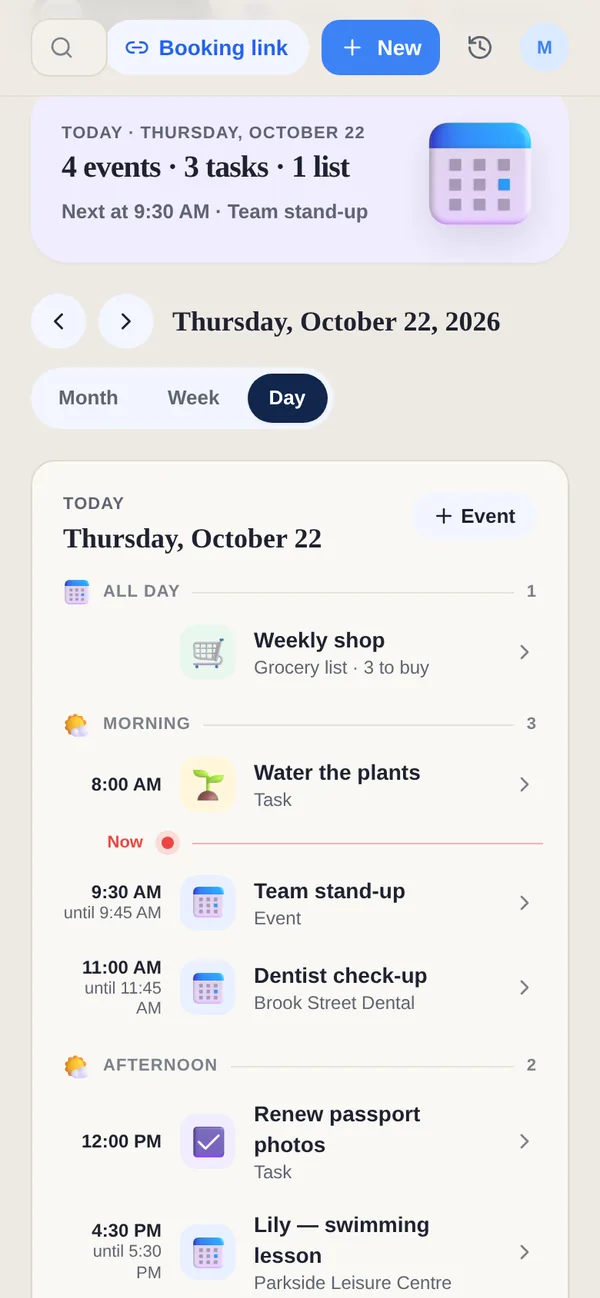
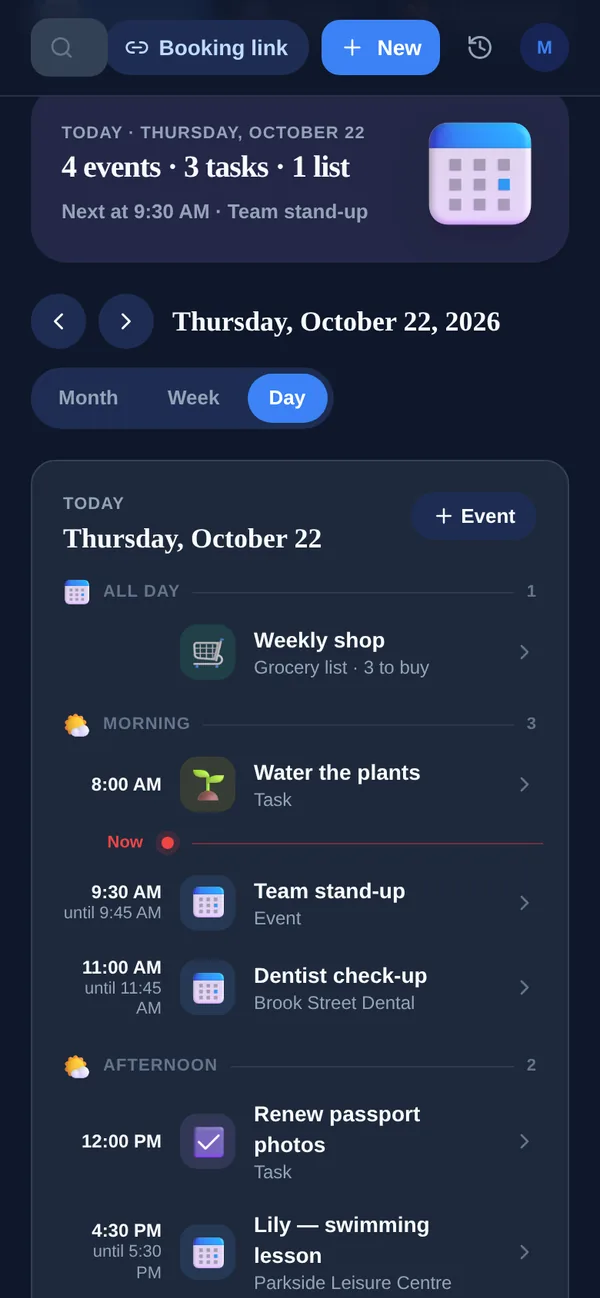
Tasks in Yuki sit on the same day as your events and grocery lists. Home shows today's plan in time order with a “next up” line, and you can tick a task off right there, including one shared with a group; it stays on the day, crossed out. A task can be personal or shared with a partner, family or flatmates, and Yuki can also create tasks from your email.
How do Yuki Free and Pro compare for tasks?
Yuki Free lets you create or change up to 10 tasks, events, expenses, occasions and grocery items a day in total, and ticking tasks off is never limited. Reminders on Free cover birthdays and anniversaries. Pro removes the daily limit and adds reminders at the exact time you set, including recurring ones, plus automatic Gmail sync. Yuki Pro costs a month, after a 14-day trial that needs no card.
Who is Todoist for?
Todoist describes itself as being “for systems people”, for teams and for your life, and says more than 50 million people use it. It suits someone who wants to capture every task by hand, sort it into projects and filters, and have it on Mac, Windows, Linux, iPhone, iPad, Android, Apple Watch, Wear OS and the web. Yuki suits someone whose to-dos mostly arrive by email, alongside trips, bills and a household to share them with.
What does Todoist cost compared with Yuki?
On Todoist's pricing page on 7 November 2026, Beginner is free, with 5 personal projects and 3 filter views. Pro is $5 a month billed yearly, or $7 billed monthly, with 300 projects, calendar and table layouts and custom reminders. Business is $8 per user a month billed yearly, or $10 monthly. Yuki Free includes up to 10 new or changed items a day, and Yuki Pro costs a month after a 14-day trial with no card.
What does Todoist do that Yuki doesn't?
- Projects, sections and up to 150 saved filter views on Pro, for people who run their whole life as a task system.
- Ramble, which turns what you say into structured tasks: limited on Beginner, unlimited on Pro.
- A calendar integration on every plan that shows Google or Outlook events and puts time-blocked tasks in a separate “Todoist” calendar.
- Desktop apps for Mac, Windows and Linux, and integrations with Slack, Microsoft Teams, Zapier and others.
Can I use Todoist and Yuki together?
Yes. Keep work projects and long task lists in Todoist, and let Yuki handle the life admin that comes by email: the flight, the renewal, the parcel and the birthday. Both can show your Google Calendar, so the day still lines up in one place. Yuki's shared groups cover what Todoist is not built for, such as a grocery list with a partner and split household costs.