
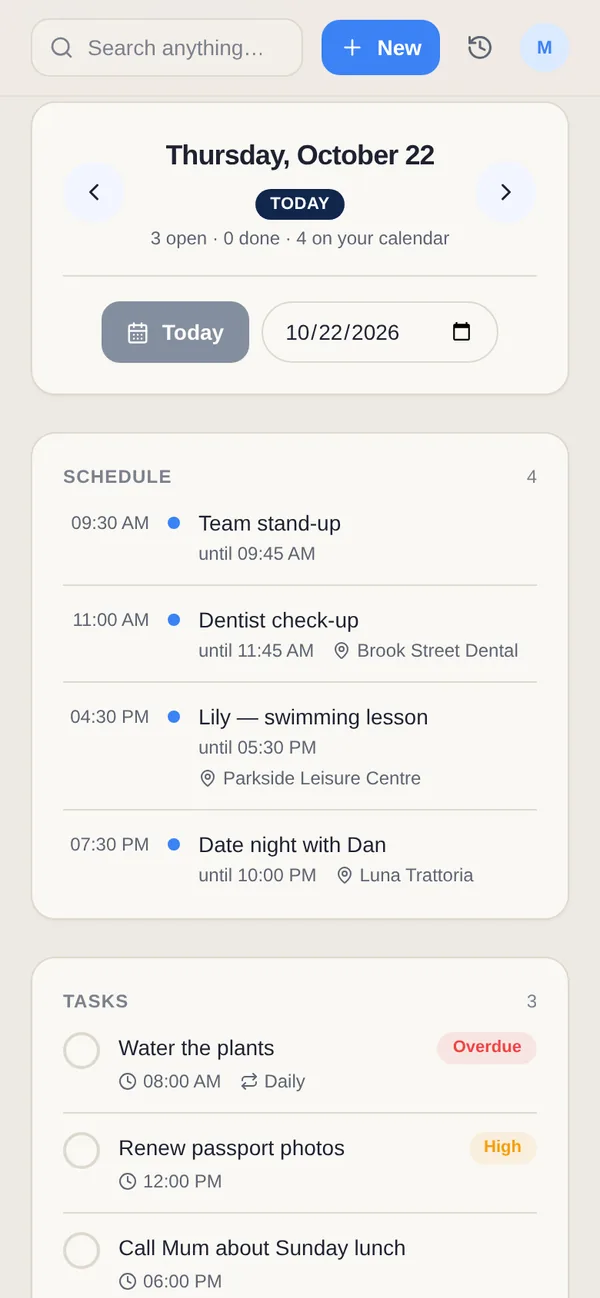
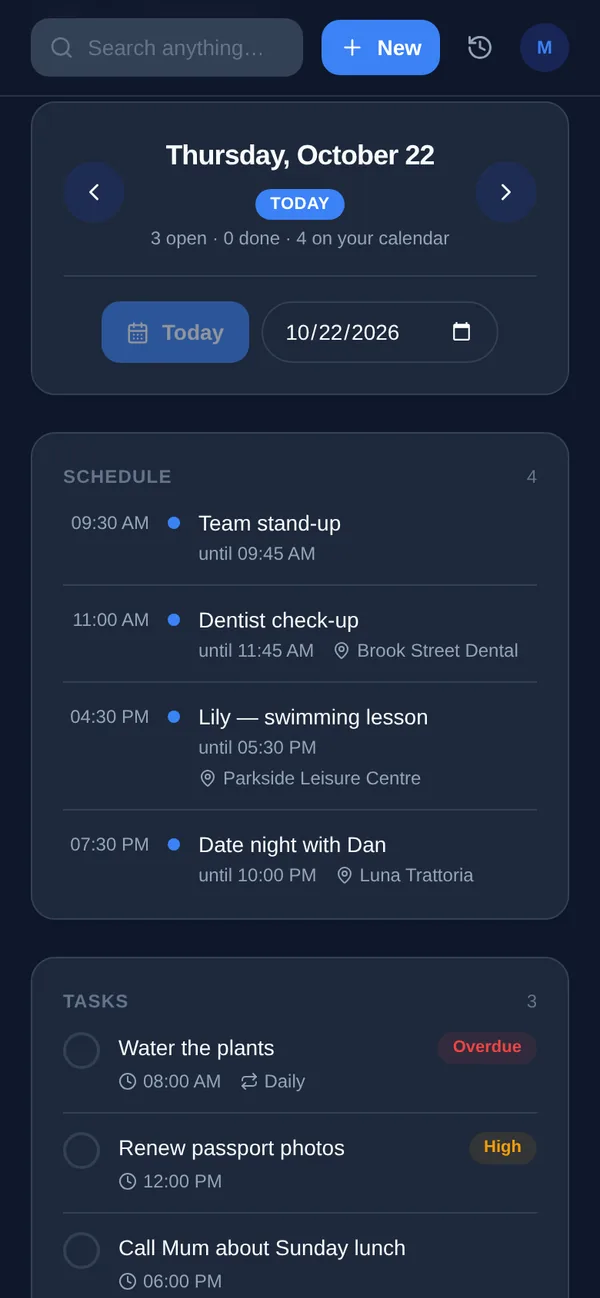
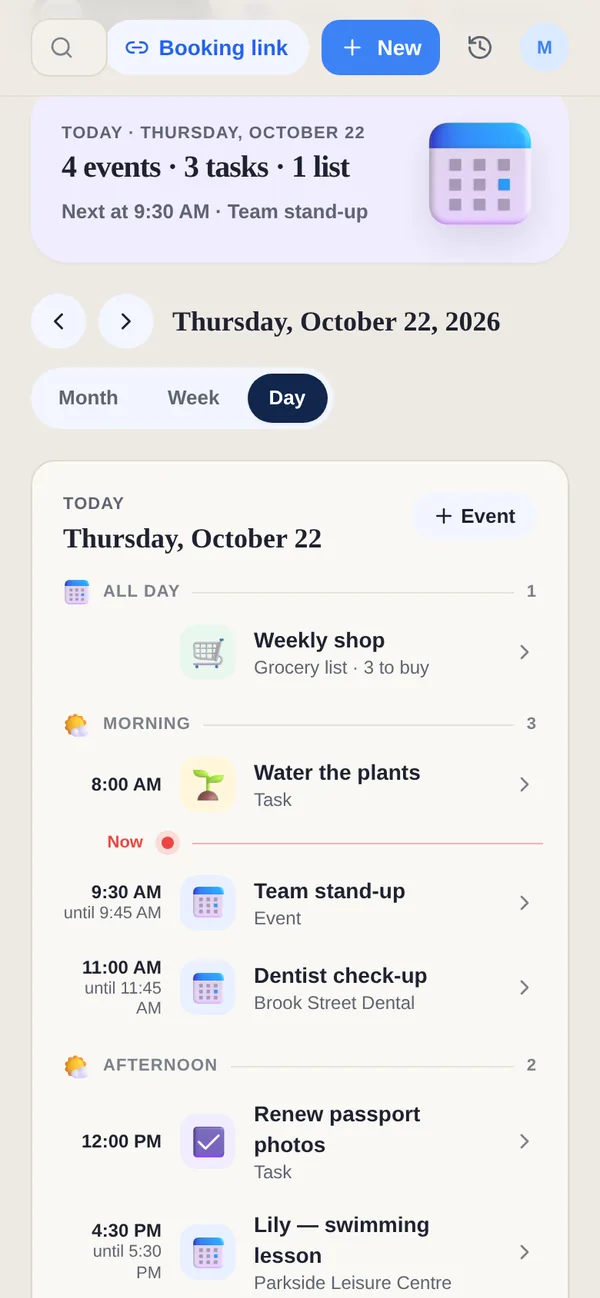
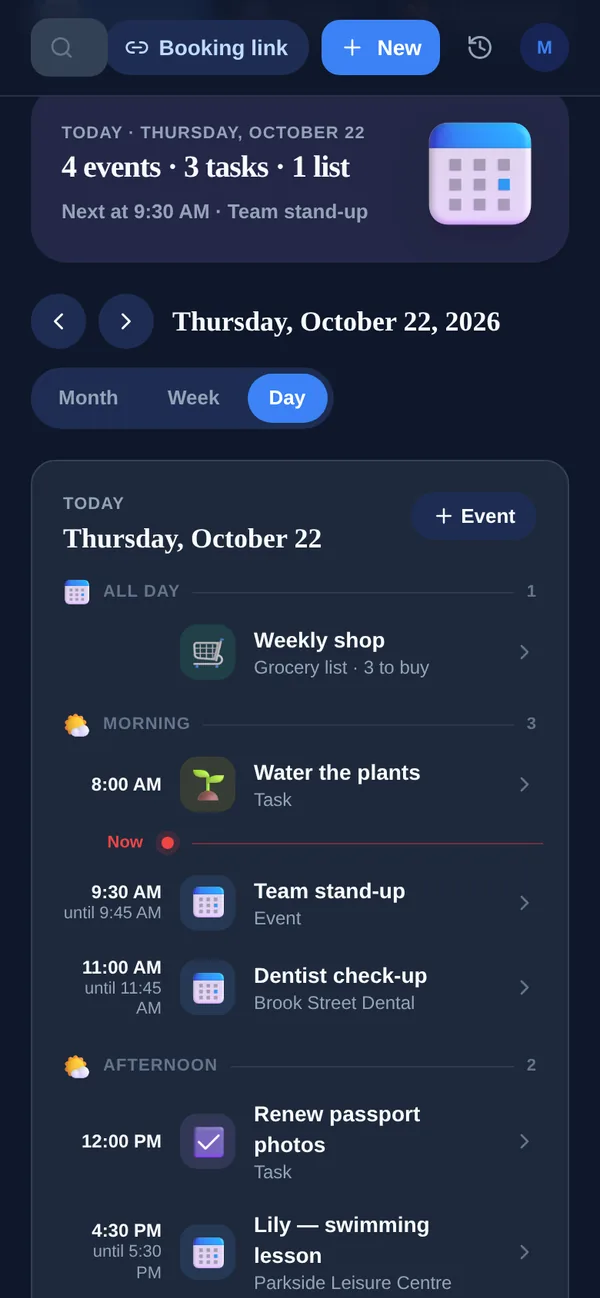
Any.do is a beautifully designed to-do app, with shared lists across every platform. Yuki works the opposite way: instead of waiting for you to type, it starts from your inbox.
| Feature | Yuki | Any.do |
|---|---|---|
| Auto-creates items from your email | reads Gmail | manual entry |
| Writes to Google Calendar (two-way) | Calendar view / sync, but you add events yourself | |
| Expense & subscription tracking | from receipts & bills | |
| Trip itineraries | auto-built from bookings | |
| To-do lists & reminders | tasks, reminders, birthdays, grocery lists | with subtasks & a daily planner, a core strength |
| Shared / collaborative lists | groups for couples, family, roommates | shared lists & spaces |
| Natural-language AI assistant | Yuki AI | Any.do AI |
| Family sharing | Shared groups (2 people on Free; no limit on Pro) | Family plan for 4 members, $8.33/mo billed yearly |
| Platforms & price | iOS, Android & web; free tier + Pro | iOS, Android, web & desktop; free Personal + Premium from $4.99/mo billed yearly |
What does Any.do do better than Yuki?
Manual task management. Any.do has subtasks, a daily planner, location and WhatsApp reminders on Premium, and dedicated desktop apps. Yuki has tasks, reminders, birthdays and grocery lists, but its strength is building your calendar, trips, expenses and shared plans from your inbox rather than from what you type.
Choose Yuki if…
- You want your calendar, trips, bills and expenses to fill themselves in from your inbox instead of typing everything by hand
- You coordinate everyday life with a partner, family, co-parent or roommates and want shared plans that stay in sync
- Your goal is to reduce the mental load of remembering and organizing, not just to keep a task list
Choose Any.do if…
- You want a mature, flexible manual to-do list with subtasks, a daily planner and a genuinely great web and desktop experience
- Location-based and WhatsApp reminders are important to how you work
- You prefer to organize tasks entirely yourself and don't want an app reading your email
What do tasks and reminders cost in Yuki?
Yuki Free lets you create or change up to 10 tasks, events, expenses and grocery items a day, with reminders for birthdays and anniversaries. Pro removes the daily limit and adds reminders at the exact time you set, including recurring ones, for a month after a 14-day trial that needs no card.
Does Yuki have shared grocery lists like Any.do?
Yes. A Yuki grocery list can be personal or shared with a group: anyone adds items, whoever is shopping sees the full list in real time, and the list shows up on the day it is planned for. With Pro, a recipe can turn a dish into the ingredients on that list.
What does Any.do cost?
On Any.do's pricing page on 7 November 2026, Personal is free. Premium is $4.99 a month billed yearly, or $7.99 monthly, and includes WhatsApp reminders, location reminders, recurring tasks and the AI features. Family is $8.33 a month billed yearly, or $9.99 monthly, for 4 members, with a shared family space and grocery list. Teams costs $4.99 per member a month billed yearly. Yuki Pro costs a month after a 14-day trial with no card.
Who is Any.do for now?
Any.do now describes itself as “one workspace for your team and its AI agents”, and its site speaks to small teams, families and individuals. It runs on iPhone, iPad, Android, Mac, Windows, the web, Apple Watch and Wear OS, with a Gmail add-on and browser extensions. Yuki stays personal: it reads your Gmail and organizes home life, on your own or with the people you share it with.