
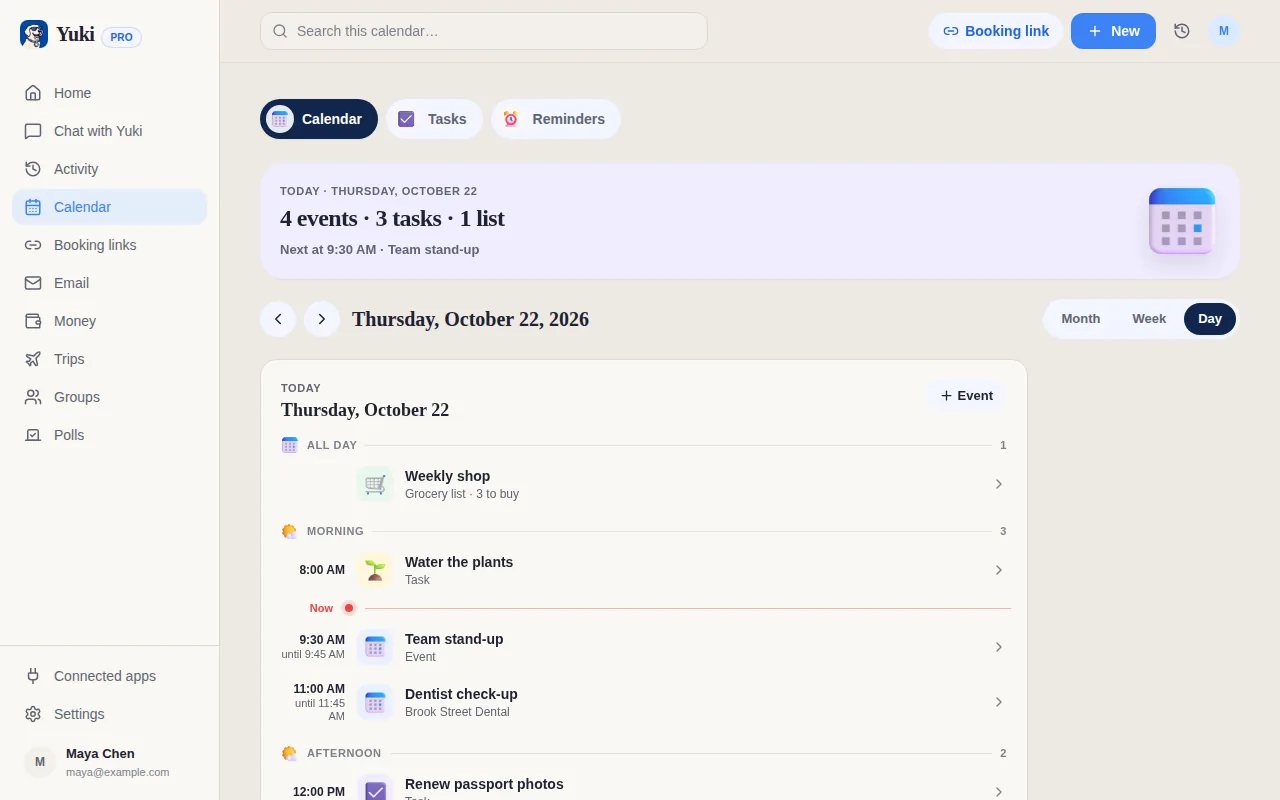
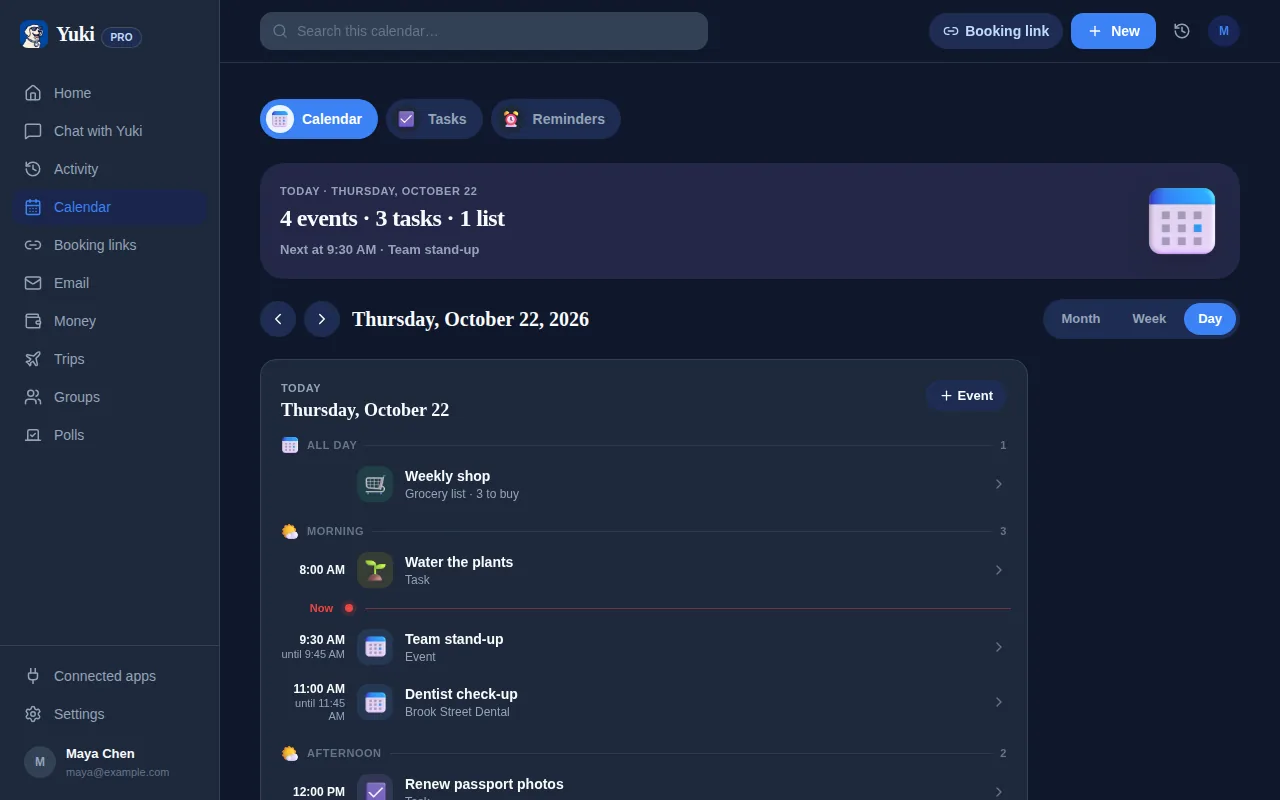
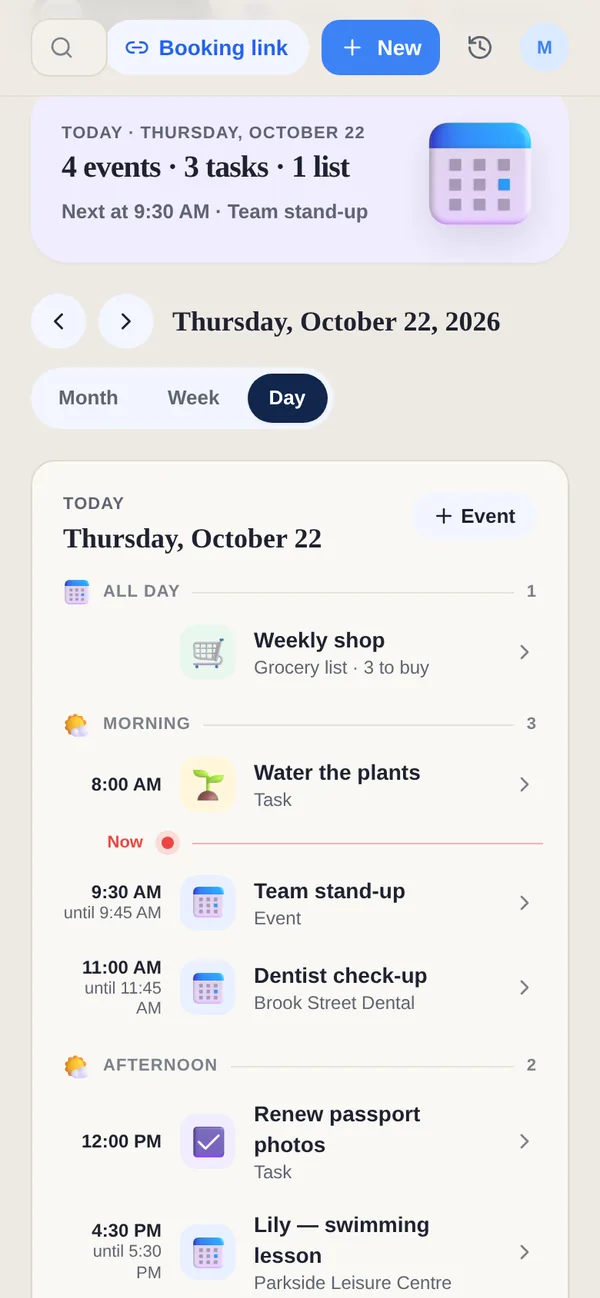
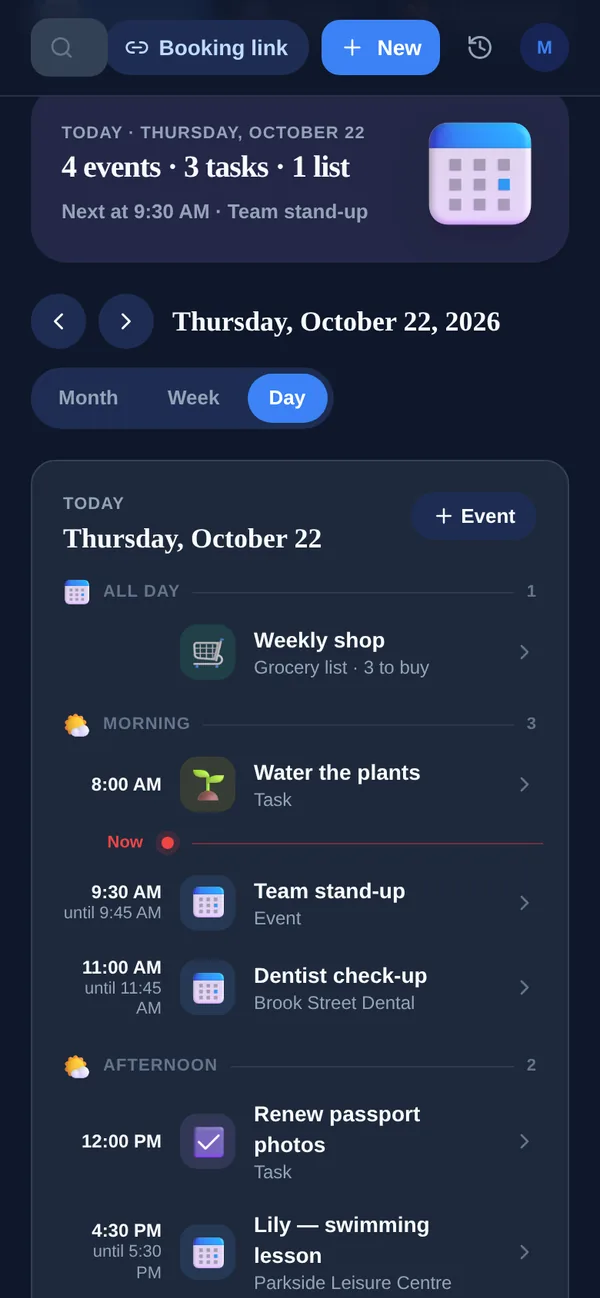
Sunsama is a thoughtful daily planner that pulls tasks from Todoist, Slack, Gmail and your calendar into a calm time-boxing ritual, one focused day at a time. Yuki solves the step before that: it reduces what you have to remember in the first place.
| Feature | Yuki | Sunsama |
|---|---|---|
| Auto-creates items from your inbox (receipts, bills, invites) | Emails as tasks | |
| Two-way sync with Google Calendar | ||
| Daily time-boxing & planning ritual | Calendar Day view | |
| Tracks expenses & subscriptions | ||
| Trip itineraries from booking emails | ||
| Shared groups for couples/families/co-parents | Work teams | |
| Pulls tasks from Todoist, Asana, Jira, Slack | ||
| Platforms & price | iOS, Android & web; free to start | iOS, Android, Mac, Windows & Linux; paid, 14-day trial |
Does Yuki plan my day like Sunsama?
Partly. Yuki has a day view of your tasks and events, but no guided time-boxing ritual like Sunsama's. Yuki's job starts earlier: it reads your inbox so plans, bills and reminders show up on their own, and it shares them with your household. Sunsama is the better tool for planning a focused workday.
Choose Yuki if…
- You want your calendar, trips, expenses and to-dos built for you from your inbox — not entered by hand each morning.
- You need to coordinate everyday life with a partner, family or roommates in shared groups.
- You want a free app that tracks bookings, bills and subscriptions, not just your task list.
Choose Sunsama if…
- You want a calm, deliberate daily ritual that has you time-box and plan one focused day at a time.
- Your tasks already live in tools like Todoist, Asana, Jira or Slack and you want them pulled into one planning view.
- You work primarily at a desk and want a polished web and desktop (Mac/Windows) app, not a mobile-first tool.
Can Yuki help me plan a balanced week?
Yes, with What if, which is free. What if takes your real week, including your Yuki events, timed tasks, bookings and Google Calendar busy times, and shows how workouts and personal time would fit around it. Fixed rules place the blocks and nothing changes until you tap Allow. It is a planning aid for personal time, not a daily time-boxing ritual like Sunsama's.
How much does Yuki cost compared with Sunsama?
Yuki is free to start on iOS, Android and the web, and Yuki Pro costs a month after a 14-day trial with no card. Sunsama Pro is $17 a month billed yearly, or $22 monthly, after a 14-day free trial with no card, according to its pricing page on 7 November 2026. Free Yuki includes up to 10 new tasks, events and expenses a day; Pro removes that limit and adds automatic Gmail sync.
Who is Sunsama for?
Sunsama offers “one plan for busy professionals” and promises to “make work-life balance a reality”. It is built around a daily planning ritual: timeboxing, a shutdown reminder at 5 PM, weekly objectives, a focus mode with Pomodoro, and AI summaries of your day. It runs on iOS, iPadOS, Android, macOS, Windows and Linux. Yuki is for the personal side: the plans that arrive by email and the people you share them with.
Can I use Sunsama and Yuki together?
Yes. Sunsama syncs both ways with Google Calendar, Outlook and Apple calendars, and pulls in tasks from Todoist, Asana, Notion and other tools, so it can be where you plan the working day. With Yuki Pro sending events to the same Google Calendar, the trips and appointments Yuki finds in your email land where Sunsama can see them.