
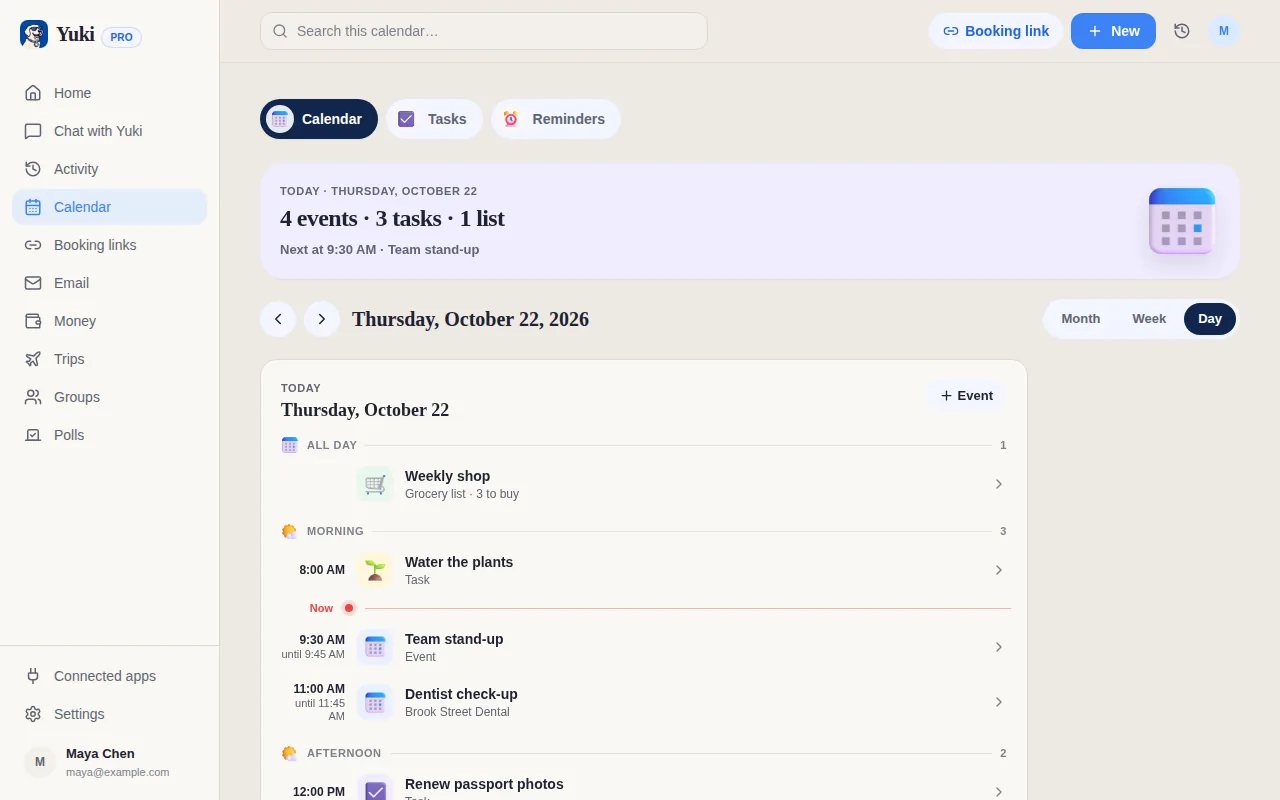
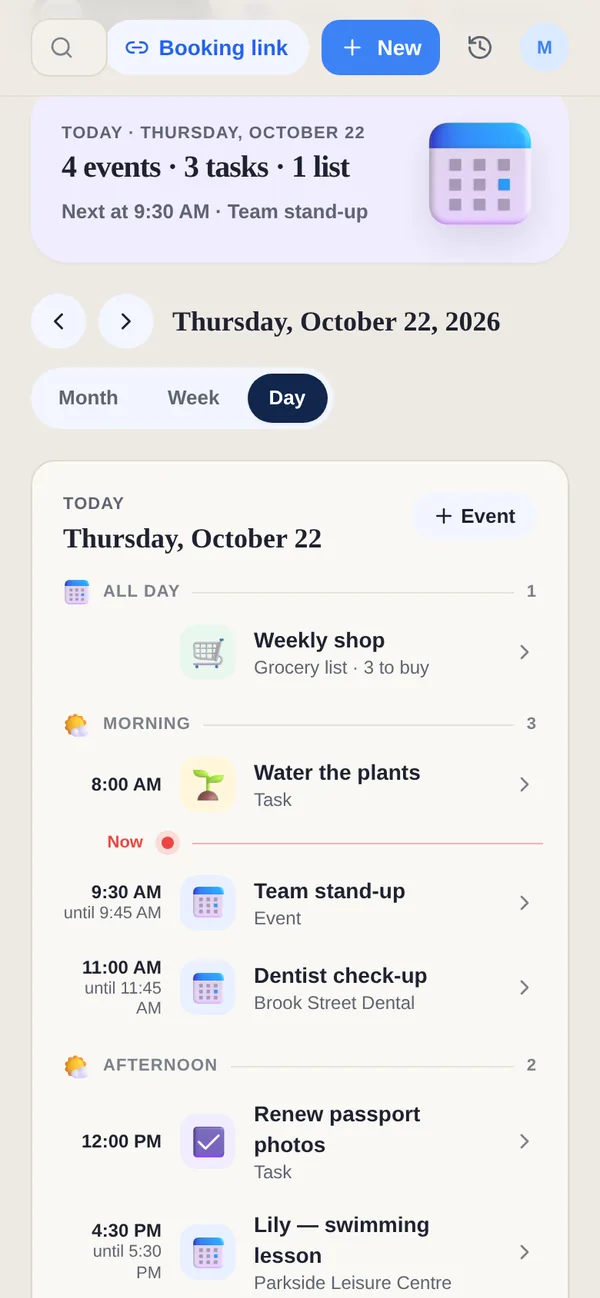
The two do different jobs: Motion plans the working week, and Yuki organizes the life around it.
| Feature | Yuki | Motion |
|---|---|---|
| Tasks & calendar | ||
| Organizes from your email inbox | Tasks from forwarded emails | |
| Expense & subscription tracking | ||
| Trip itineraries from booking emails | ||
| Shared household groups | ||
| Auto-scheduling of work tasks | ||
| Native iOS & Android | Companion apps; web and desktop first |
Can Yuki schedule my work like Motion?
No. Yuki does not auto-schedule work tasks into open slots in your calendar; that is Motion's core job. Yuki organizes the personal side instead: it reads your inbox for trips, bills, subscriptions and appointments, and shares plans with a partner or family. If your problem is fitting work tasks into a working week, Motion is built for it.
Can Yuki help me find time for workouts and personal plans?
Yes, with What if, which is free. The What if button in Yuki's Calendar takes your real week, including your Yuki events, timed tasks, bookings and Google Calendar busy times, and shows how workouts and personal time would fit around them. Fixed rules place the blocks, nothing already there is moved, and nothing changes until you tap Allow. It is not Motion-style automatic scheduling of work tasks: What if only adds blocks to Yuki's calendar when you say so.
What does Yuki organize that Motion does not?
The personal side that arrives by email. Yuki builds trips from flight and hotel confirmations, tracks bills and subscriptions with their renewal dates, follows parcels from shipping emails, and keeps birthdays and occasions for the people in your life. A shared group gives a partner or family one calendar, one grocery list and one set of split expenses.
How much does Yuki cost?
Yuki is free on iOS, Android and the web. Free includes up to 10 new tasks, events and expenses a day and 20 Yuki AI prompts a month. Yuki Pro costs a month, removes the daily limit, adds automatic Gmail sync and 100 AI prompts a month, and starts with a 14-day trial that needs no card.
Who is Motion for?
Motion says it is built for individuals and teams of all sizes, from one person to a 1,000-person business, and leads with using AI to double productivity. Its App Store listing says Motion is best used on a computer and that the phone app is a companion to the web and desktop app. Yuki is phone-first and personal: it starts from your inbox and the people you live with.
What does Motion cost?
On Motion's pricing page on 7 November 2026, Pro AI started at $19 per seat a month billed annually and Business AI at $29, with higher prices for monthly billing and a set of AI credits each month. Motion offers a free trial; we could not confirm its length or whether it needs a card. Yuki is free on iOS, Android and the web, and Yuki Pro costs a month after a 14-day trial with no card.
What else does Motion do?
Motion goes well beyond scheduling. Its auto-scheduling places tasks on your calendar by priority, due date, duration and dependencies, and re-plans when things change. Motion also lists an AI project manager, a meeting notetaker, docs and a wiki, booking pages and workflows. It syncs with Google and Outlook calendars, and you can forward Gmail, Outlook or iCloud emails to turn them into tasks.
Can I use Motion and Yuki together?
Yes. Let Motion plan the working week and Yuki handle the life around it: the trip, the bill, the parcel and the family calendar. Motion shows its scheduled tasks in your connected Google Calendar. If you connect the same calendar to Yuki, those blocks appear in Yuki's Calendar, and What if counts them as busy time when it fits workouts around your week.
Which calendars does Motion work with?
Motion's help centre says Google and Outlook calendars have full two-way sync, iCloud support is more limited, and the tasks Motion schedules show in those calendars as read-only events. Its Business AI plan adds Gantt charts and time tracking. Yuki connects to Google Calendar, and on an iPhone it can send events to Apple Calendar; Outlook support is coming soon.
Plan your evenings and weekends, not just your work hours. Start Yuki free on iOS, Android or the web.