
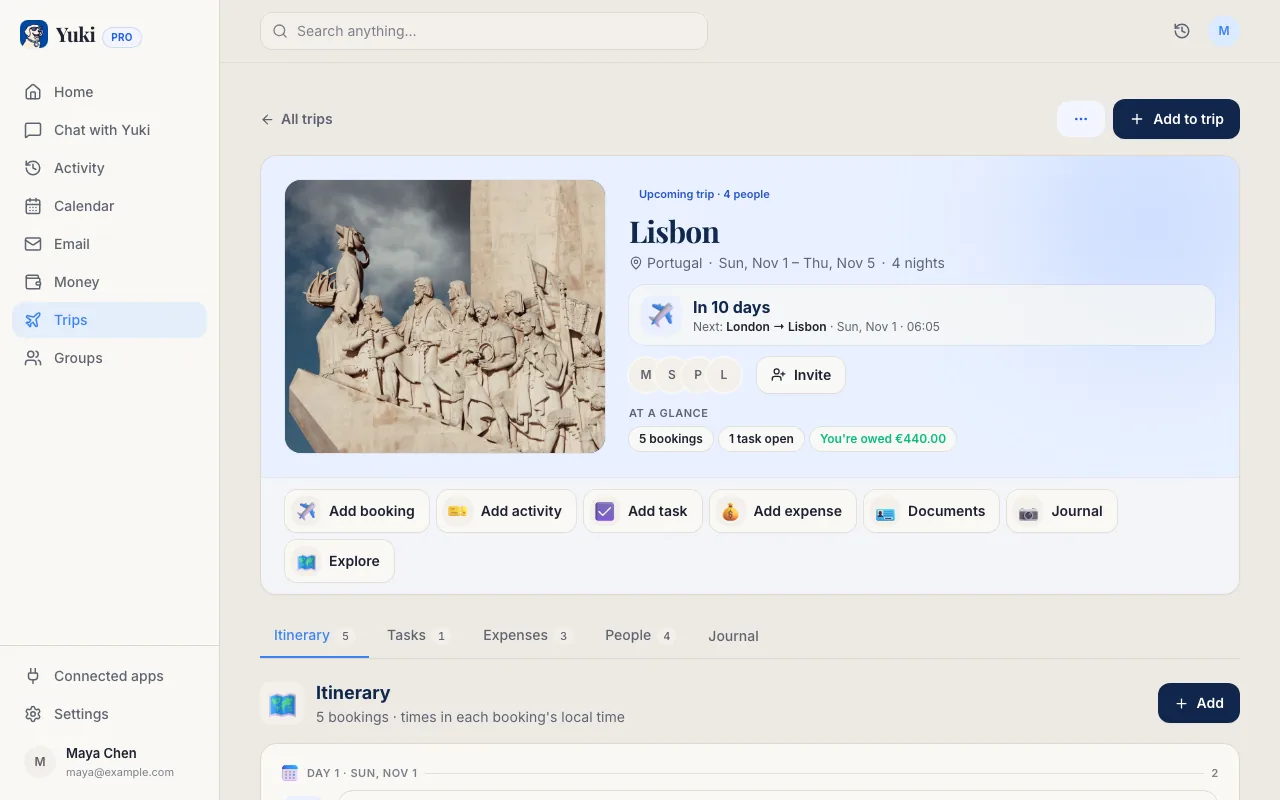
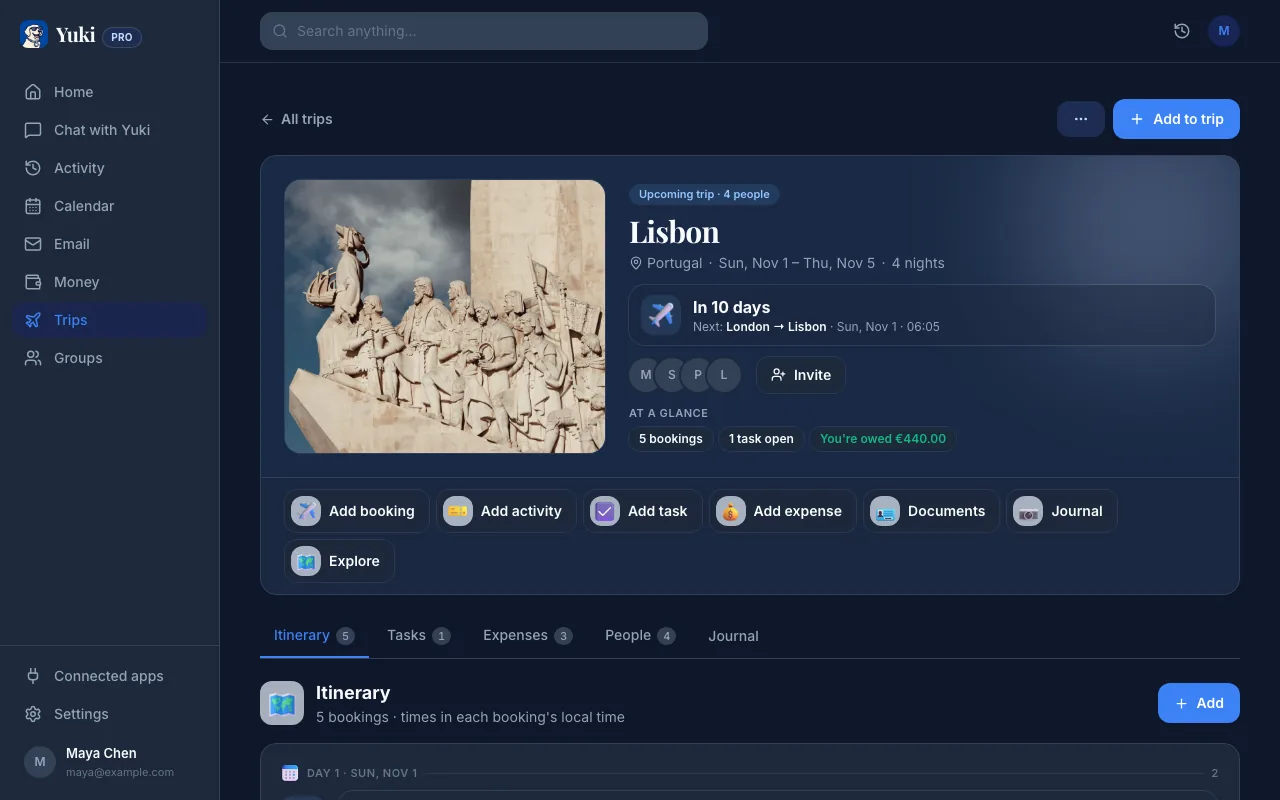
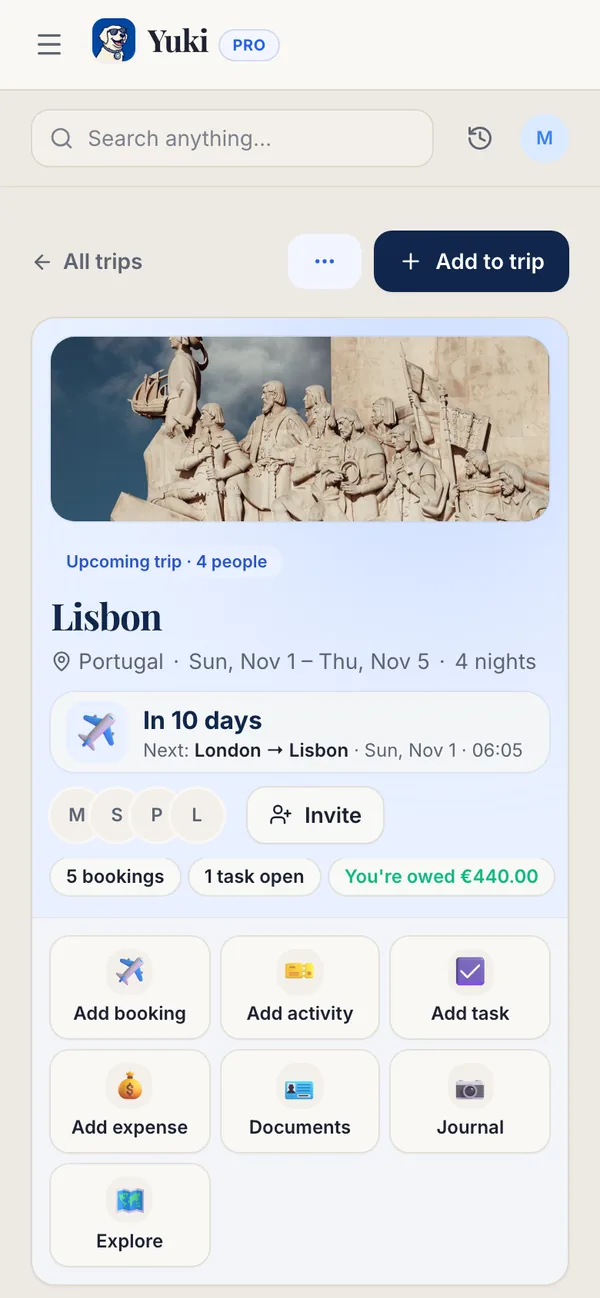
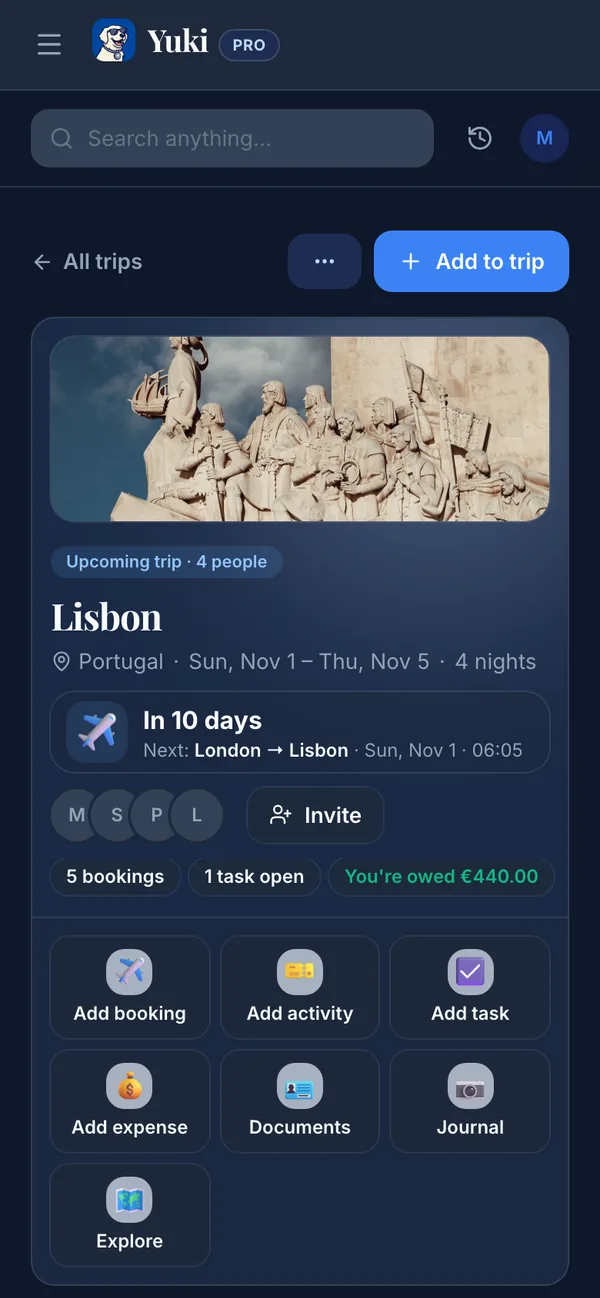
TripIt is one of the best travel organizers: forward a booking, or connect your inbox, and it builds a tidy master itinerary. Yuki builds itineraries the same way, but travel is only one part of what it organizes.
| Feature | Yuki | TripIt |
|---|---|---|
| Builds trip itineraries from booking emails | ||
| Real-time flight alerts & delay tracking | Pro (paid) | |
| Beyond travel: calendar, tasks, groceries, reminders | ||
| Writes events into Google Calendar | Pro | Calendar feed |
| Expense & subscription tracking | ||
| Natural-language AI assistant | ||
| Shared groups for couples, families & roommates | Per-trip sharing | |
| Price | Free | Free; Pro $48.99/yr (US App Store) |
Does Yuki build trip itineraries like TripIt?
Yes. Yuki turns flight, hotel and booking emails into one day-by-day itinerary you can share with everyone coming, much as TripIt does. Yuki does not have TripIt Pro's real-time flight alerts. What Yuki adds is everything around the trip: your calendar, expenses, subscriptions, tasks and shared household plans.
Choose Yuki if…
- You want one app to organize everyday life — trips, calendar, money and tasks — not just travel.
- You'd rather your inbox build your calendar, expenses and to-dos automatically than manage them by hand.
- You share plans with a partner, family or roommates and want everyone on the same page.
Choose TripIt if…
- You're a frequent flyer who wants deep, travel-specific tools like real-time flight alerts, alternate-flight finder and seat tracking (TripIt Pro).
- You want a mature, proven itinerary organizer that has been refined for travel alone for many years.
- You mainly need a clean master itinerary for individual trips and don't need broader life organization.
What does Yuki show for each trip?
Each Yuki trip has a day-by-day itinerary built from your flight, hotel and booking emails, and a destination guide: live weather with a 7-day forecast, the usual visa rule for the passports you have saved, vaccine and malaria guidance, the currency, the plug type and whether tap water is safe. Boarding passes and trip documents stay with the trip and can go into Apple Wallet. The countries you visit fill in a travel passport with a world map.
How do Yuki Free and Pro compare for trips?
On Yuki Free you can create trips and add bookings by hand, with up to 2 travellers per trip and 1 document upload a month. Pro organizes the booking confirmations already in your Gmail and removes the traveller and document limits, for a month after a 14-day trial with no card. Buying flights or hotels inside Yuki is part of Yuki Agent, which is coming soon.
How does TripIt collect bookings?
TripIt's help centre says you forward confirmations to plans@tripit.com or turn on Inbox Sync, which works with Gmail, Google Workspace, Microsoft 365, Yahoo and Outlook.com. Yuki reads Gmail only today. TripIt Pro, at $48.99 a year on the US App Store on 7 November 2026, adds real-time flight alerts, alternate flights, seat, fare and point trackers, Inner Circle sharing for a partner or assistant, and risk alerts.
How do TripIt and Yuki compare on travel documents?
TripIt's help centre says the free version uploads 3 documents per trip and Pro up to 25. Yuki Free includes 1 document upload a month; Pro has no monthly limit.
Does Yuki tell me when a flight changes?
Yes, on Pro with Gmail connected, but only from email: Yuki sends a Travel changes push when an airline or operator email says a booking moved, was delayed or was cancelled. It does not track flights live. TripIt Pro sends real-time alerts for delays, cancellations, gate changes and baggage claim, wherever the flight was booked.
TripIt says Inbox Sync imports bookings within 24 hours and, at sign-up, looks at travel emails from the last 7 days. If your company uses SAP Concur, you may get TripIt Pro free.
Can I use TripIt and Yuki together?
Yes. TripIt can stay your travel specialist, especially if your bookings arrive in Outlook or Yahoo. Yuki then covers the rest of the trip: who's coming, the shared expenses and settle-up, the destination guide, and the bills and birthdays waiting at home. Both apps run on iPhone and Android.