
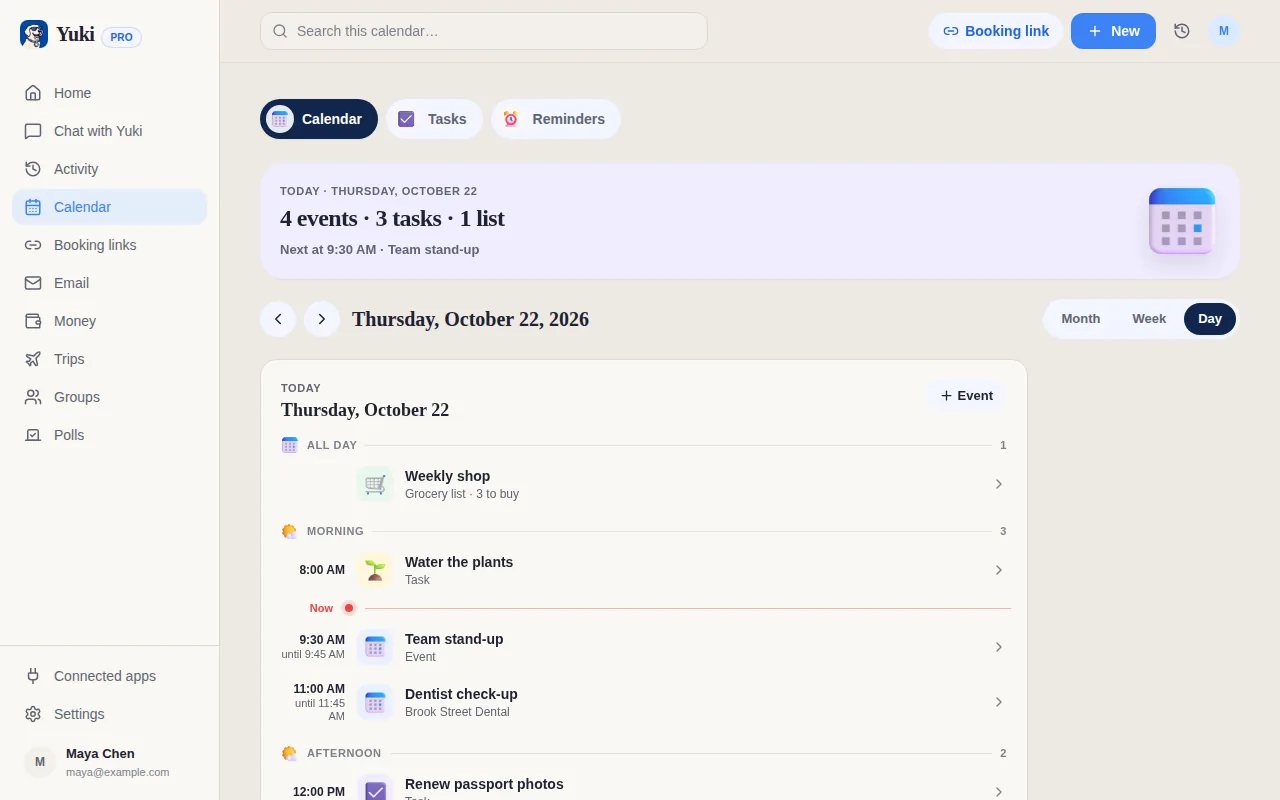
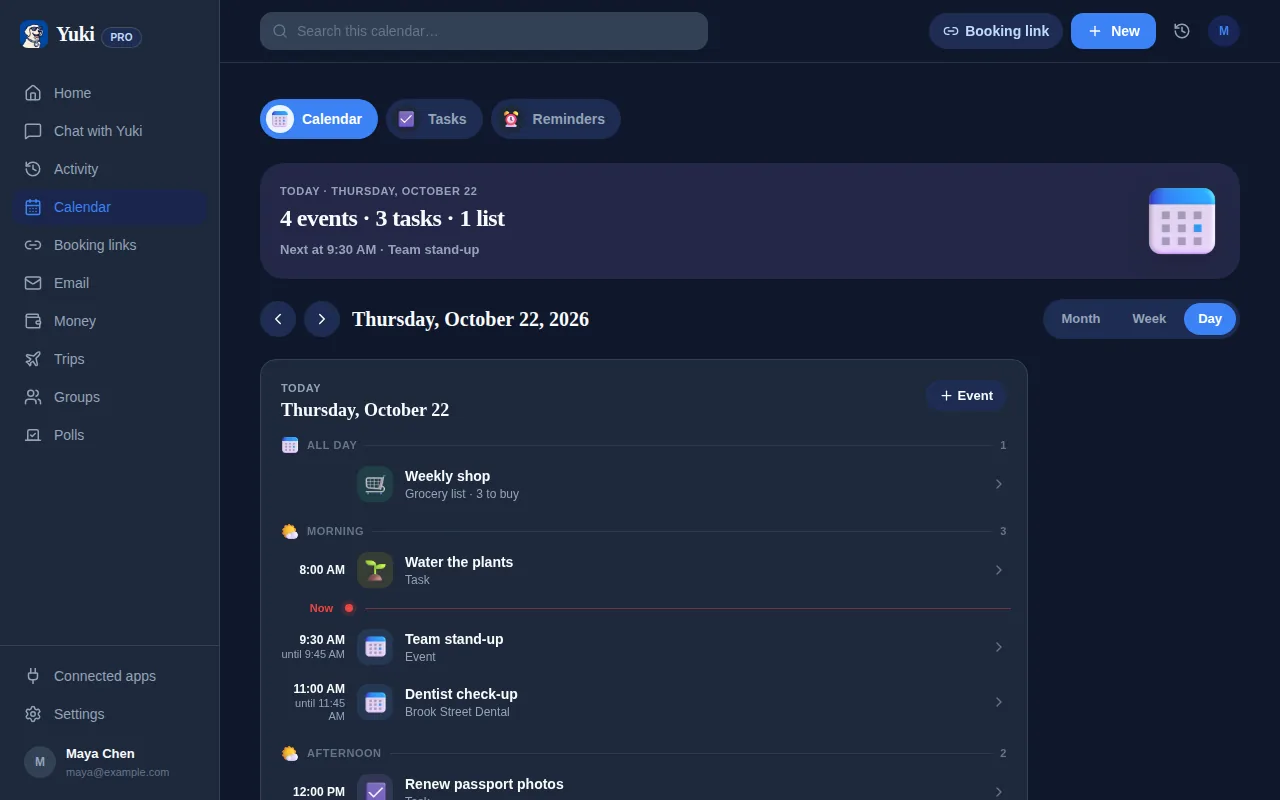
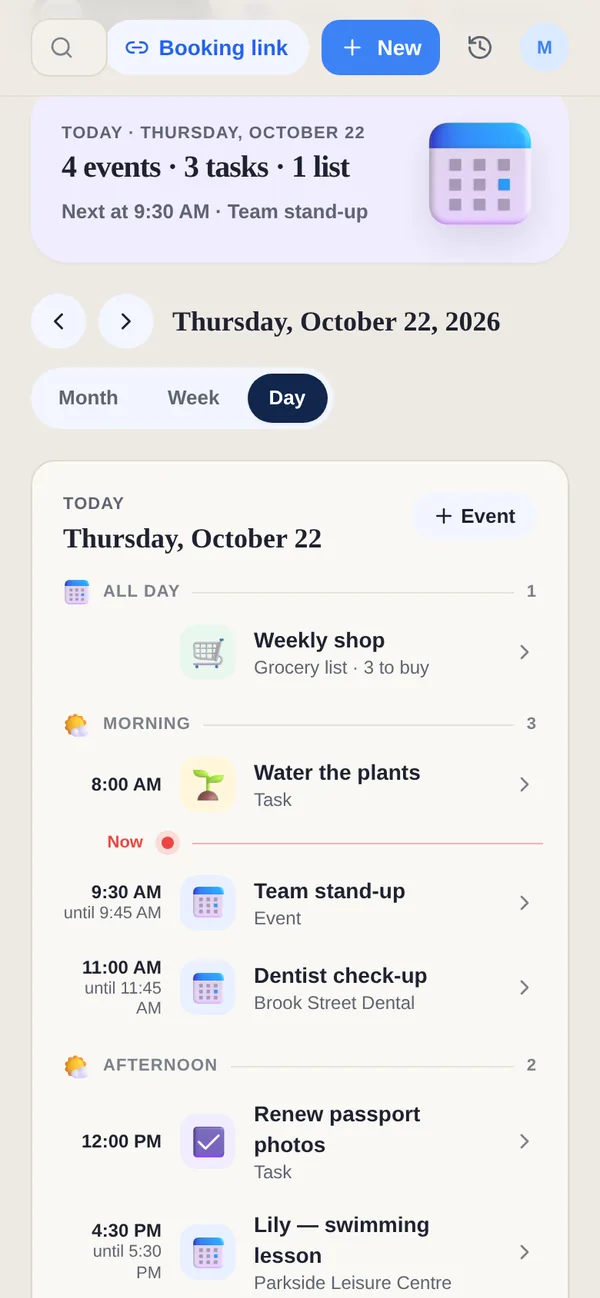
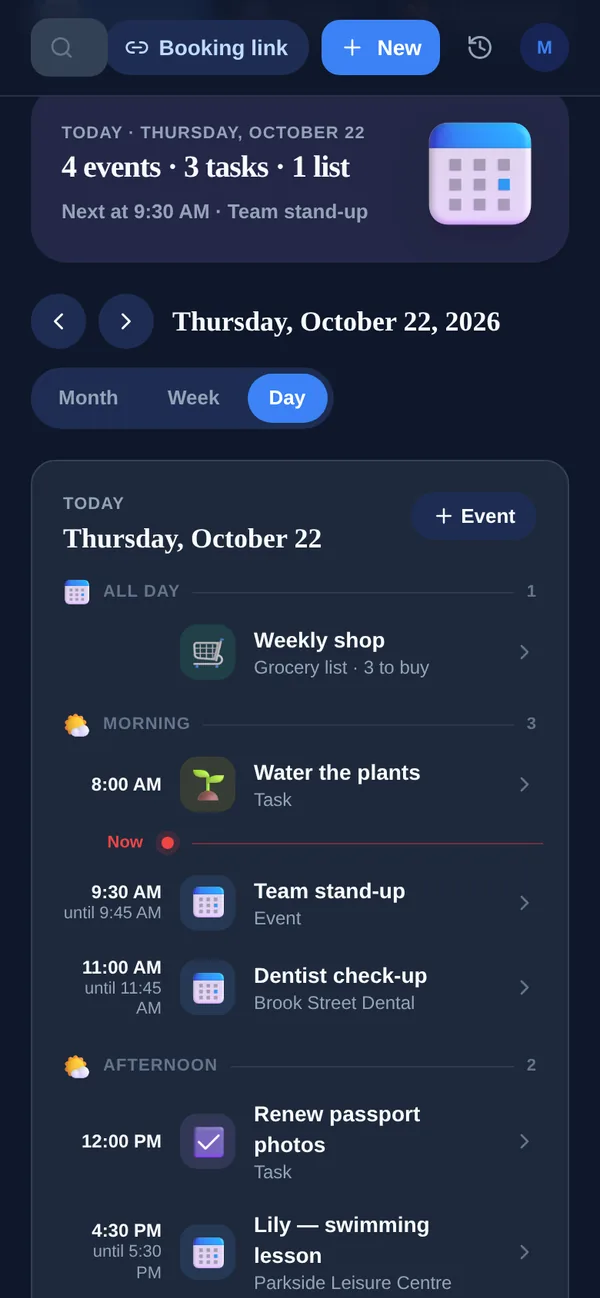
Google Calendar is the calendar most people already use, so Yuki is built to feed it rather than replace it.
| Feature | Yuki | Google Calendar |
|---|---|---|
| Calendar of events | ||
| Auto-creates events from your inbox | Limited | |
| Writes into Google Calendar | ||
| Trip itineraries from booking emails | ||
| Expense & subscription tracking | ||
| Tasks & a Day view of your plans | Basic tasks | |
| Shared household groups | Calendar sharing |
Does Yuki replace Google Calendar?
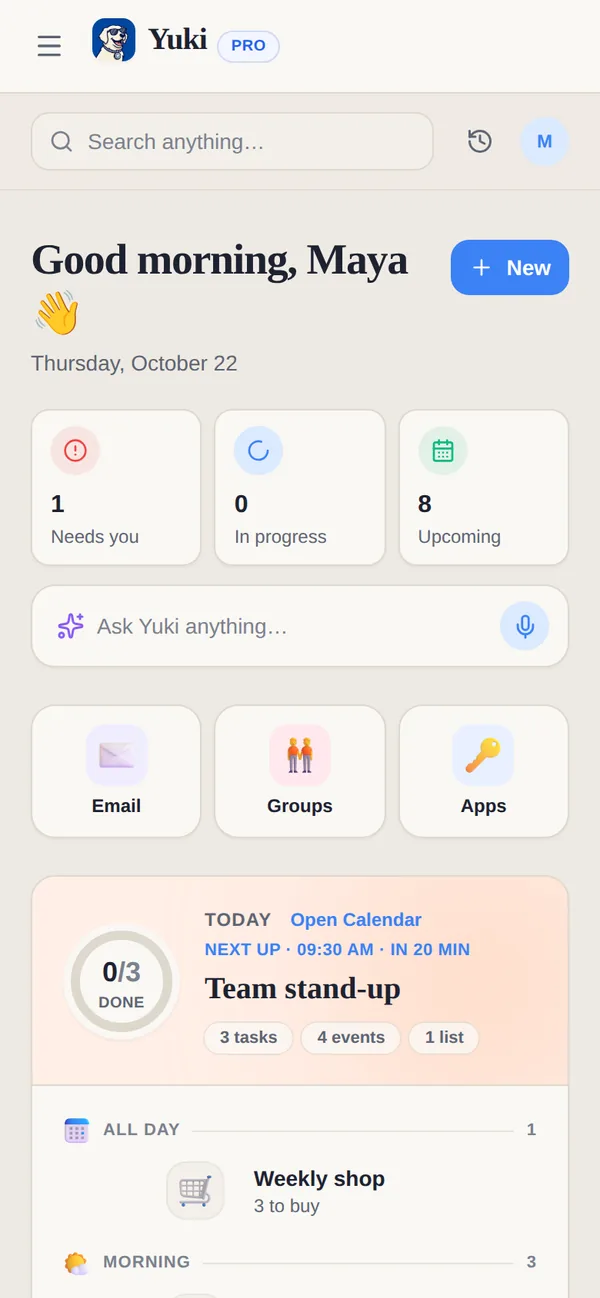
No. Yuki is built to work with Google Calendar, not instead of it. Connect your Google account and your Google Calendar events show in Yuki's Calendar next to Yuki's own, on every plan. On Pro, an event you create in Yuki can also send a copy to Google Calendar, so it appears wherever you already look.
What does Yuki add on top of Google Calendar?
Yuki adds the parts of life a calendar does not hold. Trips get a day-by-day itinerary built from flight and hotel emails, with a destination guide for weather, visa rules and plug types. Bills and subscriptions are tracked with their renewal dates and a reminder before you are charged. Tasks and grocery lists sit on the same day as your events. And a shared group gives a partner, family or flatmates one calendar, one list and one set of expenses.
Which Google Calendar features work on Yuki Free?
Seeing your Google Calendar events in Yuki works on Free and Pro. Sending a copy of an event you create in Yuki to Google Calendar, automatic Gmail sync, and Google Calendar with Google Meet for booking links are part of Pro, including the 14-day trial with no card. On an iPhone, Yuki's events can also go to Apple Calendar. Yuki's What if planner reads your Google Calendar busy times, never their titles, and writes nothing to Google Calendar.
Does Yuki work with Outlook calendars?
Not yet. Yuki connects to Gmail and Google Calendar today, and Outlook support is coming soon. If your calendar lives in Microsoft 365, Yuki cannot fill it for you yet.
Who is Google Calendar for, and who is Yuki for?
Google Calendar is for anyone with a Google Account who wants a dependable calendar. It is free for personal use, runs on the web, Android, iOS, Wear OS and Apple Watch, and Google sells business versions through Google Workspace. Yuki is for people who want the rest of everyday life organized around that calendar, such as the trip, the bill and the shared grocery list, and who share it with a partner, family or flatmates.
Doesn't Google Calendar already add events from Gmail?
Partly. Google's Calendar Help says Calendar can add flights, trains, buses, hotel and restaurant reservations, tickets and medical appointments from Gmail. The setting is off by default in the EEA, the UK, Switzerland and Japan, it needs Google's smart features turned on, and it skips emails you were cc'd on, mailing lists and redirected mail. Yuki goes further than the event: on Pro, a flight becomes a trip with an itinerary, and a bill or renewal becomes a tracked expense with a reminder.
What does Google Calendar do that Yuki doesn't?
Google Calendar is the stronger calendar for work. Anyone with a personal Google Account can create one booking page; more appointment schedules, payments through Stripe and automatic email reminders need a paid plan such as Google One Premium, Google AI Pro or a Workspace plan. Google Tasks show in Calendar once they have a date, and creating a family on Google sets up a shared Family calendar. Yuki's booking links are simpler: one active link on Free that expires after 7 days unless you renew it, and no limit on Pro.
How do I use Google Calendar and Yuki together?
- 1Connect your Google account in Yuki. Your Google Calendar events show in Yuki’s Calendar next to Yuki’s own, on every plan.
- 2Keep using Google Calendar for work meetings and invites.
- 3On Pro, let Yuki add trips, bills and appointments from Gmail, and send a copy of Yuki’s events to Google Calendar so they appear where you already look.
- 4Share a Yuki group with your partner or family for the household calendar, lists and costs.
Keep Google Calendar, and see your trips, tasks and bills next to it in Yuki. Free on iOS, Android and the web.