
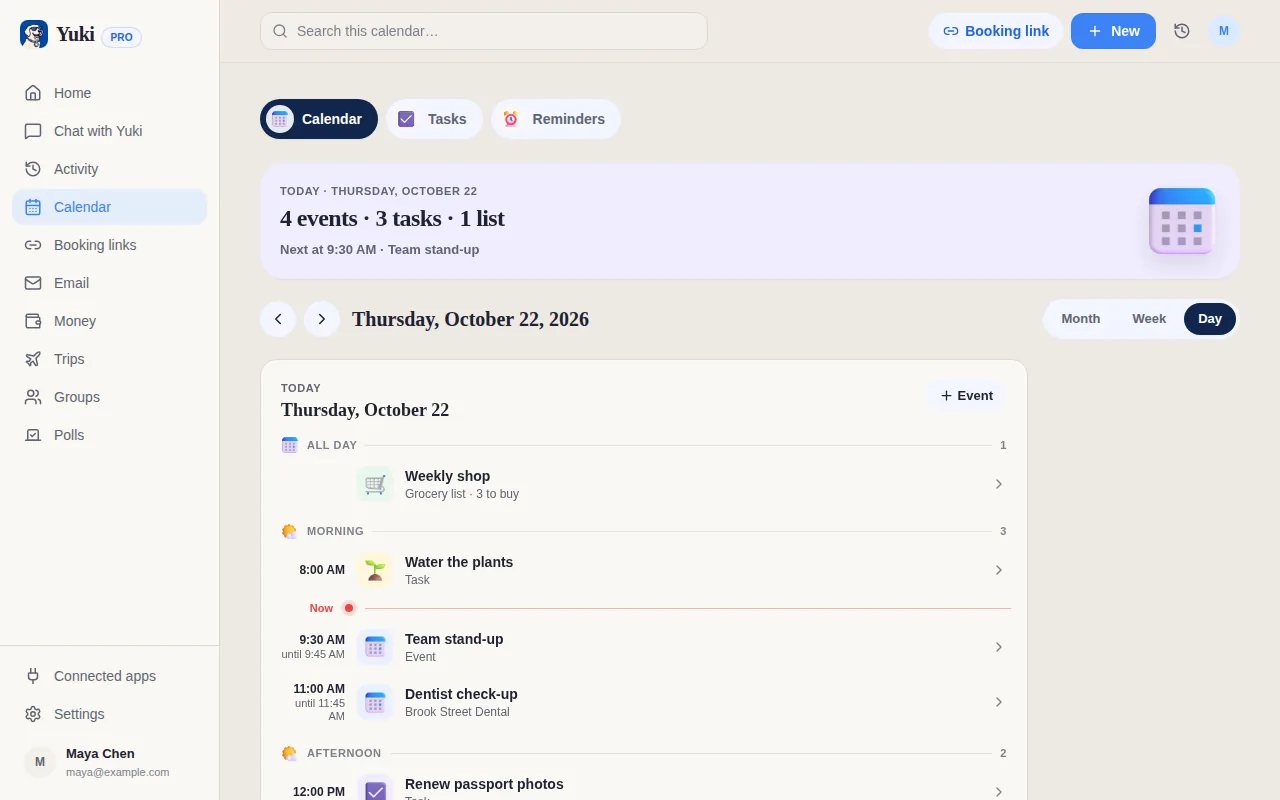
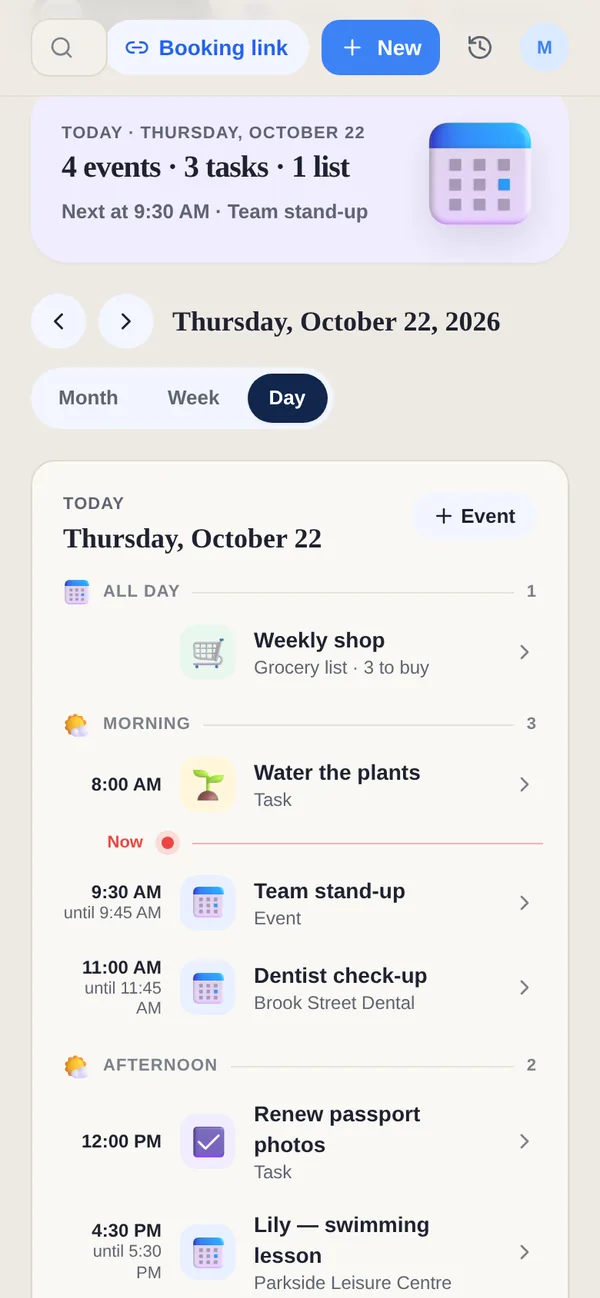
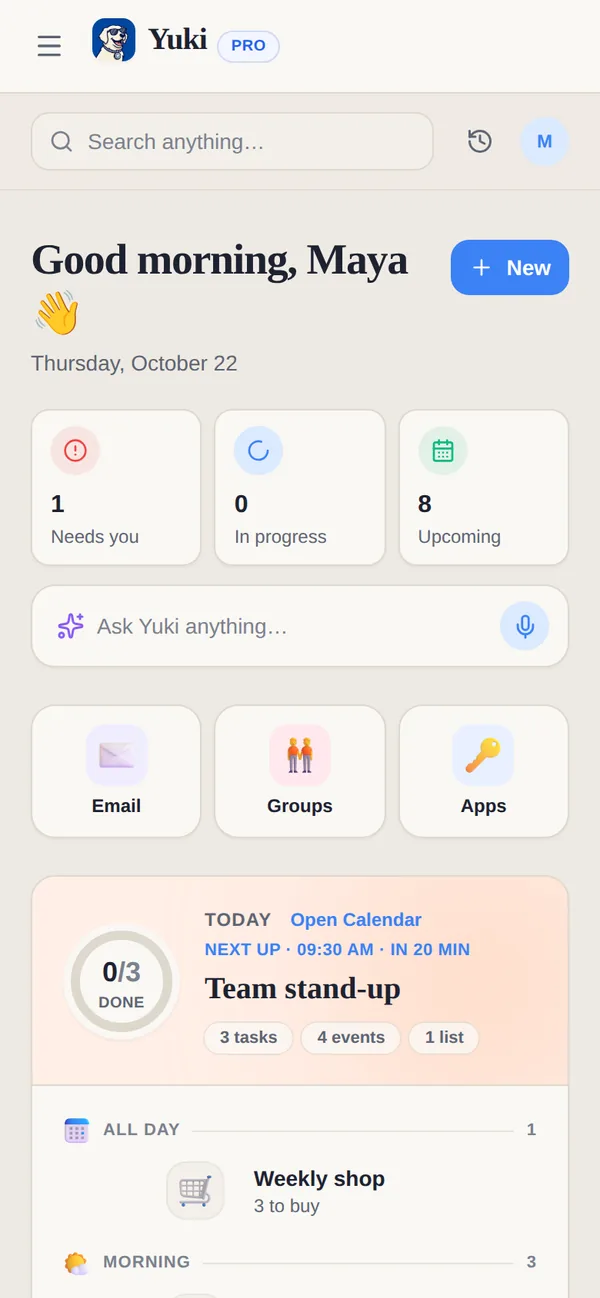
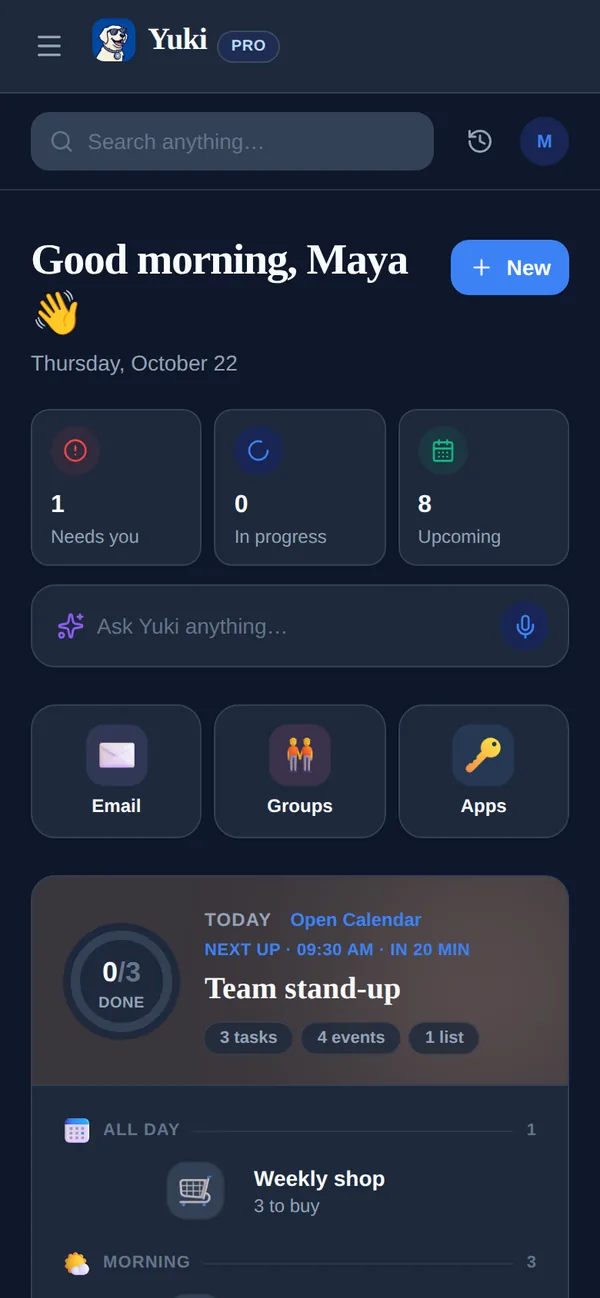
Fantastical is arguably the most refined calendar on Apple platforms, with scheduling links and deep device integration. Yuki is not trying to be a nicer calendar; it is a way to stop entering one.
| Feature | Yuki | Fantastical |
|---|---|---|
| Auto-creates events from your email inbox | ||
| Natural-language event entry | Via Yuki AI assistant | its signature feature |
| Two-way calendar sync (Google/iCloud/Exchange) | Writes two-way to Google Calendar | full calendar client |
| Expense & subscription tracking | ||
| Trip itineraries from bookings | ||
| Shared groups for families/roommates | Shared groups + tasks & lists | Calendar sharing only |
| Platforms | iOS, Android + web | Apple (iPhone, iPad, Mac, Watch) + Windows; no Android |
| Price | Free | Free tier + Premium ($6.99/mo or $56.99/yr) |
Is Fantastical a better calendar than Yuki?
As a calendar app on Apple devices, yes: Fantastical has fast natural-language entry, calendar sets and deep device integration. Yuki is not trying to be a nicer calendar. It fills your calendar from your inbox, adds trips, expenses and shared plans, and runs on Android and the web as well as iOS, which Fantastical does not.
Choose Yuki if…
- You want your calendar, trips, and expenses built for you from email instead of typed in by hand
- You're on Android, or you coordinate with people who are, and need one app that works across both platforms
- You want to track spending, subscriptions, and travel alongside your schedule, and share it with a partner or household
Choose Fantastical if…
- You live in the Apple ecosystem (or on Windows) and want the most polished, native calendar experience on Mac, iPhone, iPad, and Watch
- Fast, precise natural-language event entry and features like calendar sets, weather, and scheduling links matter most to you
- You prefer a focused, best-in-class calendar client rather than a broader life-organization app
Does Yuki have scheduling links like Fantastical?
Yes, Yuki booking links. People see only your free times, in their own time zone, and book without an account; your Yuki events and timed tasks count as busy. Yuki Free includes 1 active booking link that expires after 7 days and can be renewed; Pro has no limit and adds Google Calendar with Google Meet.
How much does Yuki cost compared with Fantastical?
Yuki is free on iOS, Android and the web, and Yuki Pro costs a month after a 14-day trial with no card. Fantastical has a free tier and Flexibits Premium, at $6.99 a month or $56.99 a year on the US App Store on 7 November 2026. Pro removes Yuki's daily limit of 10 new items and adds automatic Gmail sync.
What does Fantastical's free plan include?
Flexibits' pricing page lists the free plan with calendar accounts, natural-language entry, every view, tasks, one calendar set and a 3-day weather forecast. Premium adds email forwarding, unlimited calendar sets, Openings and Proposals for scheduling, and a 10-day forecast. Premium for Families covers up to 5 people, at $89.99 a year on the US App Store. Flexibits says an Android app is planned for 2027.
Can I use Fantastical and Yuki together?
Yes. Fantastical connects to iCloud, Google, Microsoft 365, Exchange and CalDAV calendars. If Yuki sends your events to Google Calendar on Pro, or to Apple Calendar on an iPhone, the trips and appointments Yuki finds in your email appear in Fantastical without retyping them.