
Yuki Guide
Calendar & Events
Your events in Yuki, synced both ways with Gmail and Google Calendar.
Add events directly in Yuki and keep them in step with the calendar you already use. Events appear alongside your tasks and reminders so your whole day is in one timeline.
Add and manage events
- 1Tap + and choose Event.
- 2Set the title, date, time and any details.
- 3Add a reminder so Yuki nudges you ahead of time (Pro).
Sync with Gmail & Google Calendar
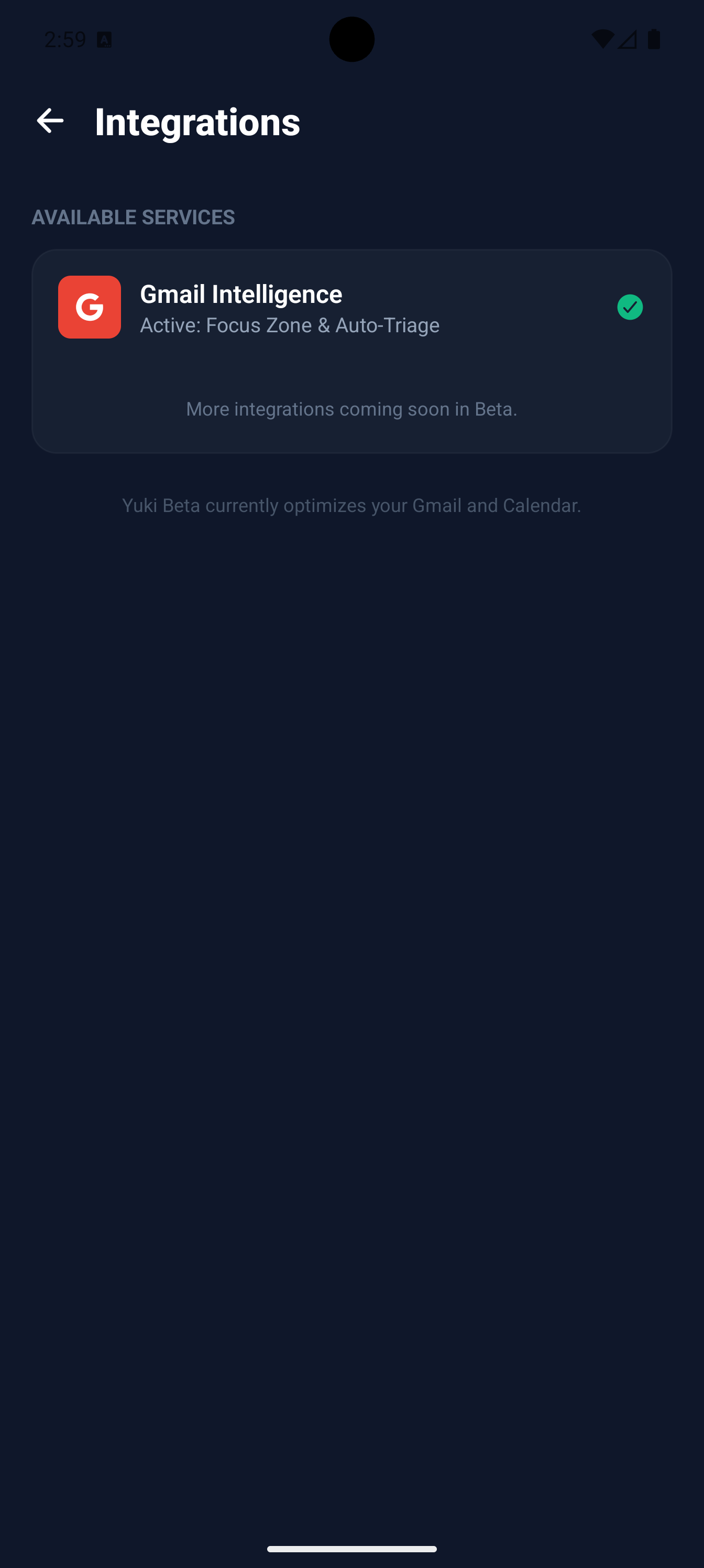
Connect your Google account and Yuki keeps your events in sync, events created in Yuki appear on your Google Calendar, and the things already on your calendar show up in Yuki.
See events where you work
Your events surface on both the Home screen and the Day Organizer, so you see them in the context of everything else happening that day.
| Capability | Free | Pro |
|---|---|---|
| Create & manage events | Included | Included |
| Calendar sync | Included | Included |
| Auto Gmail sync | , | Included |
| Reminders | , | Included |