
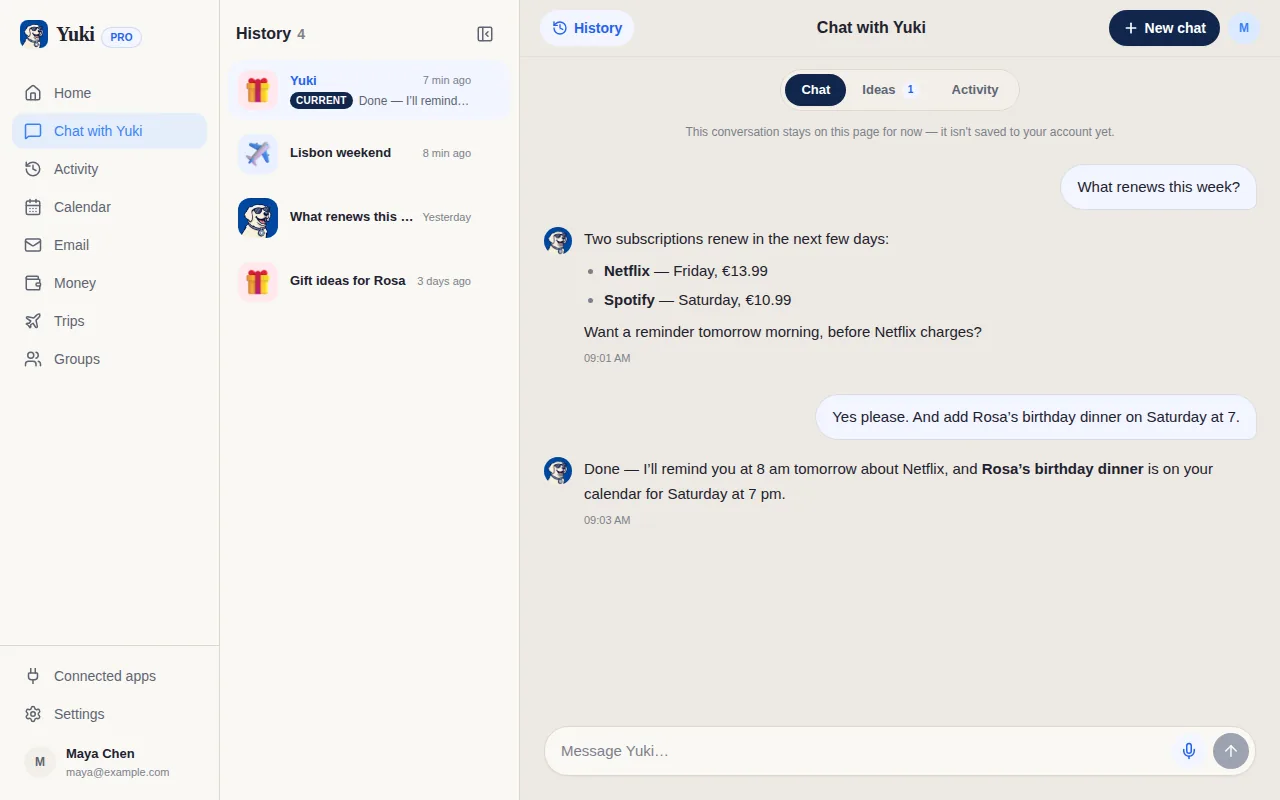
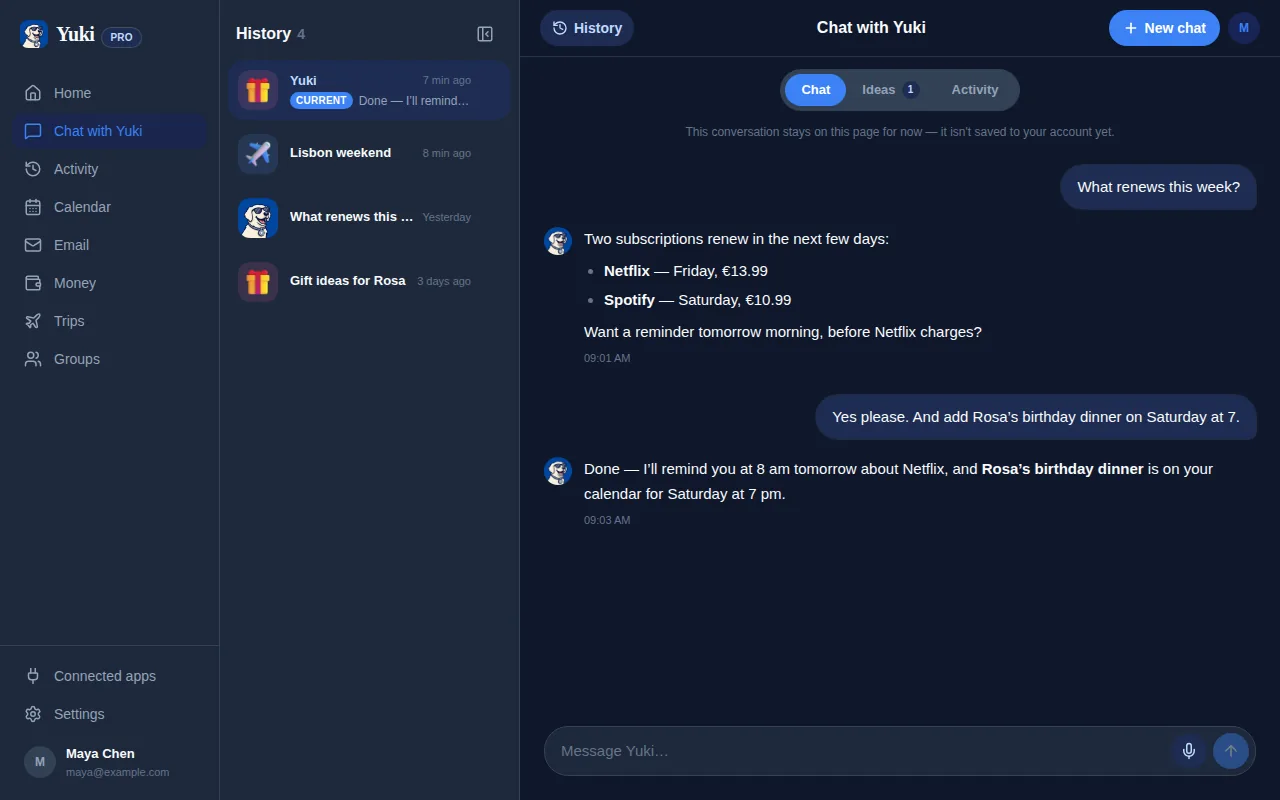
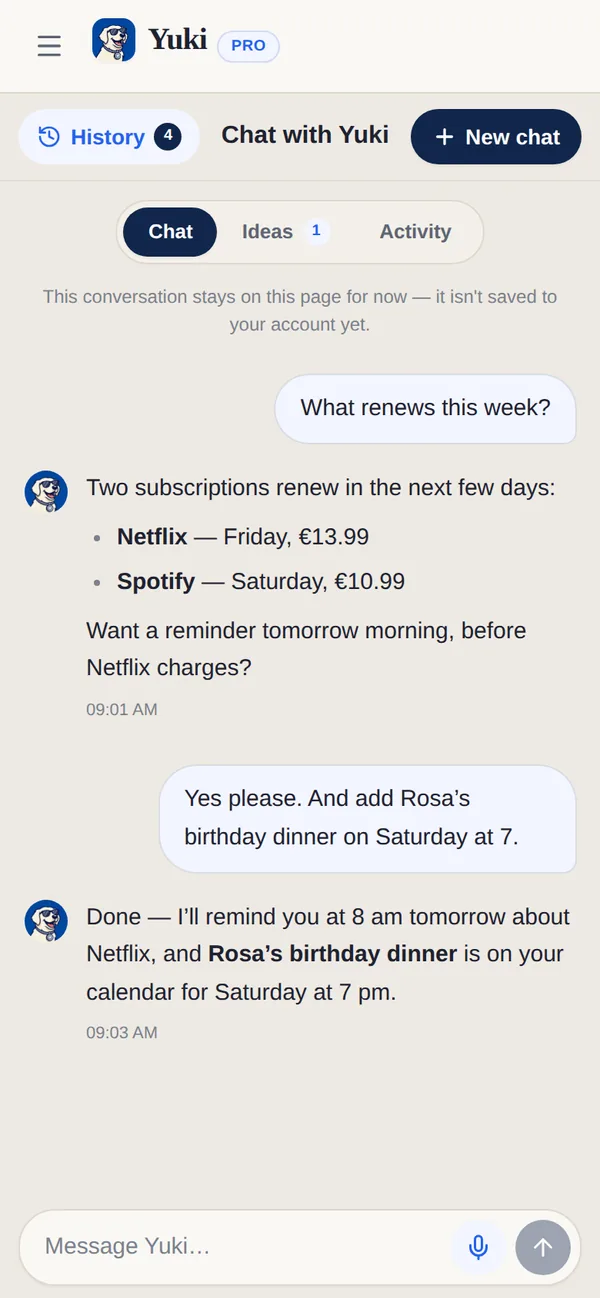
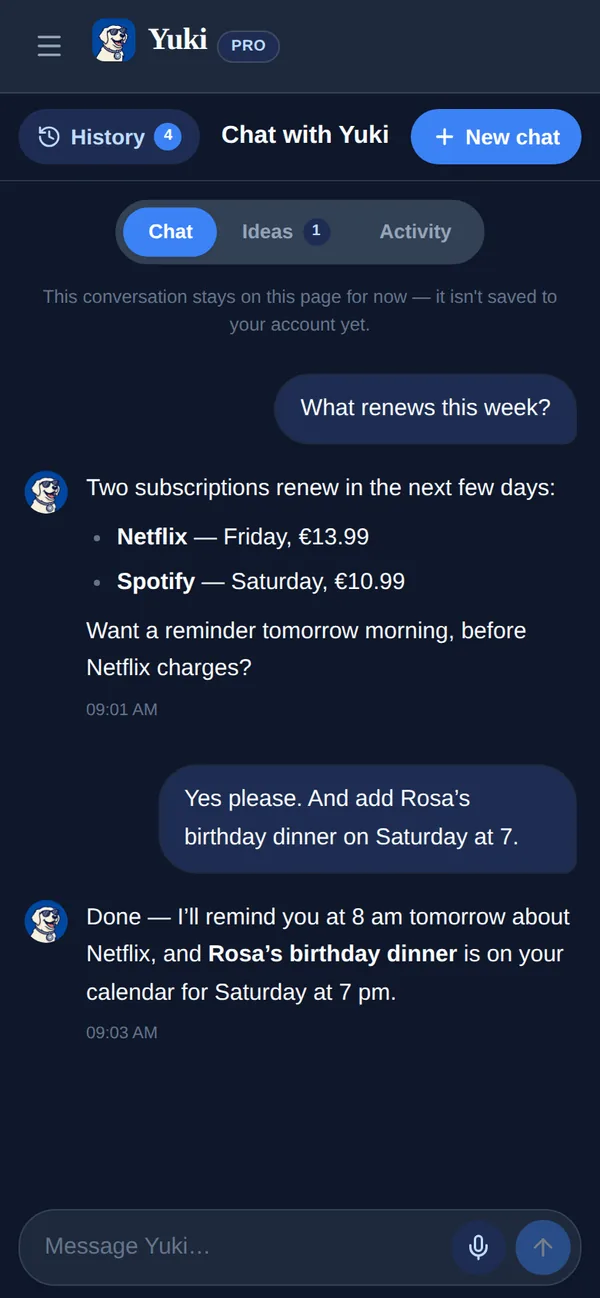
Gemini is a brilliant general-purpose assistant that reasons, writes, codes and taps Google's knowledge whenever you ask. Yuki is not something you consult; it runs in the background and reduces how much you have to remember.
| Feature | Yuki | Google Gemini |
|---|---|---|
| Auto-organizes your inbox into a live calendar, trips & expenses | ||
| General-purpose AI (writing, coding, open questions) | Life-focused only | |
| Multimodal (images, voice, general knowledge) | ||
| Writes events into Google Calendar | Yes, when you ask | |
| Tracks expenses & subscriptions | ||
| Builds trip itineraries from booking emails | ||
| Shared groups for couples, families & roommates | ||
| Platforms & price | iOS, Android & web; free to start | Web, iOS, Android & Mac; free + three paid plans |
Should I use Gemini or Yuki?
Use Gemini for open questions, writing, research and coding; use Yuki to keep your calendar, trips, expenses and shared plans up to date from your inbox. Gemini can answer questions about your Gmail on demand through Workspace, but it does not keep a live calendar, trip itineraries or an expense ledger. Many people use both.
Choose Yuki if…
- You want your trips, bills, subscriptions and calendar organized for you automatically, not re-typed into a chat each time.
- You want events written into Google Calendar and itineraries built from your inbox without asking.
- You need to share plans, expenses and reminders with a partner, family or roommates in one place.
Choose Google Gemini if…
- You want a genuinely general-purpose AI for writing, research, coding and open-ended questions.
- You value multimodal help — images, voice and Google's broad knowledge in one assistant.
- You're already deep in Google Workspace and want AI to draft, summarize and answer across Gmail and Docs on demand.
Does Yuki use Gemini?
Yes, to read your email. The AI that reads your email in Yuki runs on Google Vertex AI in the EU, using Gemini models, with Anthropic's Claude, also served by Vertex AI in the EU, as the backup. That is not the same as the Gemini app. The Gemini app answers what you ask; Yuki uses a model to read confirmations, bills and invites and keep your calendar, trips and expenses up to date.
Does Yuki train AI on my Gmail?
No. Yuki does not train any AI model on your data, people on the Yuki team do not read your email, and Gmail data is used only for the Yuki features you turn on, never for advertising. Yuki completed an independent CASA Tier 2 security assessment for its Gmail access in March 2026. You can disconnect Gmail in the app, or remove Yuki at myaccount.google.com/permissions, at any time.
What do Google's AI plans cost?
On Google's US Gemini subscriptions page on 7 November 2026: Gemini is free, with 15 GB of storage; Google AI Plus is $4.99 a month; Google AI Pro is $19.99 a month, with 5 TB; and Google AI Ultra is $99.99 or $199.99 a month. Prices differ by country. Yuki is free on iOS, Android and the web, and Yuki Pro costs a month after a 14-day trial with no card.
Can Gemini add events to my Google Calendar?
Yes. With Google Workspace connected, Gemini can create, edit, reschedule and cancel Google Calendar events from what you type, an email or a photo, though Google says it can't add or invite people to events. It can also add and edit Google Tasks and create Keep notes, and scheduled actions run a prompt on a schedule, up to 10 at a time. Yuki starts somewhere else: on Pro it reads new Gmail on its own and files each confirmation as a trip, expense or event, without a prompt.
What is Tasks in Gemini?
Tasks in Gemini is Google's feature for work that runs on a schedule or when something happens, such as searching, drafting and labelling Gmail or rescheduling events. Google says it asks before sending messages or making purchases. It needs Google AI Pro or Ultra, a personal account and an age of 18 or over, and it is not available in the EEA, the UK, Switzerland or Nigeria. Yuki is available across Europe on iOS, Android and the web.