
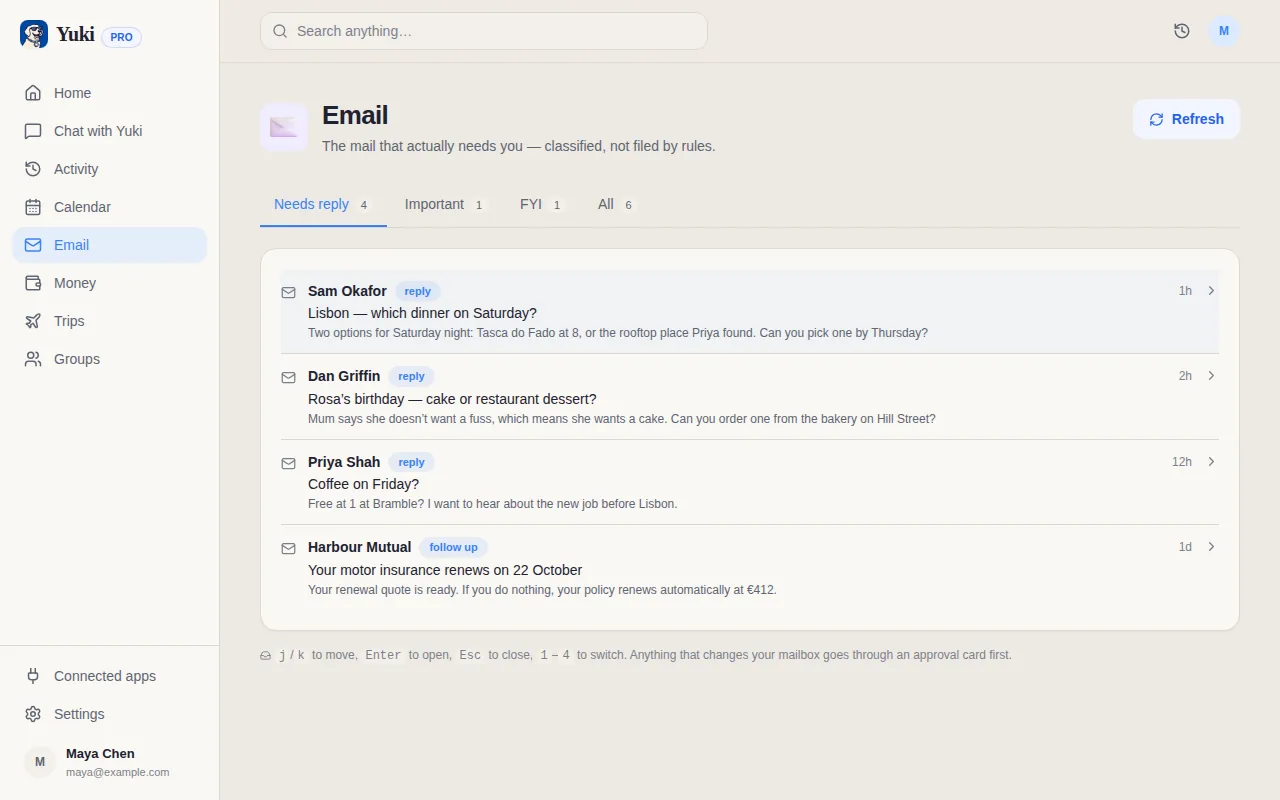
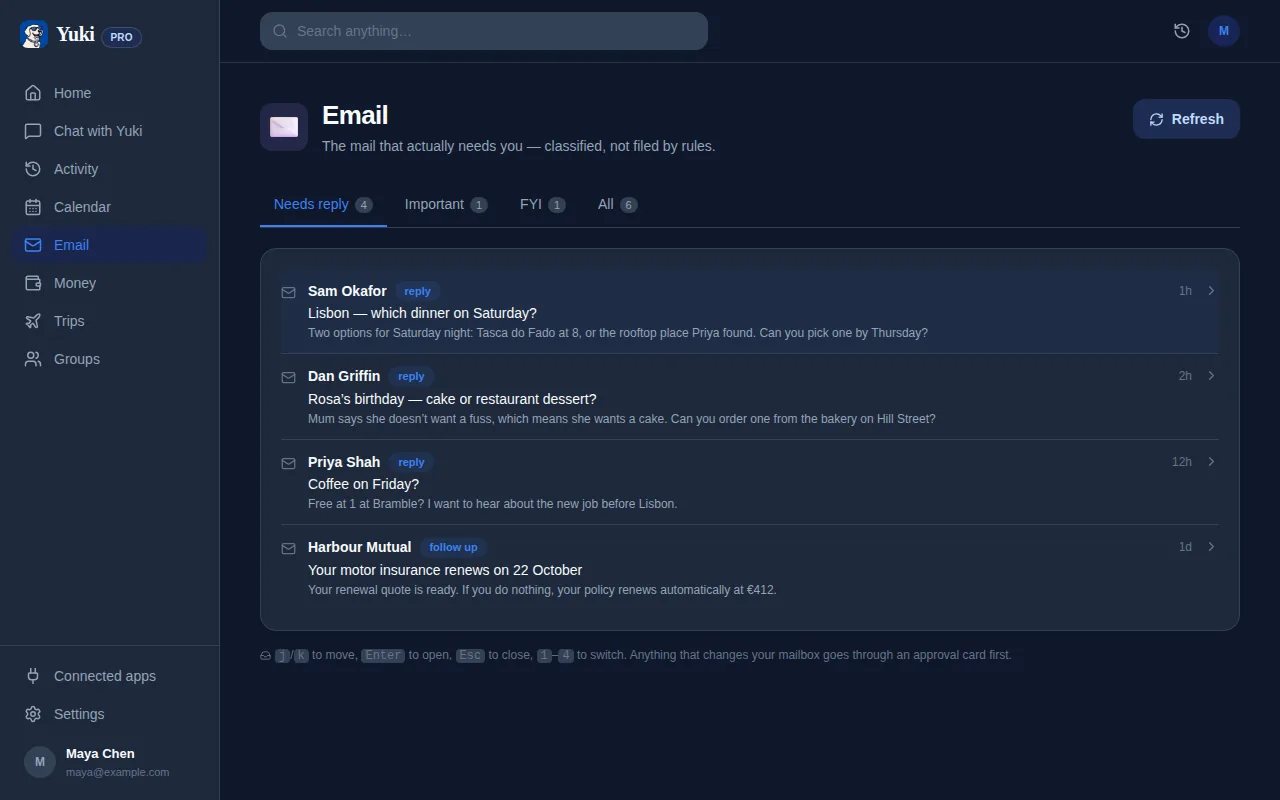
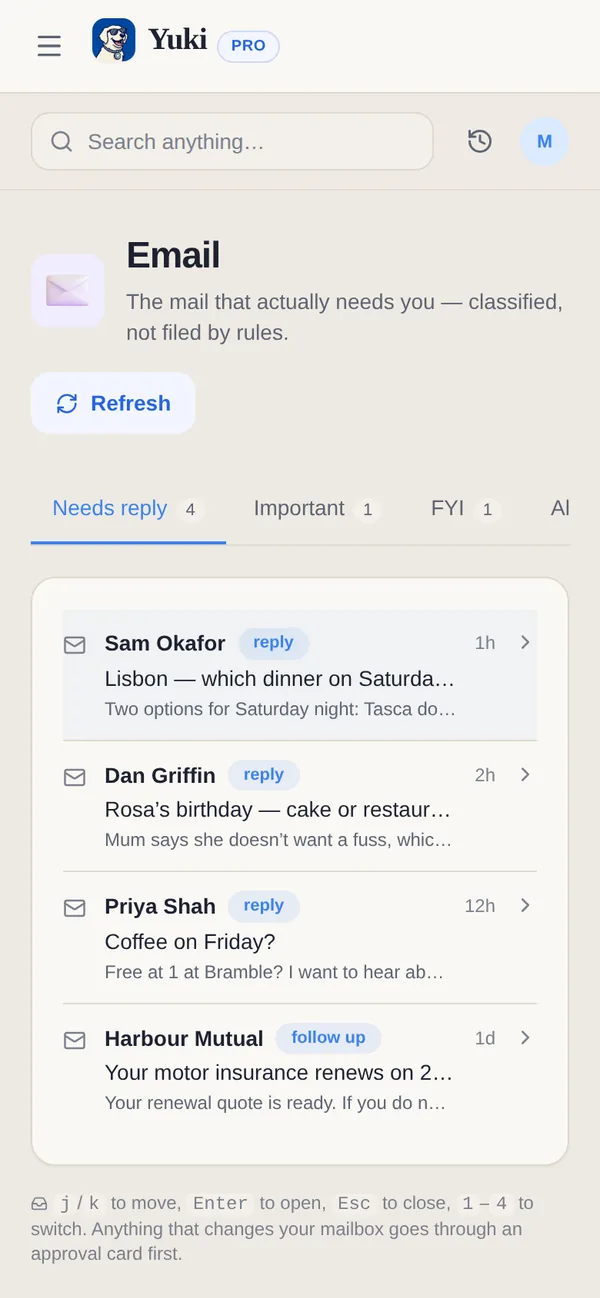
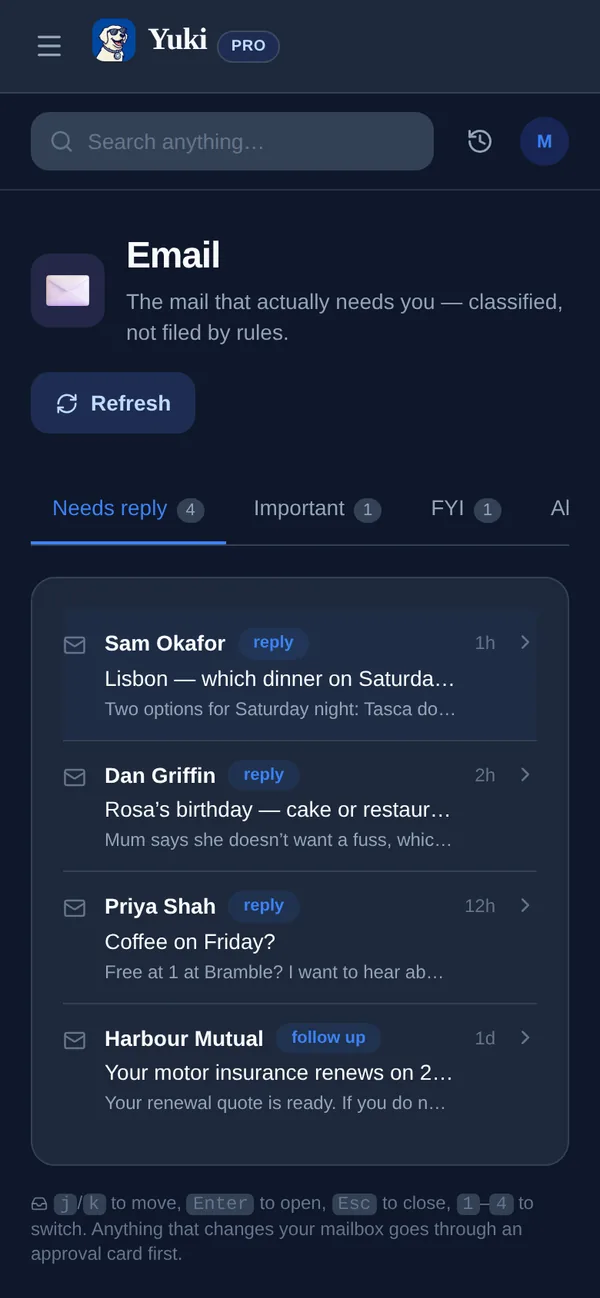
The handful of emails that actually need you get buried under everything else, so answering them turns into a daily search-and-triage chore. Yuki's AI inbox flips that: Focus Emails pulls out the messages that genuinely need a reply and leaves the noise behind. For the ones that matter, it drafts a response for you to review, and nothing goes out until you approve the send. You can also ask about your inbox in plain language — in any language — like "what still needs a reply?" It reads the Gmail you already have, so remembering who's waiting on you stops living in your head.
What it does
- Focus Emails — surfaces the messages that actually need a reply, not the noise.
- AI-drafted replies — Yuki drafts a response; you review it and approve each send.
- Ask in plain language — query your inbox with Yuki AI in any language.
- Cuts the clutter — separates what needs you from what can wait.
- Works with what you have — reads your existing Gmail inbox.
How it works
- 1Connect Gmail.
- 2Yuki identifies the emails that actually need a reply and puts them in Focus Emails.
- 3Review an AI-drafted reply, edit it if needed and approve the send, or ask Yuki AI about your inbox in natural language.
Part of Pro, including the Pro trial. Focus Emails and AI-drafted reply suggestions are part of Yuki Pro, including the Pro trial. You approve each send; Yuki never sends a reply on its own.
Frequently asked questions
How is this different from Yuki’s email assistant?
The email assistant works in the background, turning confirmations and receipts into trips, expenses, events and tasks. The AI inbox is about the emails you still need to read and answer — Focus Emails surfaces the messages that actually need a reply and helps you respond, rather than filing things away.
What are AI-drafted reply suggestions?
For Focus Emails, Yuki can draft a reply so you are not writing from scratch. You review and edit the draft, and nothing is sent until you approve that send. Focus Emails and AI-drafted replies are part of Pro, including the Pro trial.
Does Yuki send emails on its own?
No. Yuki drafts; you approve each send. It does not reply, negotiate or send on your behalf without your approval. Negotiating on an email thread is part of Yuki Agent, which is coming soon, and there too you approve every message before it sends.
Can Yuki negotiate a price over email?
Email negotiation is part of Yuki Agent, which is coming soon. On a Gmail thread where you are buying or selling, you set your goal, currency, total price limit and deadline. Yuki drafts each message and you approve every one before it sends. It never discloses your private limit, any agreement or payment needs your separate confirmation, and there is no automatic sending. Gmail only.
Can I ask Yuki questions about my inbox?
Yes. With Yuki AI you can ask about your inbox in natural language — in any language — like “what still needs a reply?” or “did I get the booking confirmation?” — and get a straight answer.