
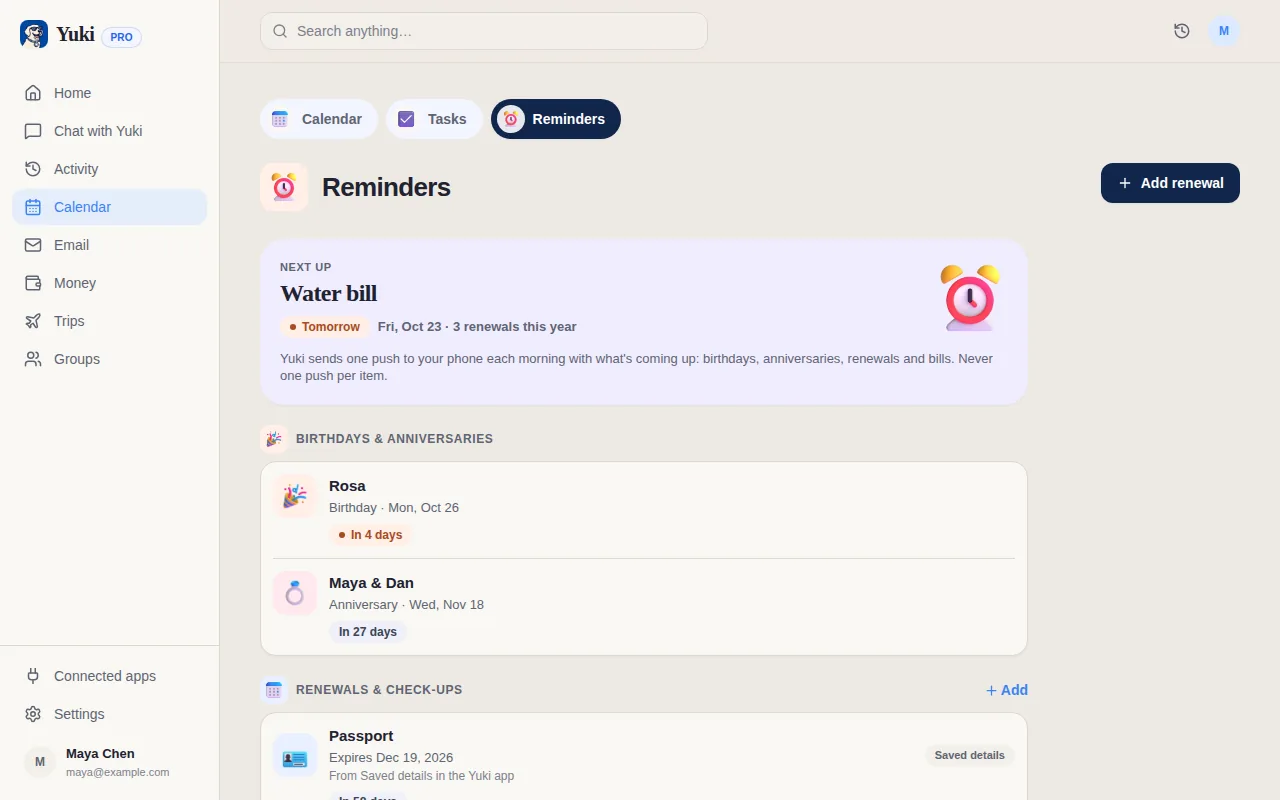
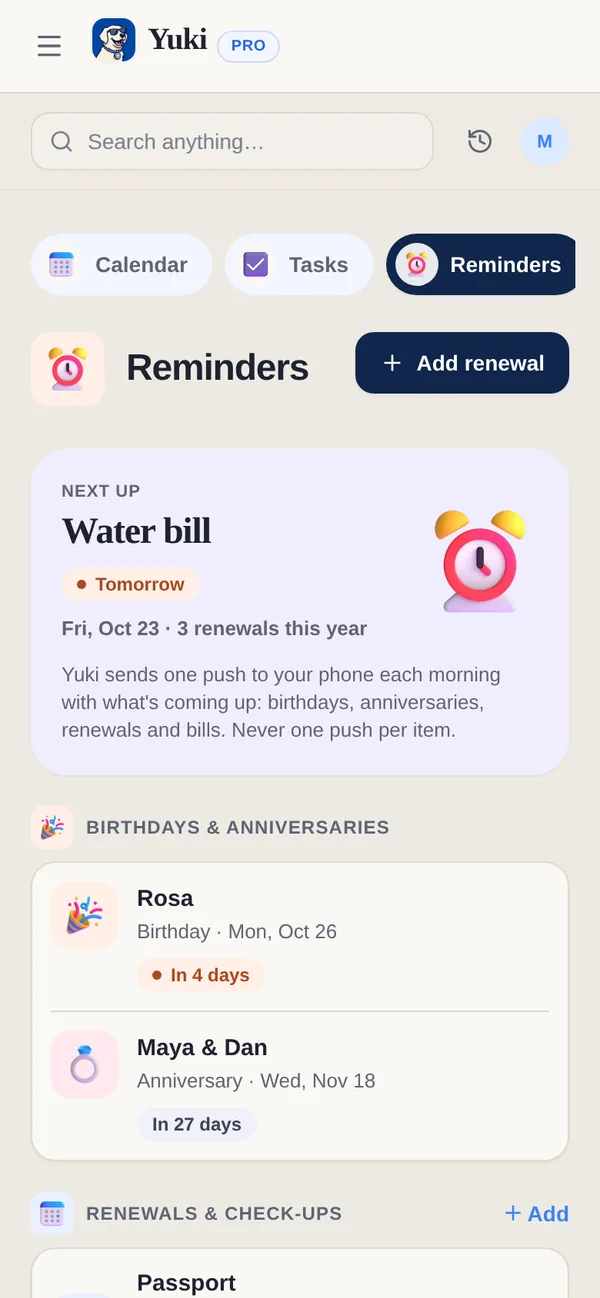
Apple Reminders is built into iPhone, iPad and Mac. Yuki is broader, and it also runs on Android and the web.
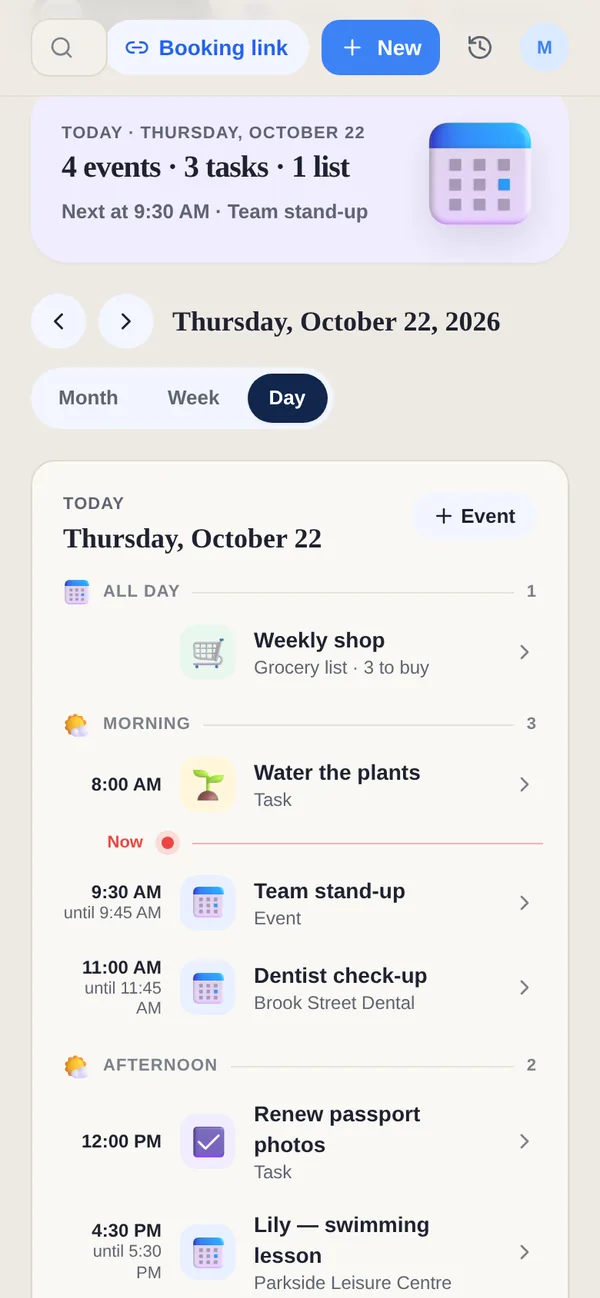
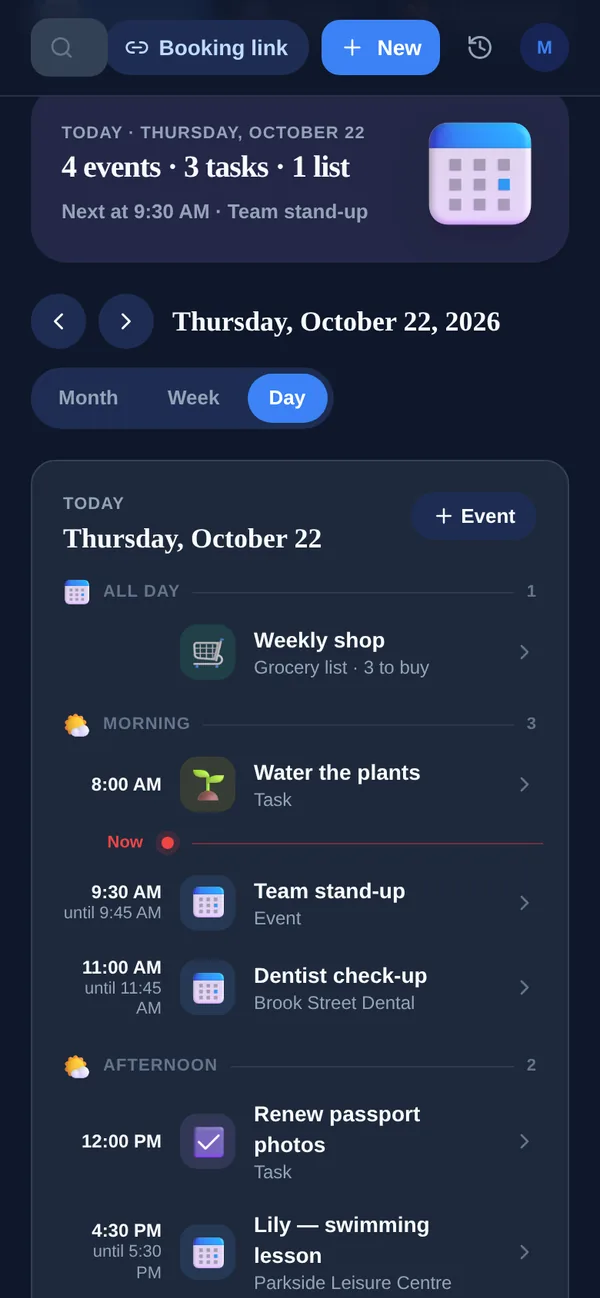
| Feature | Yuki | Apple Reminders |
|---|---|---|
| Manual reminders & lists | ||
| Auto-creates reminders from email | Suggestions from an email you share | |
| Expense & subscription tracking | ||
| Trip itineraries from booking emails | ||
| Writes events to Google Calendar | Pro | |
| Works on Android | No app; iCloud.com in some browsers | |
| Shared household groups | Shared lists |
Does Yuki work on Android, unlike Apple Reminders?
Yes. Yuki runs on iOS, Android and the web with one account, so a household with both iPhones and Android phones can share the same reminders and lists. Apple Reminders has apps only for Apple devices; elsewhere you open it at icloud.com/reminders in a browser. On an iPhone, Yuki's events can also go to Apple Calendar.
Which reminders does Yuki create for you?
Yuki gives you a heads-up before a bill is due, a subscription renews, a trip starts or a birthday comes up. Bills and renewals come from the receipts and renewal notices in your Gmail; birthdays and anniversaries come from the people you add. On Free, reminders cover birthdays and anniversaries. Pro adds reminders at the exact time you set for tasks and events, including recurring ones, and automatic Gmail sync, with a 14-day trial that needs no card.
Can I share lists in Yuki like in Apple Reminders?
Yes. A Yuki grocery list can be personal or shared with a group: anyone in the group adds items, and whoever is shopping sees the full list in real time. Tasks can be shared with a group too. Apple's shared lists need everyone to have an Apple Account; in Yuki, everyone can be on iOS, Android or the web.
Is Apple Reminders better for anything?
For simple lists on Apple devices, yes. Apple Reminders is clean and reliable for lists you type in yourself, and if everyone in your home uses Apple devices and your lists are short, it may be all you need. Yuki earns its place when reminders should come from your inbox, or when someone in the house uses Android.
What can Apple Reminders do that Yuki can't?
Apple Reminders has some features built deep into Apple's devices. According to Apple's iPhone User Guide:
- Grocery lists sort items into categories such as Produce and Seafood by themselves.
- A reminder can go off when you arrive somewhere, get into a car paired over Bluetooth, or message a particular person.
- Lists can have sections, subtasks and a Columns view, and Apple Intelligence can sort reminders into sections.
- On an iPhone 15 Pro or newer, Apple Intelligence can suggest reminders from an email you share to Reminders.
How much does Apple Reminders cost?
Apple Reminders is free, built into iPhone, iPad and Mac, and syncs through iCloud. Sharing a list needs everyone to have an Apple Account with Reminders turned on in iCloud. Yuki is free on iOS, Android and the web, with up to 10 new or changed items a day. Yuki Pro, at a month after a 14-day trial with no card, adds reminders at the exact time you set and automatic Gmail sync.
Can I use Apple Reminders and Yuki together?
Yes. Keep quick personal lists and location reminders in Apple Reminders, and let Yuki handle what arrives by email and what you share with people on other phones. On an iPhone, Yuki's events can also go to Apple Calendar, so the bills, trips and appointments Yuki finds sit in Apple Calendar next to your dated reminders.
Can I assign a reminder to someone in Apple Reminders?
Yes, in a shared list. Apple's guide says you can assign reminders to the people you share a list with, and reminders with a date also show in Apple Calendar. Reminders also offers early reminders, repeats and an Urgent alarm. In Yuki, a task in a group is visible to everyone in it, and any member can tick it off from Home or Calendar.
What else does Apple Reminders do with lists?
- Smart Lists such as Today, Scheduled, Flagged and Assigned to Me collect reminders from all your lists.
- Templates: save a list to reuse, such as a packing list, and share it with others by link.
- Notifications when someone adds or completes an item on a shared list.
- Deleted reminders stay in Recently Deleted for 30 days.
Apple Intelligence on an iPhone 15 Pro or newer can also create reminders from a sentence you type. In Yuki you can type the same kind of sentence into Ask Yuki on any phone or on the web; Free includes 20 Yuki AI prompts a month and Pro 100.