
Keep is where you write things down. Yuki tries to reduce how much you have to write down at all.
| Feature | Yuki | Google Keep |
|---|---|---|
| Notes & checklists you type in | Tasks & lists | |
| Auto-creates items from your email | ||
| Writes events to Google Calendar | ||
| Expense & subscription tracking | ||
| Trip itineraries from booking emails | ||
| Natural-language AI assistant | Yuki AI, built in | Gemini (paid Google AI plan) |
| Sharing with others | Shared household groups | Shared notes & lists |
| Platforms & price | iOS, Android & web; free to start | Web, Android, iOS & Wear OS, free |
Should I use Google Keep or Yuki?
Use Keep for quick notes, photos and voice memos; use Yuki for the plans, bills and trips in your inbox. Google Keep is a free notes and checklist app you fill in yourself. Yuki reads your Gmail and turns what is there into a calendar, trips, expenses and shared plans. Many people keep both.
Choose Yuki if…
- You want your calendar, bills, trips and reminders to build themselves from your inbox instead of being typed into notes
- You're coordinating a household — a partner, family or roommates — and want shared plans, expenses and lists in one place
- You want expense and subscription tracking, trip itineraries and a calendar alongside your tasks and reminders
Choose Google Keep if…
- You mainly want the fastest possible way to jot notes, capture a photo or voice memo, and make quick checklists
- You live in Google Workspace and want notes on the web with instant sync across every device, free — with optional Gemini help to create lists if you have a Google AI plan
- You prefer a simple, single-purpose app and don't want it connected to your email or finances
Does Yuki have checklists like Google Keep?
Yes, for groceries and tasks. A Yuki grocery list can be personal or shared with a group, and anyone in the group sees new items in real time. Tasks can be ticked off on Home, and a ticked task stays on the day, crossed out. Yuki has no freeform notes, so longer notes stay better in Keep.
What does Yuki do with email that Keep cannot?
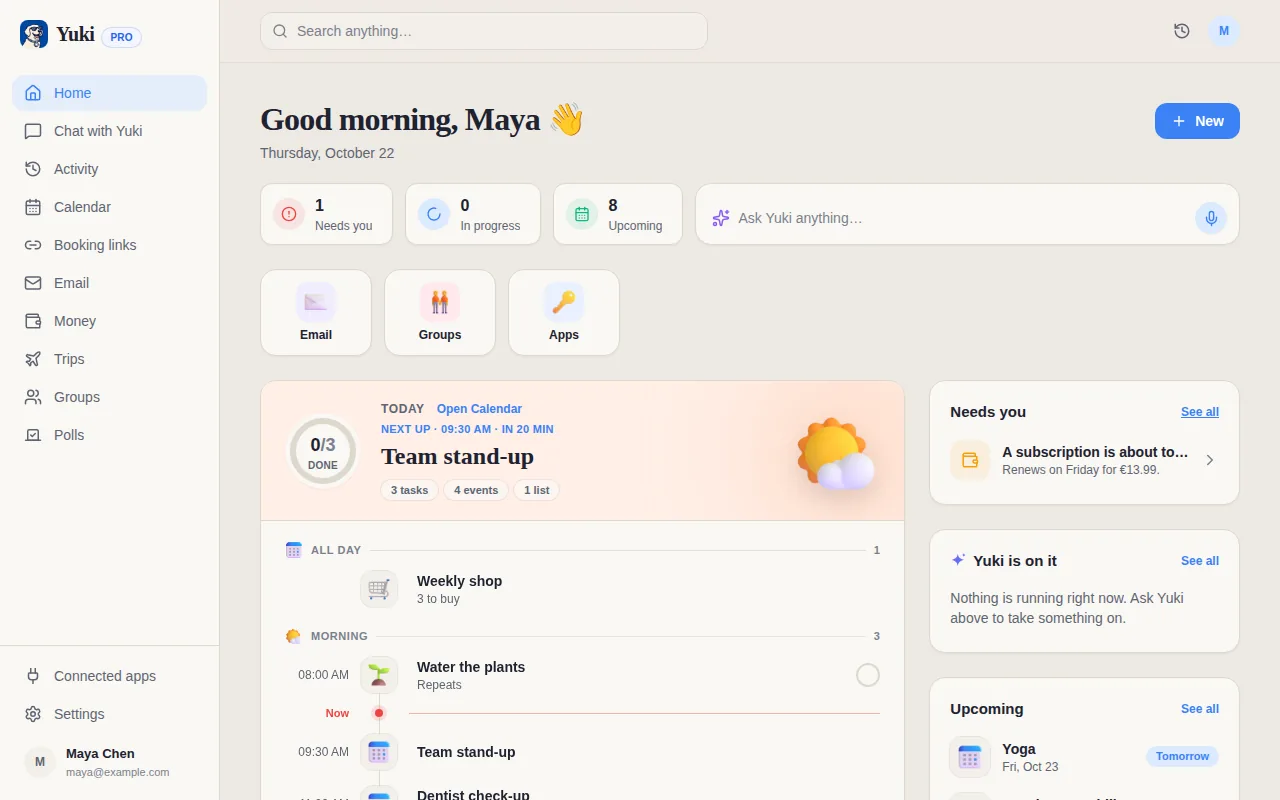
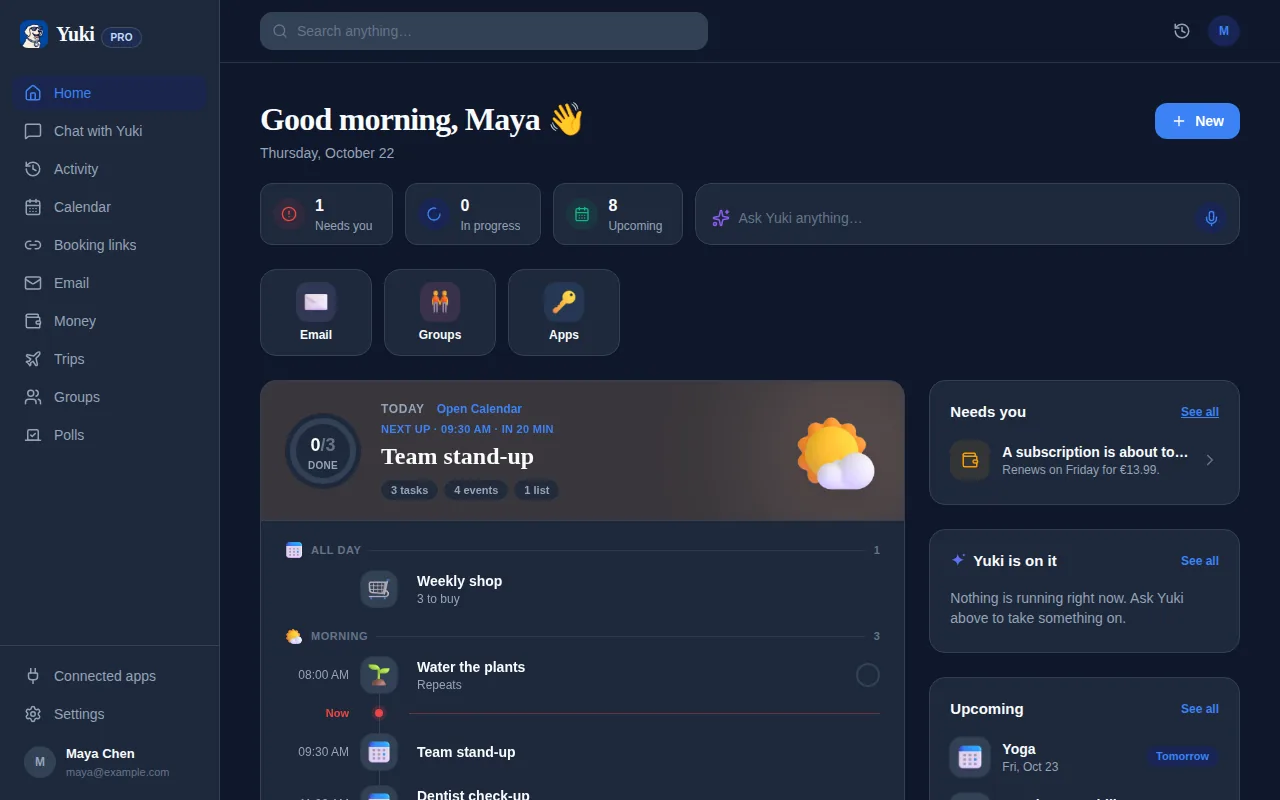
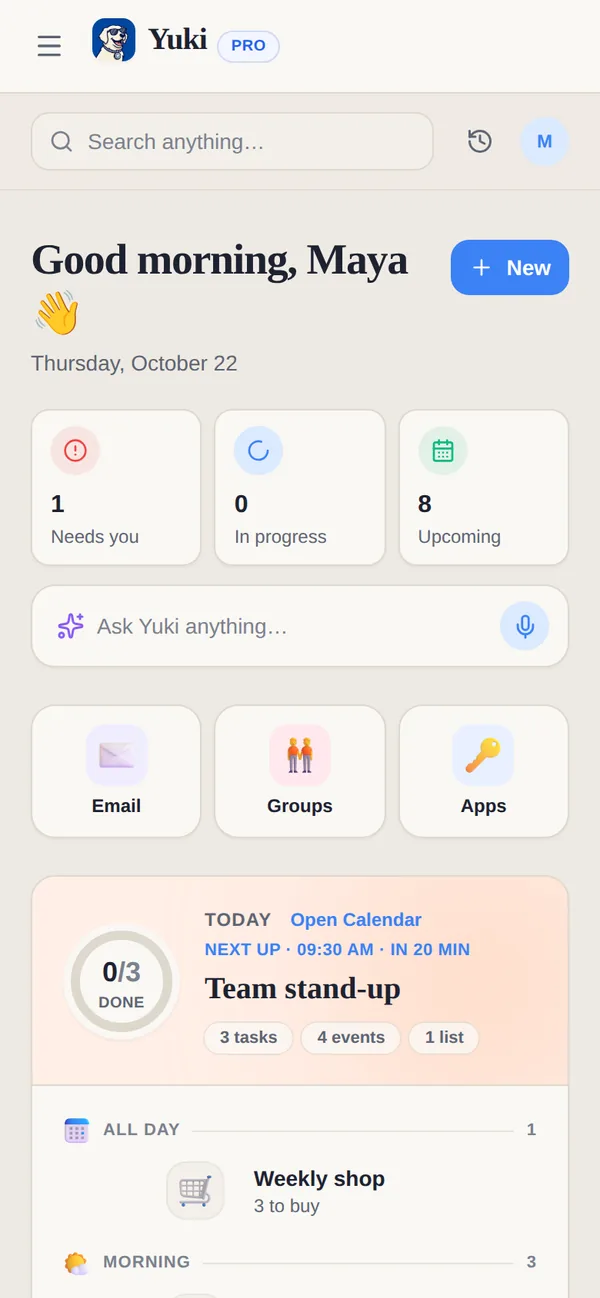
Yuki turns what arrives by email into things you would otherwise write down: a flight becomes a trip, a renewal notice becomes a subscription with its renewal date, a shipping email becomes a delivery you can follow, and an invite becomes an event. Automatic Gmail sync is part of Pro, including the 14-day trial with no card.
What happened to reminders in Google Keep?
Google moved them. Google's help centre says Keep reminders migrated to Google Tasks in the second half of 2025: Keep no longer sends reminder notifications itself, and you can no longer create location-based reminders. Dated reminders now live in Google Tasks and show in Google Calendar. In Yuki, a reminder sits with the event, bill or birthday it belongs to; Free covers birthdays and anniversaries, and Pro adds reminders at any time you set.
What does Google Keep do that Yuki doesn't?
- Notes with photos, drawings and audio, labels and colours, and offline use.
- Voice memos that Keep transcribes automatically, according to its App Store listing.
- Collaborators you add by name, email or Google Group, who can edit text, lists, images, drawings and audio.
- A Wear OS app, so a list is on your watch.