
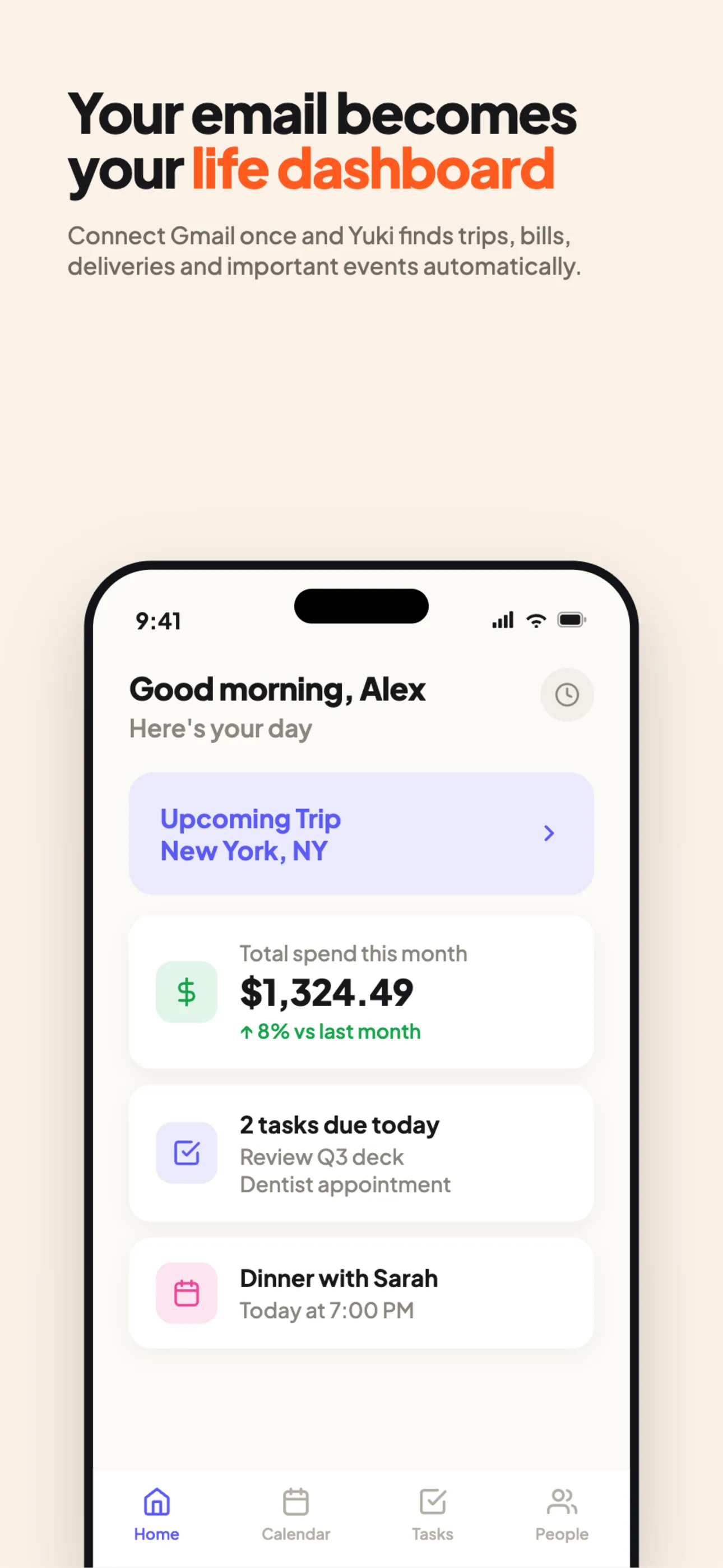
Notion is a powerful, flexible workspace — pages, notes and databases you assemble yourself. It’s excellent when you want to design your own system. Yuki takes the opposite approach: it organizes your life automatically from the emails you already receive, with nothing to build.
| Yuki | Notion | |
|---|---|---|
| Auto-organizes from your email (Gmail/Outlook) | ||
| Tracks expenses & subscriptions automatically | Manual | |
| Builds trip itineraries from booking emails | ||
| Writes events to Google Calendar | Via integrations | |
| Flexible custom databases & docs | ||
| Shared groups for couples/families/co-parents | DIY | |
| Works with zero setup | ||
| Native iOS & Android |
Choose Yuki if…
- You want your trips, money and calendar organized for you, not configured by you.
- Your life already lives in your inbox and you’re tired of re-typing it.
- You want to share plans and expenses with a partner or family out of the box.
Choose Notion if…
- You want a blank canvas to design your own system of pages and databases.
- Your needs are document- and knowledge-heavy rather than inbox-driven.
Accurate as of June 2026. Product capabilities change — check each app’s current site for the latest.
Frequently asked questions
Is Yuki a Notion alternative?
For personal and household life management, yes. Notion is a flexible workspace you configure manually; Yuki auto-organizes your trips, expenses, calendar and tasks from your inbox without setup.
Does Notion read your email like Yuki?
No. Notion is a workspace for notes, docs and databases you build yourself. Yuki’s core is reading Gmail/Outlook and turning it into organized items automatically.