
Tricount is built for a simple job, done with as little friction as possible: split a cost and see who owes what, with no account needed. Yuki asks for more up front, an account and an inbox connection, in exchange for doing more: it adds the bills, receipts and renewal emails already arriving in your inbox to a shared group.
| Feature | Yuki | Tricount |
|---|---|---|
| Custom splits (equal / % / exact) | Paused in the new app (see below) | |
| Multi-currency support | ||
| Offline expense entry, syncs later | ||
| No account required to join | ||
| Auto-captures expenses from your inbox | ||
| Shared calendar in the same group | ||
| Trip itineraries from booking emails | ||
| Shared tasks & groceries | ||
| People in one group | Up to 2 on Free; no limit on Pro | Up to 50 |
Should I use Tricount or Yuki to split costs?
Use Tricount for a one-off trip with people who will not install another app; use Yuki for the people you split costs with every week. Tricount needs no account to join a group. Yuki needs an account for every member, and in return it adds bills and receipts from your inbox and keeps a calendar, trips and tasks next to the splits.
How does splitting work in a Yuki group?
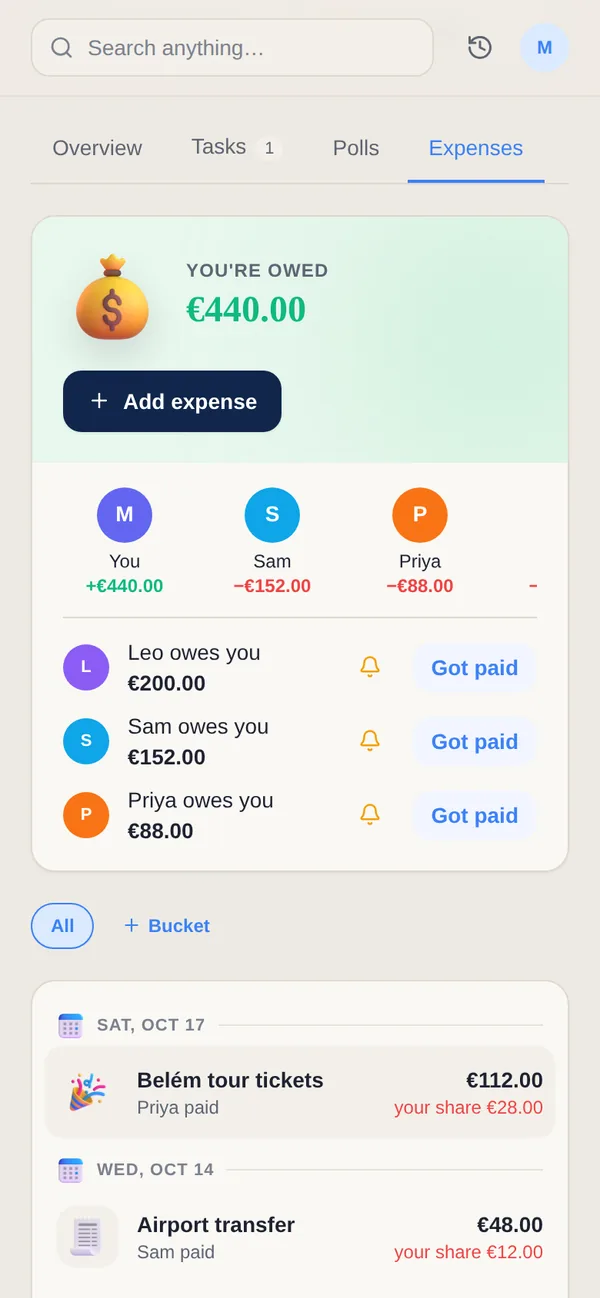
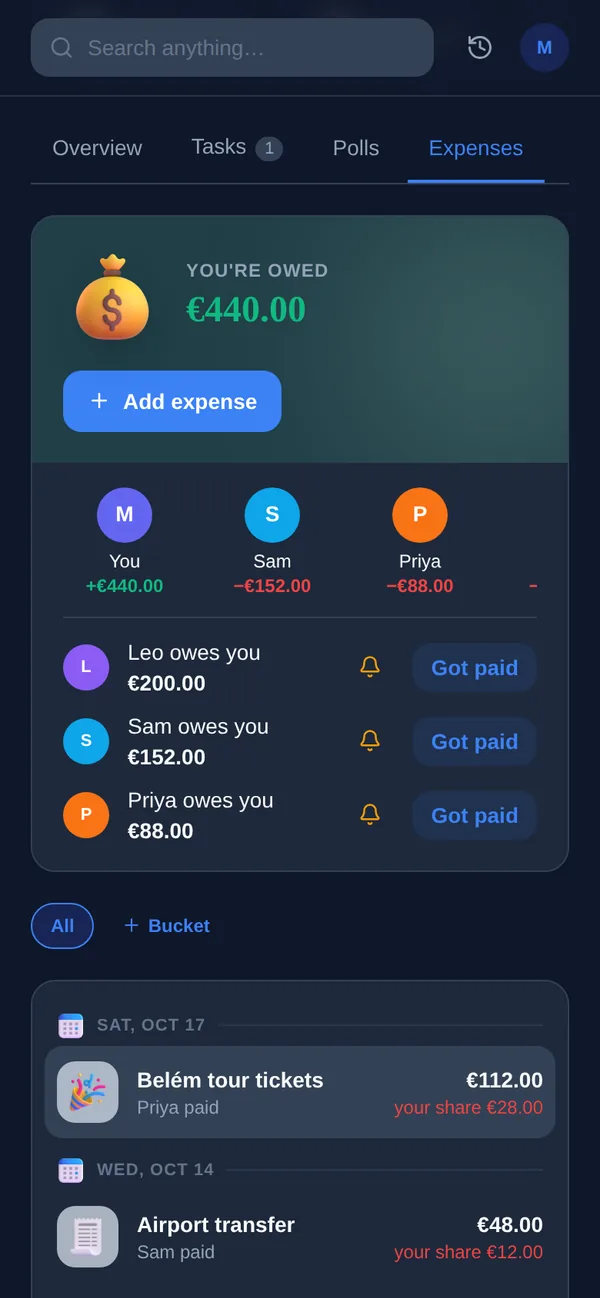
Add an expense to a group and split it evenly, by percentage or by exact amounts. Yuki keeps a balance for each person, shows who owes what, and lets you settle up when you are ready. Expenses can be in more than one currency, and an expense added without a connection is queued and syncs once you are back online. On Pro, bills and receipts in your Gmail are picked up automatically, so a shared utility bill does not have to be typed in.
How many people can share a Yuki group?
On Yuki Free, a group holds up to 2 people, and you can have up to 5 groups, which suits a couple. Pro removes the limit on groups and members, for a month after a 14-day trial with no card. Tricount's model is different: people join from a shared link without signing up. Yuki asks every member to sign up, which is what lets each of them see the shared calendar, trips and tasks as well as the money.
What does Tricount cost?
Tricount is free. Its homepage says “Free. No ads. No limits.”, and its FAQ, updated on 4 November 2026, says tricount Premium has been retired with the new app. Through bunq, Tricount also offers automatic expense tracking with a bunq Card and an optional paid eSIM. Yuki is free too, and Yuki Pro, at a month after a 14-day trial with no card, adds Gmail sync and groups of any size.
What changed in the new Tricount app?
Tricount's FAQ says the new app dropped some Premium features: sorting, CSV and PDF export, personal mode and custom splits, with custom splits planned for a future update. Its features page still lists custom expense splits, so check the app if uneven splits matter to you. It also lists several currencies at daily market rates, offline tracking, payment requests, a Splitwise importer, and up to 50 people per tricount.
Can I use Tricount and Yuki together?
Yes. Tricount fits a one-off trip with people who don't want another account; Yuki fits the household you share every week, where bills from your inbox, the calendar and the grocery list sit next to the balances. Tricount is on iOS and Android. Yuki is on iOS, Android and the web.
Split this month's household costs in a Yuki group, then settle up. Free on iOS, Android and the web.