
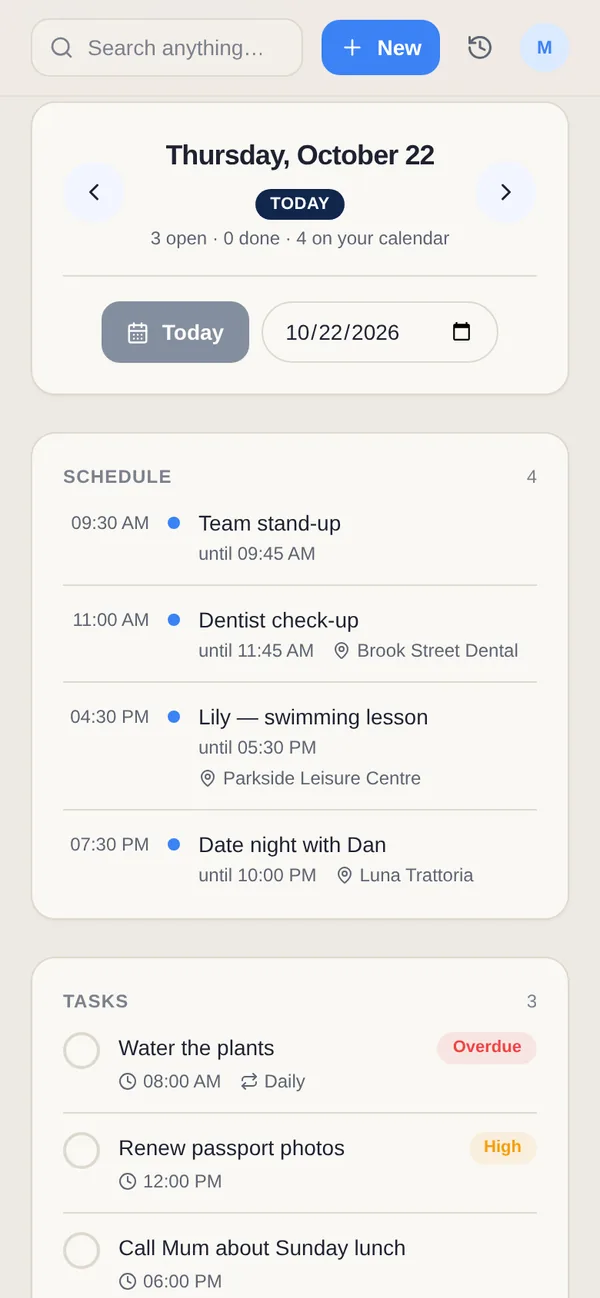
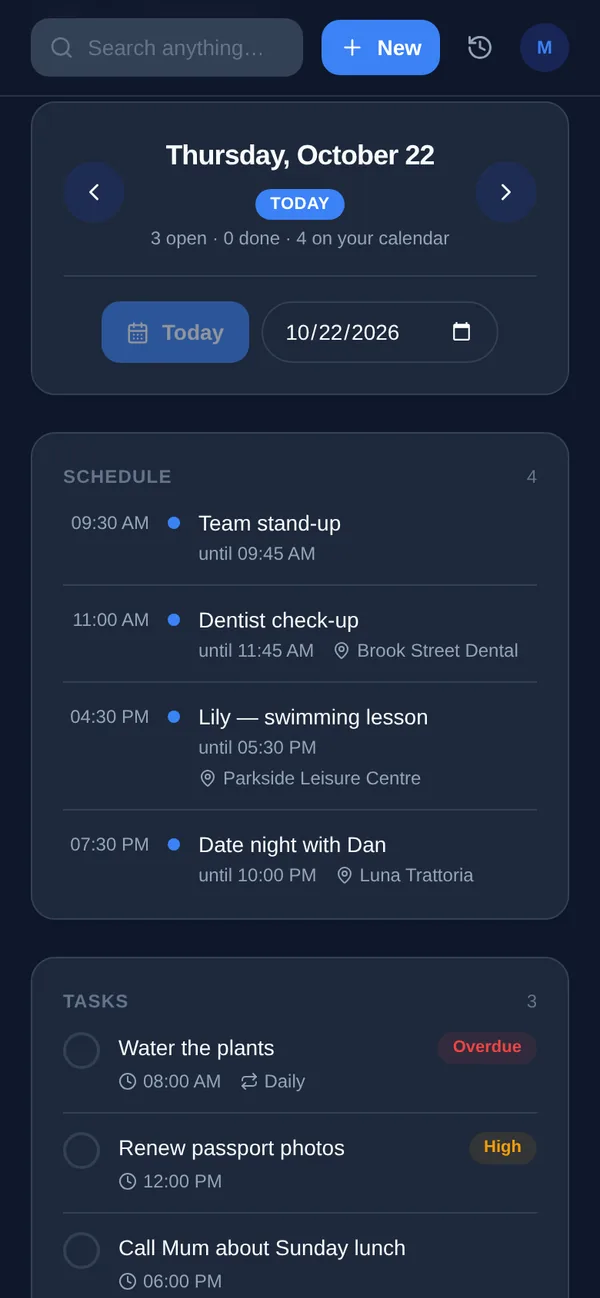
TickTick organizes the work you already know you have. Yuki tracks what life sends to your inbox, so which one fits depends on where your bottleneck is.
| Feature | Yuki | TickTick |
|---|---|---|
| Auto-creates entries from your email inbox | Yes — parses receipts, bills, bookings, invites | No — manual entry; can forward email to create a task |
| Two-way sync with Google Calendar | Yes | Yes |
| Expense & subscription tracking | Yes | No |
| Trip itineraries / travel planning | Yes | No |
| Tasks, habits & Pomodoro focus timer | Tasks and Calendar’s Day view; custom focus/break timers on Free and Pro | Yes — tasks, habits, Pomodoro, Eisenhower matrix |
| Natural-language AI assistant | Yes — Yuki AI conversational assistant | AI Assistant for tasks, plus AI voice capture (Premium) |
| Shared lists & group coordination | Yes — couples, families, co-parents, roommates | Yes — shared lists & collaboration |
| Platforms & price | iOS, Android & web; free tier + Pro | iOS, Android, web, Mac, Windows; free tier + Premium (US$49.99/yr) |
What does TickTick do that Yuki doesn't?
TickTick has habit tracking, a Pomodoro timer, an Eisenhower matrix and desktop apps for Mac and Windows. Yuki has custom multi-step timers for focus, breaks, workouts and cooking, but no habit tracker or Eisenhower matrix. Yuki's strength is elsewhere: it turns the bills, bookings and invites in your inbox into a calendar, trips and tracked expenses.
Choose Yuki if…
- You want your calendar, trips and expenses to build themselves from email instead of being typed in by hand
- Your mental load is remembering bills, bookings and birthdays — not just organizing a task list
- You need to coordinate everyday logistics with a partner, family or roommates in shared groups
Choose TickTick if…
- You want a best-in-class task manager with habit tracking, a Pomodoro timer and an Eisenhower priority matrix
- You need native desktop apps (Mac, Windows), not just phone and browser
- Your core need is disciplined task and to-do management rather than pulling structure out of your inbox
How do Yuki's timers work?
Build a custom sequence or review an AI draft: recipe steps, workout rounds or a focus routine with breaks. You can pause, skip, repeat rounds and save templates, with step and completion alerts you control. Multi-step timers are on Free and Pro, with 3 AI timer drafts a day on Free and 10 on Pro.
Does Yuki have a calendar like TickTick?
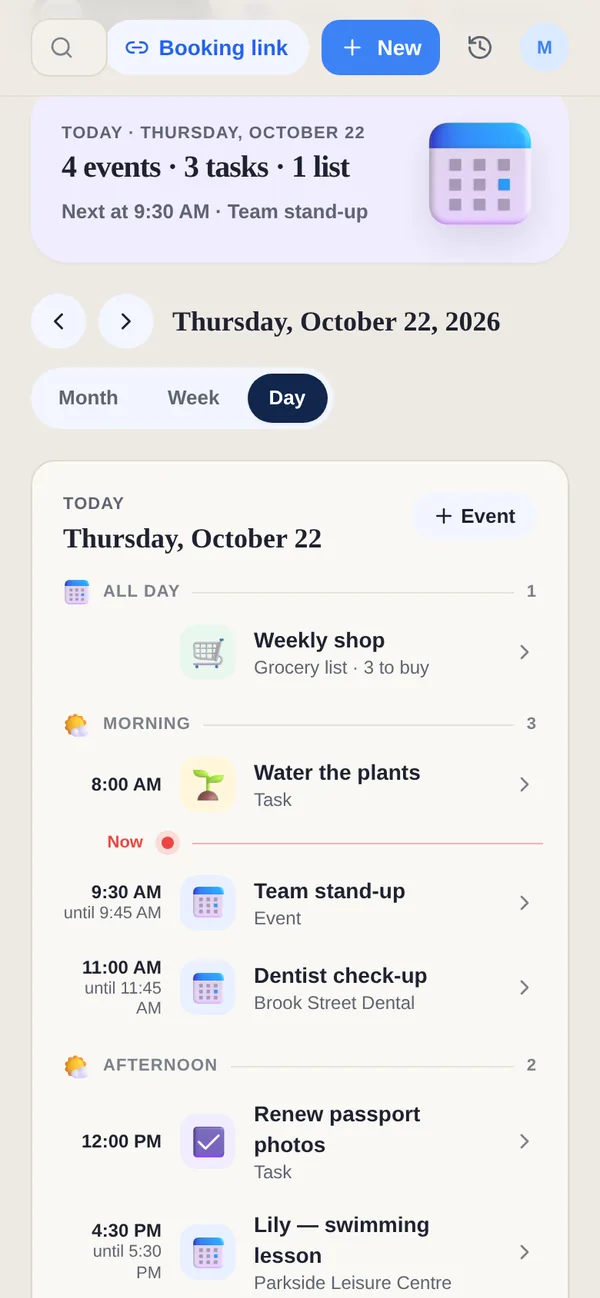
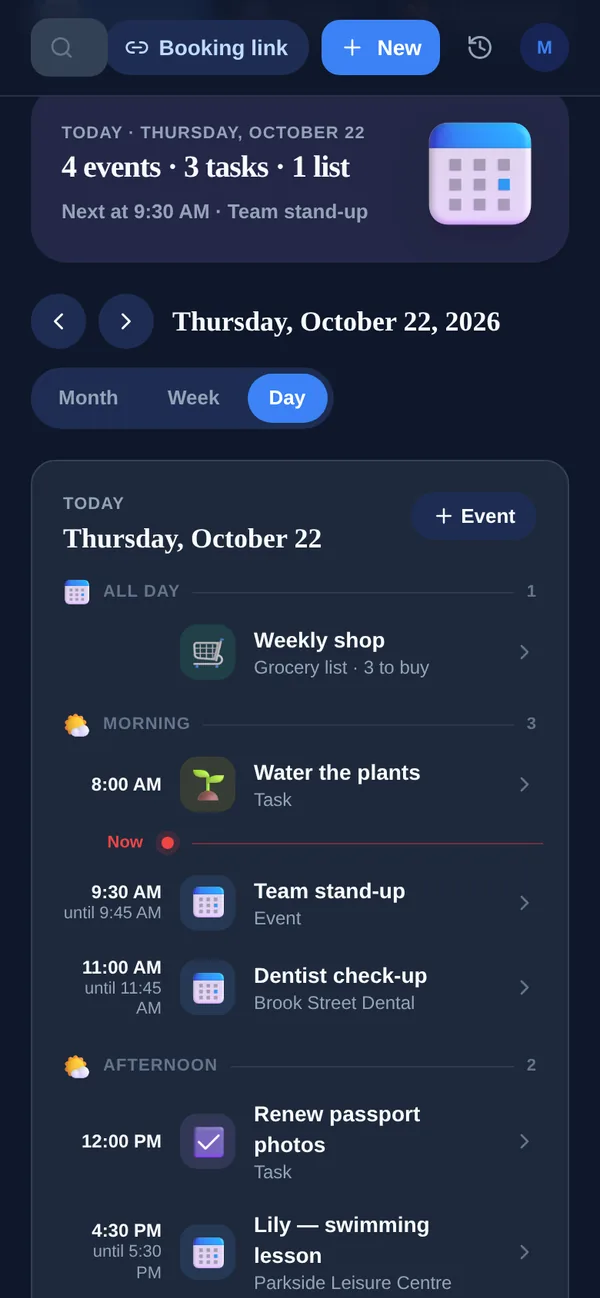
Yes. Yuki's Calendar shows your events, tasks and plans by month, week or day, with your Google Calendar events alongside. Most of what fills it comes from your inbox rather than from typing.
What does TickTick cost?
On TickTick's upgrade page on 7 November 2026, Premium is US$49.99 a year, with no monthly plan listed, and students and educators get 25% off. Free allows 9 lists, 99 tasks per list, 2 reminders per task and 5 habits. Premium raises these to 299 lists, 999 tasks per list, 5 reminders and 299 habits, and adds more calendar views, task duration and the AI features. Yuki Pro costs a month after a 14-day trial with no card.
Can I use TickTick and Yuki together?
Yes. TickTick's help centre says adding, changing or deleting events syncs both ways with Google Calendar, and Yuki shows your Google Calendar events next to its own, so the two can share one calendar. Keep habits, Pomodoro sessions and long task lists in TickTick, and let Yuki handle the trips, bills and shared plans that arrive by email.