
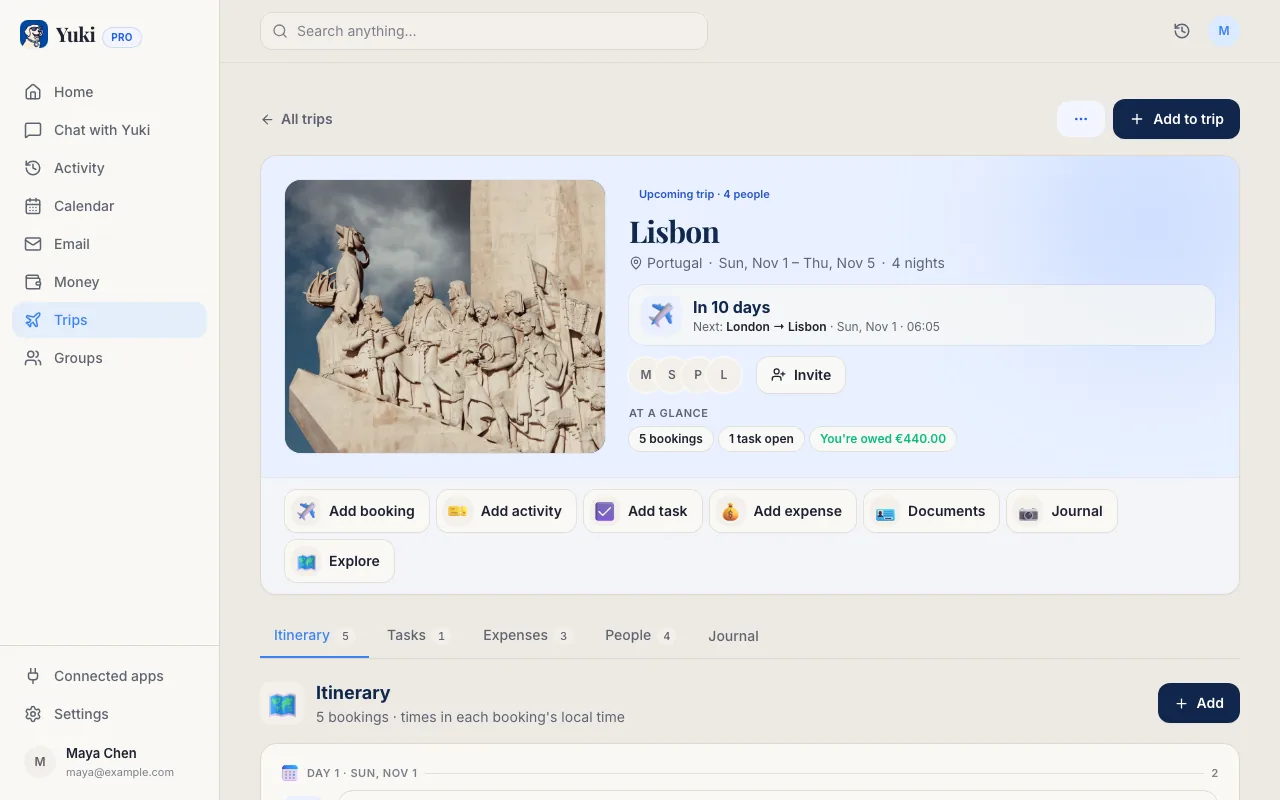
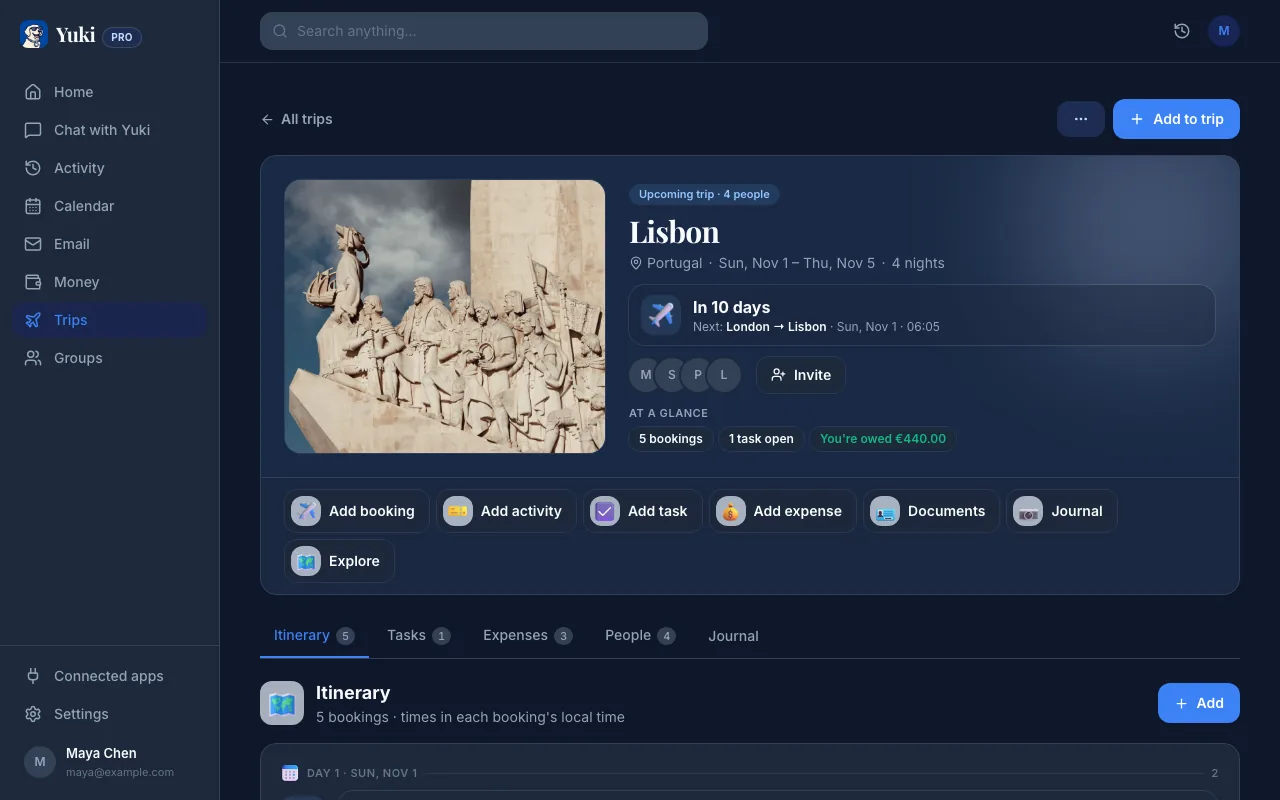
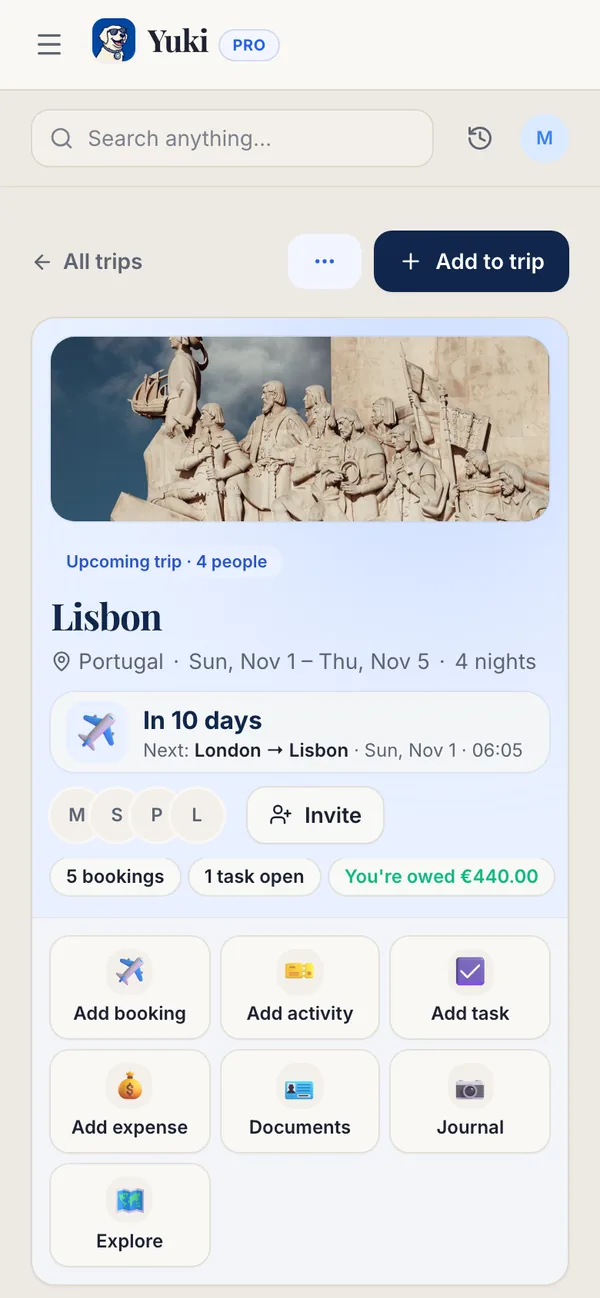
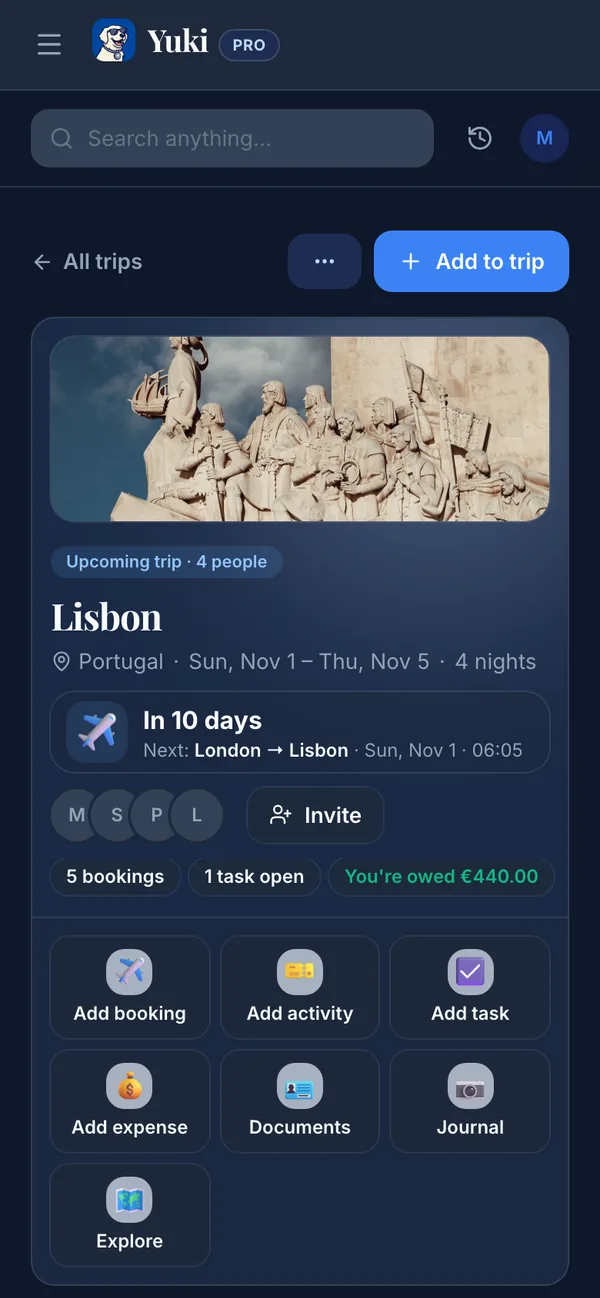
To keep every flight and hotel confirmation in one place, choose one home for travel details and add each booking the moment its confirmation arrives. A trip folder works if you keep it up. A trip that builds itself from your booking emails, like Yuki's, stays current without you filing anything, and is ready when you reach the desk.
You've been there: it's boarding time, or you're at the front desk, and you're frantically scrolling your inbox for the confirmation number. It's buried under three fare-alert emails, a receipt, and a schedule-change notice from the airline. Travel documents scatter across your email, texts, airline apps, and PDFs, and the mental cost of tracking them all is real. This guide walks through how to consolidate every flight, hotel, and car-rental confirmation into one place you actually trust. First comes a manual system anyone can set up, then the automatic way that keeps itself current.
Why can't you find a travel confirmation when you need it?
Searching your inbox fails at the gate or the check-in desk because the confirmation is buried among everything else you receive. Your email is a firehose, not a filing cabinet. A single trip generates a dozen messages. There's the original booking, the payment receipt, a seat-selection upsell, a schedule change, a check-in reminder, and the hotel's 'we can't wait to host you' note. Only two or three of those actually matter when you're standing at a gate, but they're interleaved with everything else.
The deeper problem is timing. Confirmations arrive weeks before you travel, then sink beneath newer mail. By departure day, the record you need is 400 emails deep, and airline schedule changes mean the *first* confirmation you find may already be wrong. Searching 'confirmation' surfaces every retailer receipt you've ever gotten. The cost isn't just minutes lost — it's the low-grade anxiety of never being sure you have the current, complete picture.
- One trip = many emails; only a few are 'need it now' documents
- Confirmations get buried under newer mail within days
- Schedule changes mean the newest email, not the first, is authoritative
- Generic searches ('confirmation', 'booking') return too much noise
The manual system: build one home you actually maintain
If you want to do this by hand, the principle is simple: one destination for travel docs, updated the moment a booking lands. Pick a single home — a dedicated email label/folder, a notes doc, or a cloud folder — and route everything there consistently. The system only works if you never make an exception 'just this once.'
The manual approach is reliable but high-effort. You have to remember to file every new email and re-file when the airline reschedules. You also have to assemble the day-of view yourself: flight number, confirmation code, hotel address and check-in time, which no single email gives you. That maintenance burden is exactly why most people's tidy folder falls apart by their second trip.
- Create one label/folder (e.g. 'Travel — Active') and file every booking there immediately
- Star or pin the single authoritative email per booking; archive superseded ones
- Keep confirmation numbers in a short notes doc so they're readable offline
- Screenshot boarding passes and hotel addresses for airplane-mode access
The automatic way: let your itinerary build itself
The reason folders fall apart is that they depend on you doing the filing. A better system reads your inbox for you. Yuki connects to Gmail and recognizes flight, hotel, and car-rental confirmations as they arrive. It organizes them into a single trip itinerary automatically, with no forwarding and no manual filing.
Because Yuki pulls from the source, the itinerary stays current: when an airline pushes a schedule change, it shows the new time. The trip also sits on a calendar that writes two-way to Google Calendar, so your travel shows up alongside the rest of your life. Yuki is free on iOS and Android. It also keeps the receipts and expenses those trips generate, so the record isn't just findable: it's already assembled into the day-of view you need.
The point isn't another app to check. It's removing the trip from your head entirely: you stop being the human index for your own bookings, and the memory-and-coordination layer holds it for you.
- Connects to Gmail and detects confirmations automatically — no forwarding
- Groups flights, hotels, and cars into one itinerary per trip
- Reflects airline schedule changes instead of showing a stale first booking
- Writes trips to your calendar (two-way Google Calendar sync)
- Free on iOS and Android; also tracks trip expenses and deliveries
How do you open travel confirmations without a signal?
Save the key details on your phone before you travel, so they open without a signal. Keep the confirmation codes, the gate and terminal, and the hotel address. A screenshot, a pass saved in your wallet app, or an itinerary you've opened once so it's cached on your phone all work.
If you travel with family or a partner, share the plan rather than being the sole keeper of it. Shared groups let everyone see the same itinerary, so your partner isn't texting you for the hotel address while you're in the air. The goal across all of this is one thing: nobody has to reconstruct the trip from scattered emails at the moment it matters most.
- Keep codes and addresses accessible offline (screenshots or wallet passes)
- Share the itinerary with travel companions instead of being the only one who has it
- Confirm the day-of essentials the night before, not at the gate
Step by step
- 1Pick one home for travel docs — and commit to routing everything there without exceptions.
- 2Connect your email so confirmations can be gathered from the source: in Yuki, link your Gmail account.
- 3Let Yuki detect your flight, hotel, and car-rental confirmations and group them into a single trip itinerary automatically.
- 4Add your trip to your calendar (Yuki syncs two-way with Google Calendar) so travel sits alongside the rest of your schedule.
- 5Share the itinerary with anyone traveling with you so they see the same plan.
- 6Before departure, save confirmation codes, gate/terminal, and hotel address for offline access.