
The average person underestimates their monthly subscription spend by a wide margin — not because they're careless, but because subscriptions are designed to be forgettable. A free trial converts silently, a streaming price creeps up, an app you used once keeps billing $9.99 a month for a year. The good news: almost every one of those charges announced itself in your inbox first. Every sign-up confirmation, receipt, and "your plan renews soon" notice is a paper trail. This guide shows you how to use that trail to surface every recurring subscription you have, keep the list current without manual upkeep, and stop paying for things you forgot you had.
Why your inbox is the best subscription tracker you already own
Most people try to track subscriptions from their bank statement, but that's the hardest possible place to do it. Statements show cryptic descriptors like 'DRI*APPLE.COM/BILL' or 'PAYPAL *SPOTIFYUS', rarely tell you the billing cycle, and never warn you before a renewal or a price hike. By the time a charge shows up on a statement, the money is already gone.
Your inbox is different. A subscription announces itself the moment you sign up — the confirmation email names the service, the price, and often the trial end date. Renewal notices arrive before the charge, not after. Receipts land every cycle. That means email is the only place you can catch a subscription early enough to actually decide whether to keep it.
The catch is volume. These emails arrive weeks or months apart, buried among thousands of others, so no single message ever feels like a to-do. Reading them systematically — or letting software read them for you — is what turns scattered receipts into a real picture of your recurring spend.
Find every subscription with a few email searches
You don't need to scroll years of inbox history. Targeted searches surface the overwhelming majority of recurring charges in a few minutes. Run each of these and skim the results for anything that bills on a repeating cycle.
- Search 'receipt' and 'invoice' — catches the monthly and annual charges you're already paying.
- Search 'renews' and 'renewal' — surfaces upcoming charges and price changes before they hit.
- Search 'free trial' and 'trial ending' — the single highest-value search, since these are the charges about to start silently.
- Search 'subscription confirmed' and 'welcome to' — finds the sign-up moment for services you forgot you joined.
- Search 'your plan' and 'billing' — picks up SaaS tools, news paywalls, and app upgrades.
- Check PayPal, Apple, and Google Play receipt emails specifically — they bundle many subscriptions under one sender.
Turn the results into a list you'll actually maintain
Finding subscriptions once is easy; keeping the list accurate is where manual tracking falls apart. As you work through your search results, record four fields for each one: the merchant, the amount, the billing cycle, and the next renewal date. Sort the list by renewal date so the next charge is always at the top — that ordering is what makes the list actionable instead of just informative.
The problem is that this snapshot goes stale immediately. New subscriptions start, prices change, and trials convert — and each of those events lands as a fresh email you'd have to notice and re-enter by hand. A spreadsheet can't read your inbox, so the upkeep quietly becomes your job, which is exactly the kind of remembering that piles onto your mental load.
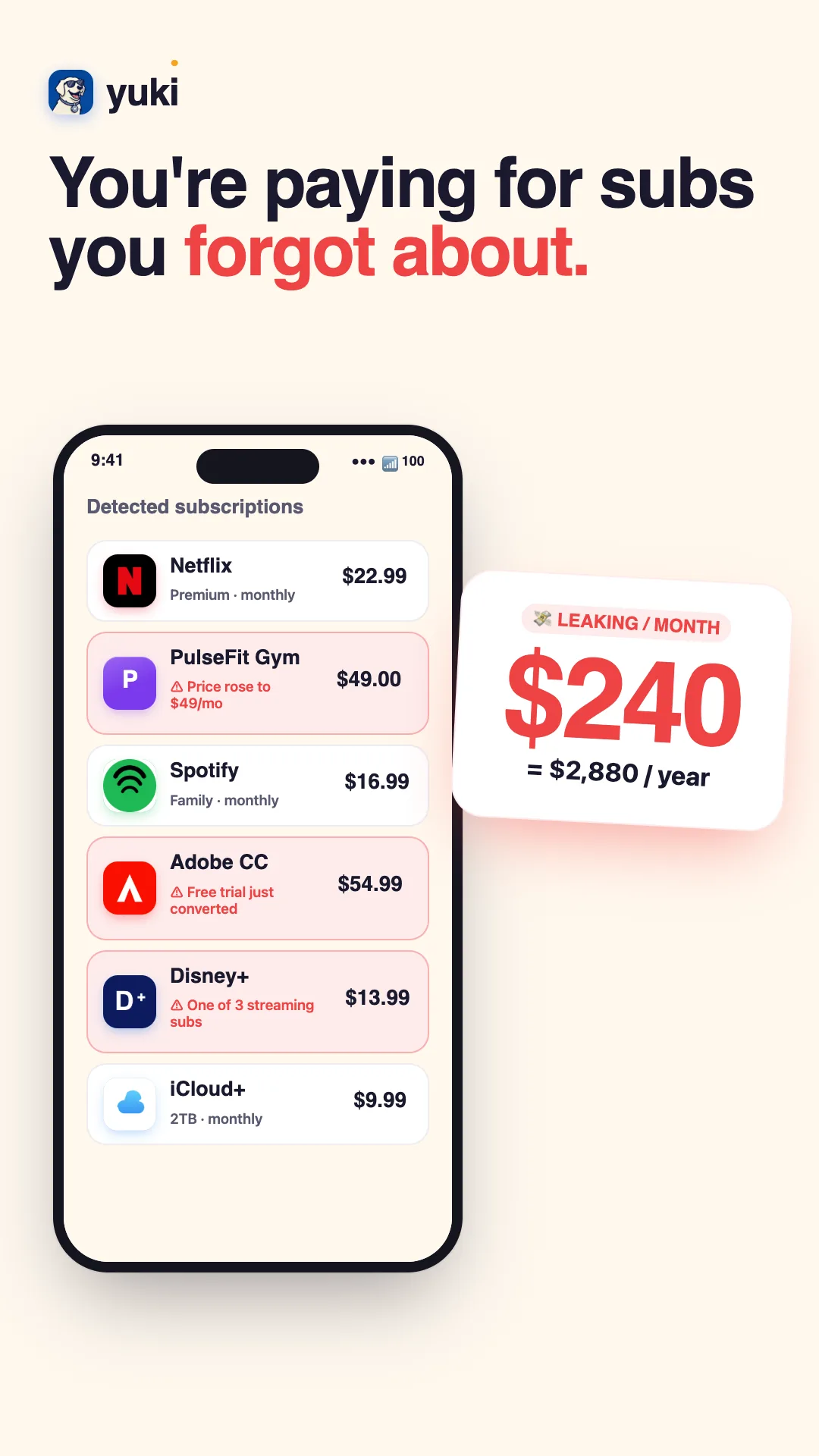
This is the gap Yuki is built to close. It connects to Gmail or Outlook, reads the same receipts and renewal notices you'd search for, and builds a live subscription list that updates itself as new emails arrive — no manual entry, no spreadsheet to babysit. Because it's watching your inbox continuously, a new trial or a price increase shows up on the list on its own.
From tracking to actually saving money
A list only saves money if it drives a decision. Once you can see every recurring charge sorted by renewal date, go down it and mark each one: keep, cancel, or downgrade. Pay special attention to trials about to convert, duplicate services (two music apps, three cloud-storage plans), and anything whose price has crept up since you signed up.
Cancel the ones you don't want before their next renewal date — that's the whole point of tracking from email rather than from a statement: you get the warning while you can still act on it. Keep the cancellation confirmation email as proof in case a charge slips through anyway.
With Yuki, the renewal dates that matter can surface as reminders and smart notifications before the charge lands, so 'I meant to cancel that' stops happening. And because subscriptions live alongside the rest of your tracked expenses, you see recurring spend in the context of everything else you're paying for — the point isn't just a tidy list, it's not having to hold any of it in your head.
Step by step
- 1Search your email for the receipts and renewal notices you already have (use terms like 'subscription', 'receipt', 'your plan', 'renews', 'invoice', 'free trial ending').
- 2For each hit, capture four things: the merchant, the amount, the billing cycle (monthly/annual), and the next renewal date.
- 3Build a single list — a spreadsheet works — sorted by next renewal date so upcoming charges are visible first.
- 4Flag free trials and anything you don't recognize or no longer use as cancel candidates.
- 5Cancel the ones you don't want before their next renewal date, and keep the receipt confirming the cancellation.
- 6Set a recurring reminder to re-run the search, because new subscriptions and price changes will keep appearing.
- 7Or connect Gmail/Outlook to Yuki, which reads those same emails and keeps the list current automatically.