
Yuki Guide
Grocery Lists
Shared, always‑in‑sync shopping lists you can reach from anywhere.
Grocery lists in Yuki are quick to build and easy to share. Add items with quantities, check them off as you shop, and keep everyone on the same list.
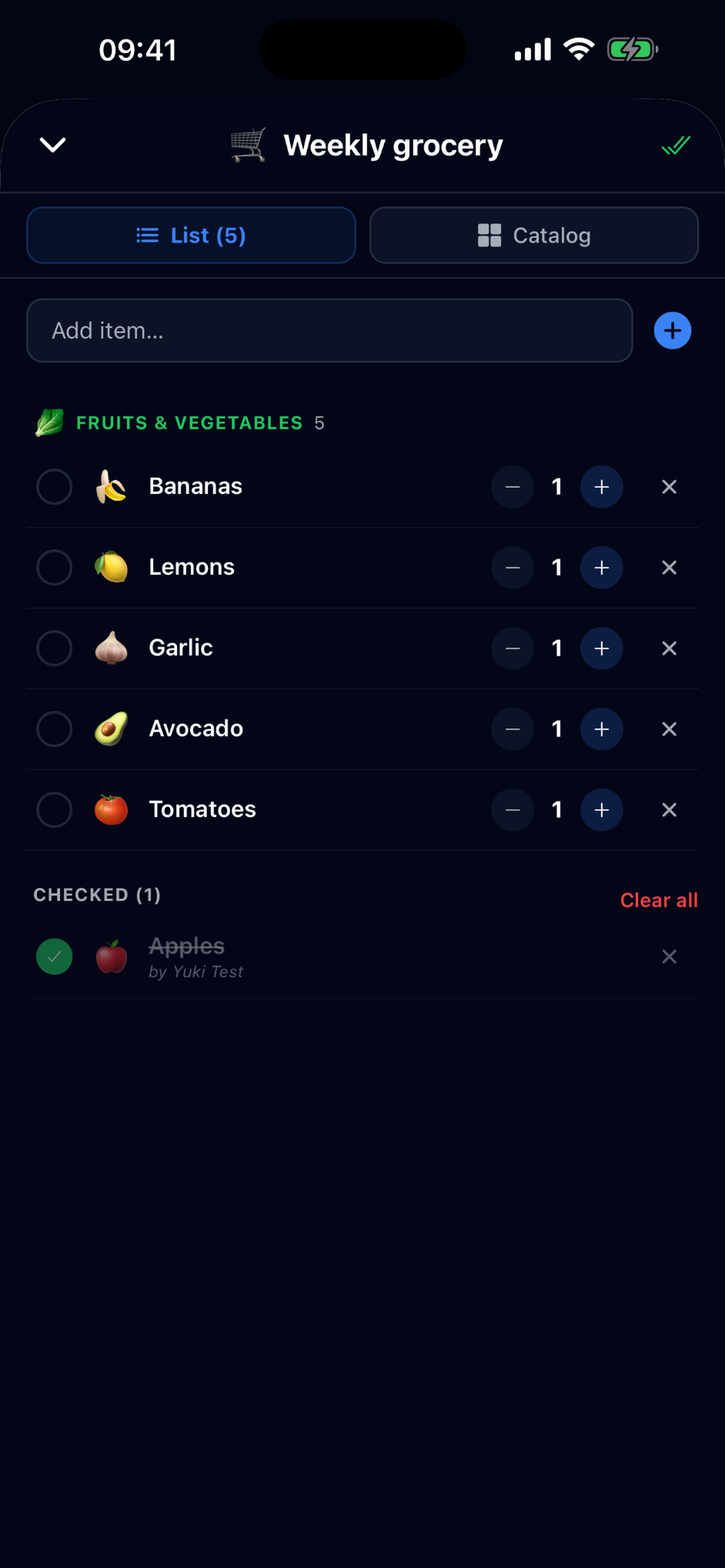
Create and manage a list
- 1Tap + and choose Grocery List.
- 2Add items and set quantities with the steppers.
- 3Check items off as you shop, the list stays in sync in real time.
Find your lists anywhere
Your grocery lists are reachable from both the Home screen and the Day Organizer, so they’re never more than a tap away.
Share with a group
Share a list with a specific group (like your household) so everyone can add items and tick things off together, perfect for the weekly shop.
Sharing lists with groups is part of Yuki’s Groups features, a fuller Groups guide is coming soon.