
Expenses & Insights
Budgets, subscriptions and transactions, tracked, scanned and understood.
The Expenses tab is your money home. It opens on a clear summary and flows into Insights, where budgets, subscriptions, transactions and trends all live.
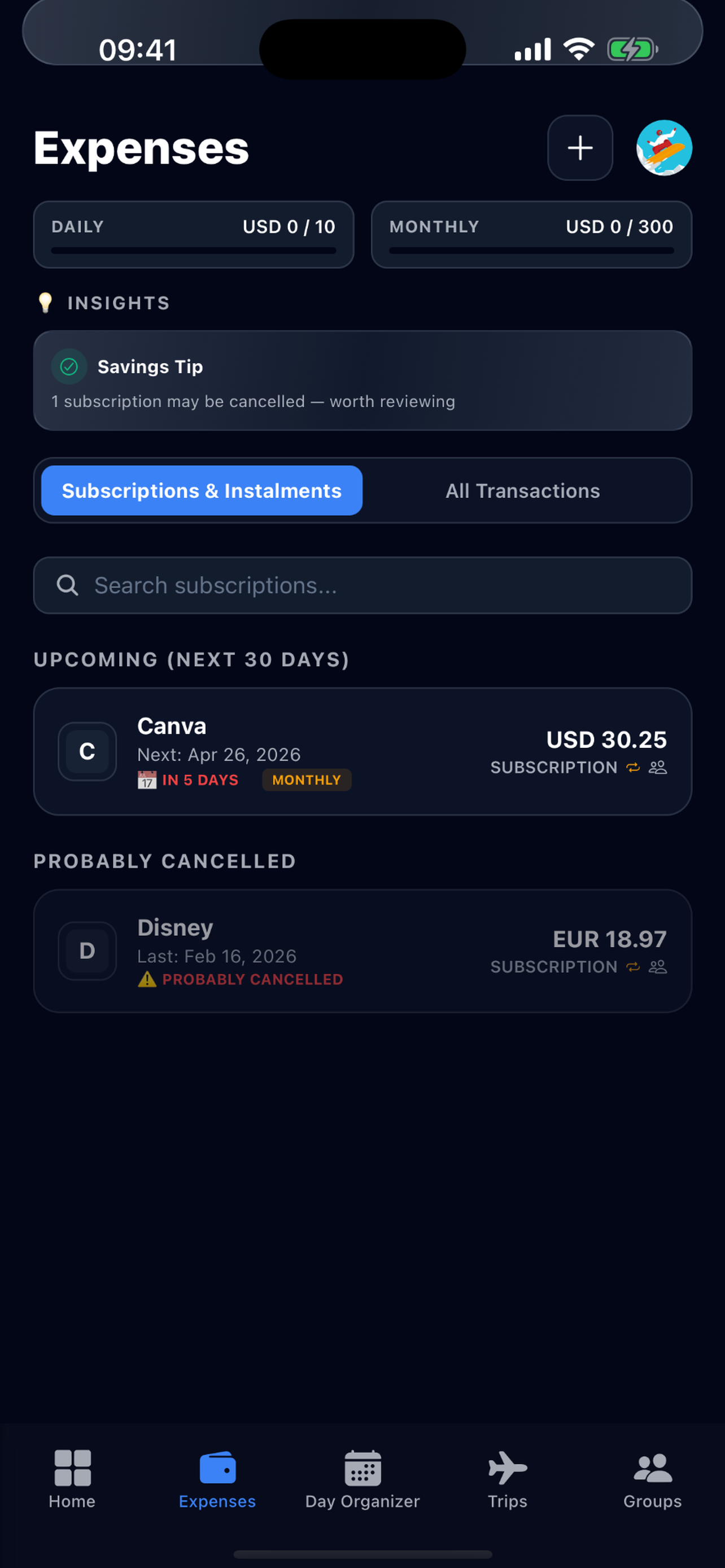
Set a budget
- 1Open the Expenses tab and go to Insights.
- 2Tap your budget to set a daily and/or monthly target.
- 3Yuki tracks spend against it and surfaces a savings tip when you’re trending over.
View all transactions
Tap “View all transactions” to see your full history. You can sort, filter and switch between all transactions and just your subscriptions to see exactly where money goes.
Add expenses
- Transactions, log a one‑off expense manually with amount, category and date.
- Subscriptions & instalments, add recurring charges (e.g. Netflix, gym, a phone plan) so Yuki reminds you before each renewal and counts them in your budget.
Scan receipts
Snap a photo of a receipt and Yuki’s AI reads the merchant, amount and date and saves the transaction for you, no typing.
Import PDF / CSV statements
Upload a bank or card statement (PDF or CSV) and Yuki bulk‑imports the transactions, categorising them automatically.
Auto‑scan from Gmail
Connect Gmail and Yuki quietly detects subscription renewals, bills and purchase receipts in your inbox and adds them for you, so your spending stays up to date without manual entry.
| Capability | Free | Pro |
|---|---|---|
| Add expense manually | 10 / day* | No daily limit |
| Receipt scans | 5 / month | 120 / month |
| Import PDF / CSV statements | , | Included |
| Auto‑scan bills & subscriptions from Gmail | , | Included |