
The average person underestimates their monthly subscription spend by a wide margin — because the whole point of a subscription is that you stop noticing it. A free trial you meant to cancel, an app you used once, a streaming service you kept "for that one show," a duplicate cloud-storage plan across two accounts: each one is small enough to slip past your attention, and together they quietly siphon real money every month. These are zombie subscriptions — dead weight that keeps charging. The good news is that finding them is a one-afternoon project, and once you know where every recurring charge lives, keeping them under control is mostly automatic. This guide walks you through auditing your entire subscription footprint, deciding what to keep, canceling the rest cleanly, and setting up a system so they never pile up again.
Why forgotten subscriptions are so easy to miss
Subscriptions are engineered to fade into the background. The signup is a moment of enthusiasm; the recurring charge is silent. There's no monthly decision to renew — you have to actively decide to stop, and inertia almost always wins. That's the whole business model.
Three things make them especially hard to spot. First, billing names rarely match the product — a charge from 'DNH*GODADDY' or 'APLPAY 866-712-7753' tells you nothing. Second, annual subscriptions only appear once every twelve months, long after you've forgotten signing up. Third, charges spread across different cards, an old email address, and app-store billing, so no single statement shows the full picture.
The result is a footprint you can't hold in your head. Reconstructing it from memory doesn't work — you have to go find the evidence.
- Cryptic billing descriptors hide the real merchant
- Annual and quarterly plans slip between statement reviews
- Free trials convert to paid without a second signup
- Charges scatter across multiple cards and app stores
The fastest way to find every one: search your inbox
Your bank statement shows the money leaving, but your email shows what it was for — and almost every subscription sends a receipt, a renewal notice, or a 'your trial is ending' warning. That makes your inbox the single best place to reconstruct your full subscription list.
Search for phrases the billing systems all use: 'receipt', 'your subscription', 'renews on', 'auto-renew', 'free trial', 'payment confirmation', 'welcome to', and 'your invoice'. Cross-reference what you find against the recurring charges on your statements. Anything on a statement you can't match to an email is worth chasing down directly with your bank.
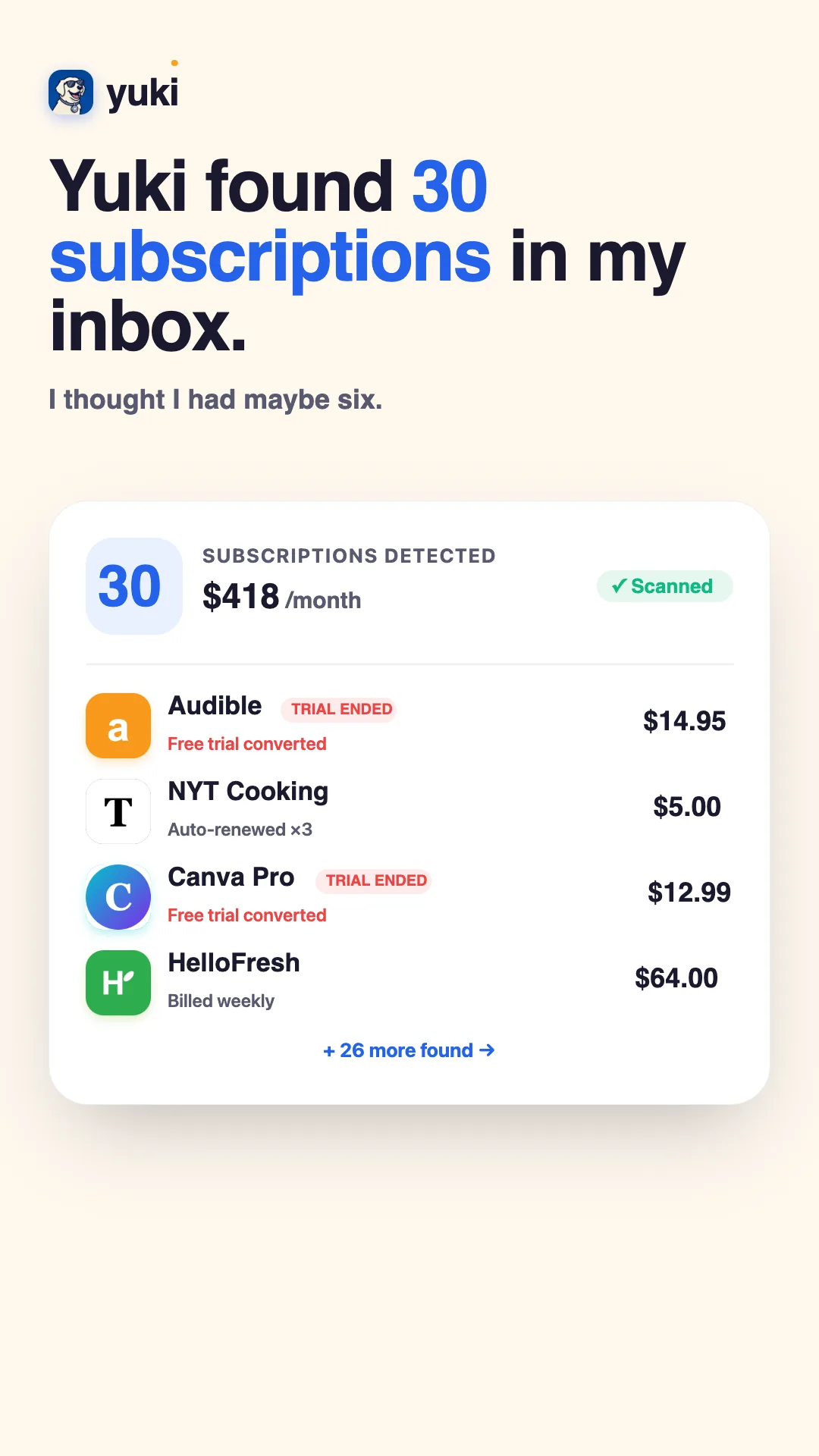
This is exactly the kind of tedious inbox archaeology that Yuki does for you automatically. Because it connects to your Gmail or Outlook, Yuki reads the receipts and renewal notices already sitting in your inbox and turns them into a running list of tracked subscriptions and expenses — so instead of manually searching a dozen keywords, you open one screen and see what's recurring, how much it costs, and when it renews next.
Decide what to keep — and cancel the rest cleanly
Once everything is in one list, run each subscription through a single question: have I actually used this in the last 30 days? If the answer is no, that's a strong default to cancel. Be honest about the 'I might use it' ones — you can always resubscribe, and most services make re-joining trivially easy precisely because they want you back.
Cancel through the original source. If a subscription bills through the Apple App Store or Google Play, you must cancel it in the store's subscription settings — canceling in the app itself often does nothing. For everything else, go to the provider's account page; if the cancel button is buried, a quick search for '[service name] cancel subscription' usually surfaces the exact path.
Always save the cancellation confirmation email. Providers occasionally 'fail' to process a cancellation, and that confirmation is your proof if a charge shows up anyway. Watch your next statement to verify the charge actually stopped.
- No use in 30 days = cancel by default
- App Store / Play Store subscriptions must be canceled in the store
- Keep the confirmation email as proof
- Verify on your next statement that the charge stopped
Set up a system so they never pile up again
A one-time cleanup feels great, but zombie subscriptions regrow. Every new free trial and every 'first month free' promo is a future forgotten charge unless you have a system that catches them.
The system is simple: keep a live list of what's recurring, and get a nudge before every renewal and before every trial converts. That single day of lead time turns an unwanted charge into a two-tap cancel. Yuki handles both halves — it keeps your subscription list current as new receipts land in your inbox, and its reminders and smart notifications warn you before a renewal or trial hits, so you decide on purpose instead of paying by accident.
If you share money with a partner, family, or roommates, put shared subscriptions somewhere everyone can see them. It's absurdly common for two people to each pay for the same streaming service, or for a shared plan to keep charging long after someone moved out. A shared view kills those duplicates fast.
Step by step
- 1Pull your last 2-3 months of bank and card statements and highlight every recurring charge, including annual ones that only hit once a year.
- 2Search your email inbox for 'receipt', 'your subscription', 'renews on', 'free trial', 'payment confirmation', and 'welcome to' to catch charges that don't show an obvious merchant name.
- 3Check your Apple App Store and Google Play subscription pages — many app subscriptions bill through the store, not your card directly, so they hide from statement scans.
- 4List every active subscription in one place with its price, billing cycle, and next renewal date.
- 5For each one, ask: did I use this in the last 30 days? If no, cancel it now while you're looking at it.
- 6Cancel through the original provider (or the App Store/Play Store if billed there) and save the confirmation email as proof.
- 7Set a reminder a few days before every renewal you kept, and before any free trial ends, so no charge ever surprises you again.