
The average household now pays for a dozen or more recurring services — streaming, music, cloud storage, gaming passes, kids' learning apps, gym memberships, a couple of "free trials" someone forgot to cancel. Individually they're small. Together they quietly become one of the largest lines in the family budget, and because the charges are spread across different cards, app stores, and inboxes, no single person actually sees the whole picture. This guide walks through a concrete way to pull every family subscription into one view, decide what to keep, and set up a system so you catch renewals and price hikes before they hit — instead of finding them on the statement a month later.
Why family subscriptions get out of control
Subscriptions are designed to be forgettable. You sign up once, the charge recurs silently, and the mental cost of remembering it later is exactly what the pricing model relies on. In a household, that problem multiplies: your partner has their own streaming logins, the kids have game passes and school apps billed through an app store, and shared services like cloud storage or a family music plan sit under whoever happened to set them up.
Because the billing lives in different places — one person's credit card, another's PayPal, Apple and Google app-store receipts — there's rarely one place that shows the true monthly total. That's how families end up paying for two music services, a streaming plan nobody's opened in months, or a trial that converted to a full subscription without anyone noticing.
The fix isn't willpower or a spreadsheet you'll stop updating by week two. It's getting everything into a single view once, then letting a system flag the changes so you don't have to keep checking.
Step one: find every subscription you're actually paying for
Before you can consolidate, you have to see the full list — and the full list is almost always longer than you'd guess. The most reliable source of truth isn't your bank statement (which shows cryptic merchant names) but your email inbox, where every signup confirmation, receipt, and renewal notice already lives.
Do a manual pass first: search your inbox and your partner's for terms like 'receipt,' 'your subscription,' 'renews,' 'payment confirmation,' and 'free trial.' Check your Apple App Store and Google Play subscription settings too, since app-store billing hides a lot of kids' and gaming charges. Write down the service, the price, the billing cycle, and which card it's on.
- Search each family inbox for 'receipt', 'renews', 'trial ending', and 'payment received'
- Open App Store → Subscriptions (iOS) and Play Store → Payments & subscriptions (Android)
- Scan card and PayPal statements for recurring merchant names you don't recognize
- Note the renewal date and price for each — that's what you'll track going forward
Step two: consolidate the list into one shared view
Once you have the raw list, the goal is a single place the whole household can see — not five screenshots in a group chat. A shared view answers the questions that actually cause overspending: What's the real monthly total? What renews this week? Who's paying for what?
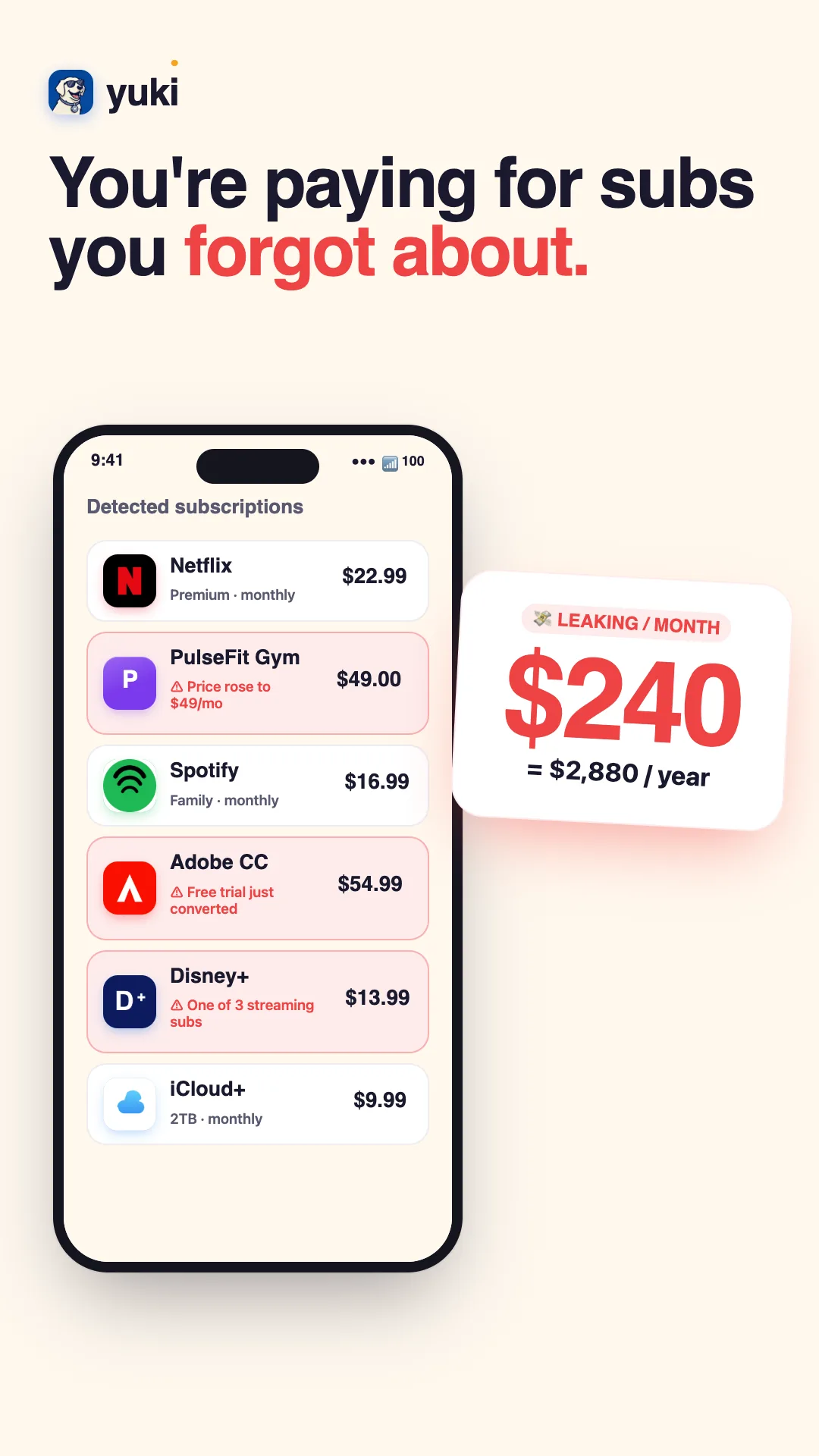
This is where doing it by inbox pays off. Yuki connects to Gmail or Outlook and reads the confirmations and receipts already sitting there, then turns them into a tracked list of subscriptions and recurring bills automatically — so you're not typing a spreadsheet by hand or keeping it up to date. New signups and renewals get picked up as the emails arrive, which means the list stays current without anyone maintaining it.
For a household, the shared-groups side matters just as much as the tracking. A family or couples group lets everyone see the same subscription and expense picture, so the person who set up the family streaming plan and the person paying for cloud storage are looking at one total instead of two half-pictures.
Step three: cut, downgrade, and de-duplicate
With everything in one view, the cuts become obvious. Look for the three classic overlaps: duplicate categories (two music services, three streaming apps), plans priced above your usage (a family tier for two people), and zombies (anything nobody has opened in 60+ days).
Also hunt for the plan you already have but aren't using. Many streaming, storage, and music services offer a bundled 'family' plan that's cheaper per person than separate individual subscriptions — consolidating two individual logins into one family plan is often a quick win. On the flip side, a family tier you're only using for one login is money down the drain.
Cancel decisively while you have the momentum. The most expensive subscription is the one you keep meaning to cancel next month — so do it in the same sitting you review the list.
- Merge overlapping individual plans into a single family/household tier where it's cheaper
- Downgrade any plan whose usage doesn't justify the tier
- Cancel anything unopened for 60+ days rather than 'deciding later'
- Kill free trials the day you decide against them, not the day they bill
Step four: never get surprised by a renewal again
Consolidating once is the easy part; staying consolidated is where most families slip. The services you keep will still raise prices, auto-renew annually, and roll trials into paid plans — usually with an email you'll skim past. The system that works is one that watches for those events for you.
Because Yuki is already reading the receipts and renewal notices in your inbox, it can surface upcoming renewals and recurring charges as reminders and notifications, and its natural-language assistant lets you just ask what you're subscribed to or what renews this month. That's the real payoff of putting everything in one place: the mental load of remembering every billing date across the whole household stops being your job.
Set a recurring rhythm on top of it — a quick 15-minute family subscription review every quarter. Open the shared view, scan the total, and ask one question per line: still worth it? Do that four times a year and subscription creep never gets a foothold again.
Step by step
- 1Gather the raw list: search every family inbox and both app stores for receipts, renewals, and trials
- 2Record each service's price, billing cycle, and the card it's charged to
- 3Pull everything into one shared household view instead of scattered screenshots or spreadsheets
- 4Connect Gmail or Outlook so new signups and renewals are tracked automatically as the emails arrive
- 5Cut duplicates, downgrade over-tiered plans, and cancel anything unused for 60+ days
- 6Consolidate overlapping individual plans into a cheaper single family tier where it exists
- 7Turn on reminders for upcoming renewals so price hikes and auto-renewals never surprise you
- 8Schedule a 15-minute family subscription review every quarter to keep creep in check